التأثيث الافتراضي
حوّل الغرف الفارغة إلى صور مؤثثة وجاهزة للبيع بسهولة. فقط حمّل الصورة، اختر النمط، واحصل على النتائج فورًا.
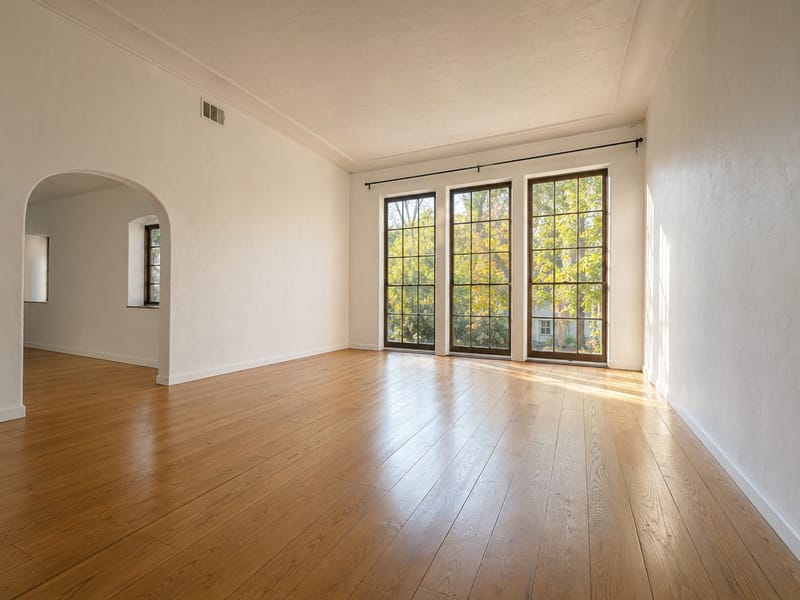
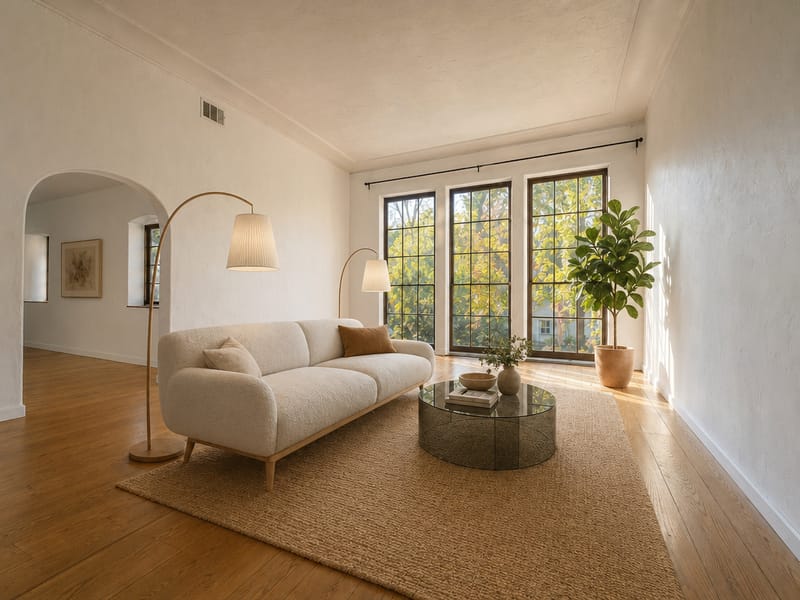
حوّل أي غرفة فارغة إلى مساحة مؤثثة وجاهزة للبيع
صور العقارات التي تظهر غرفًا فارغة تفقد اهتمام المشترين بسرعة — المساحات غير المؤثثة يصعب تخيلها وحتى تسعيرها. التأثيث الافتراضي يوفر أثاث وديكور رقمي للغرف، بحيث تظهر صورك العقار بأفضل شكل دون أن تحرّك قطعة أثاث واحدة. هل بدأت بالفعل بتأثيث إعلانك؟ صور أومني فوتو الشخصية للوكلاء تساعد الوكلاء على تحديث صورهم المهنية في دقائق.
كيف تؤثث غرفة فارغة ببضع نقرات فقط
1. حمّل صورة الغرفة
أفضل الصور هي تلك المأخوذة بعدسة واسعة — كلما كان الجزء الظاهر من الأرضية أكبر، بدا توزيع الأثاث أكثر طبيعية. حاول تجنب زوايا التصوير التي تخفي الأرضية بالكامل.
2. اختر نوع الغرفة
غرفة معيشة، مطبخ، مكتب منزلي... اختر النوع بناءً على استخدام الغرفة، وليس فقط شكلها. اختيار غير صحيح هو السبب الأشهر للنتائج الغريبة في التأثيث.
3. حدد النمط
استخدم الفلاتر أو خاصية البحث لتضييق الخيارات. إذا كنت محتارًا، نمط الاسكندنافي والحديث يناسب معظم الأسواق.
4. أضف التفاصيل (اختياري ولكن مؤثر جداً)
اشرح التفاصيل: "أثاث بلون الخشب الفاتح، أريكة من الكتان الأبيض، بدون ألوان داكنة." استخدم زر "تحسين بواسطة الذكاء الاصطناعي" لتوسيع الملاحظات غير الواضحة تلقائيًا.
5. حدد عدد الصور وابدأ التشغيل
أنشئ عدة نسخ مختلفة. استخدم وضع احترافي للصور النهائية للإعلان، أو السريع للمعاينة السريعة.
أين يصنع التأثيث الافتراضي الفرق الأكبر
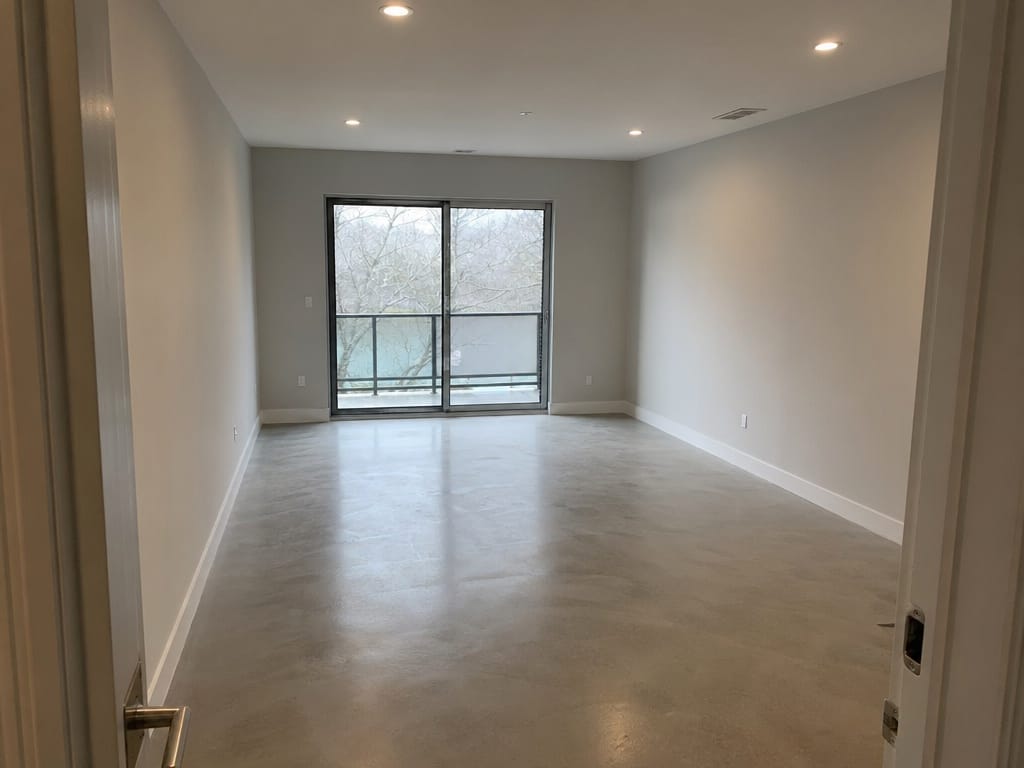
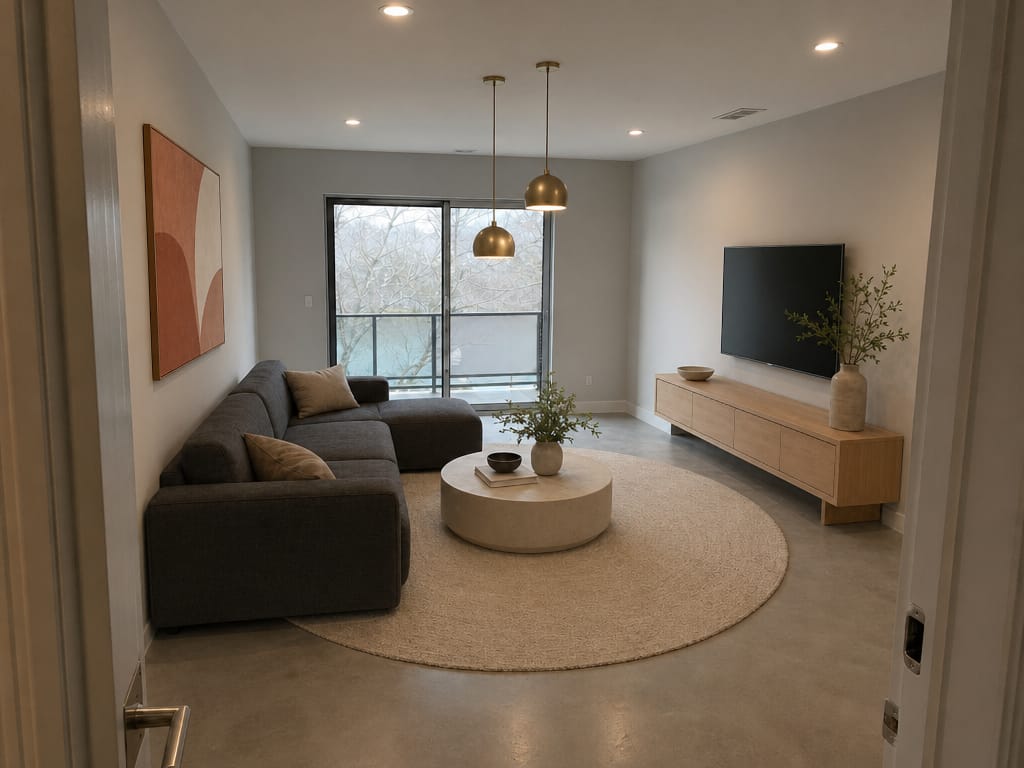
اعرض عقارك بدون تكاليف التأثيث الواقعي
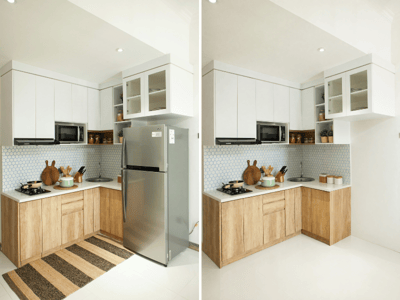
تأثيث عقار مكوّن من 3 غرف نوم يكلف من 1500 إلى 3000 دولار ويتطلب جدولة وترتيب ثم إزالة الأثاث. التأثيث الافتراضي يمنحك نفس النتيجة البصرية — صور مؤثثة ومرتبة — بجزء بسيط من التكلفة وبدون أي إجراءات لوجستية.
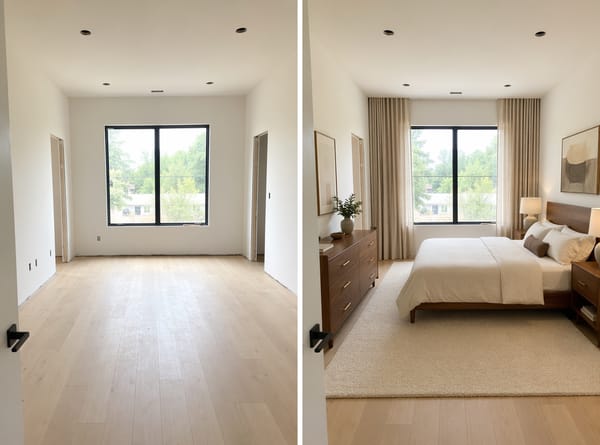
وضّح للمشترين كيف يمكن أن تبدو مخططات الأرضية الفارغة
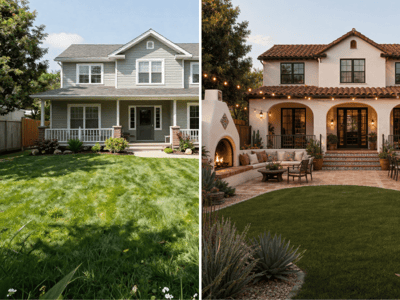
الإعلانات الخاصة بالبناء الجديد أو الترميم الكامل غالبًا لا تحتوي أثاثًا للتصوير. الصور المؤثثة تعطي المشتري فكرة نهائية عن المساحة، مما يؤثر مباشرة على مدة الإعلان في السوق.
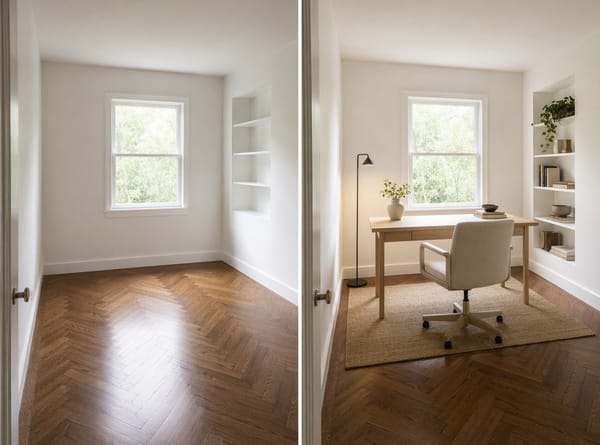
جرّب اتجاهات التصميم الداخلي المختلفة قبل اتخاذ القرار
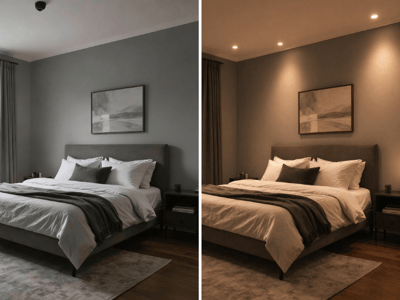
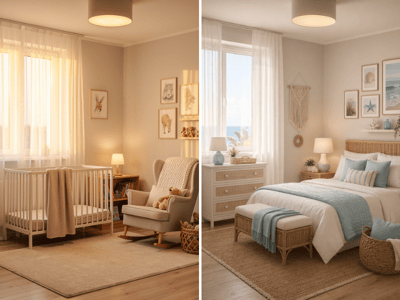
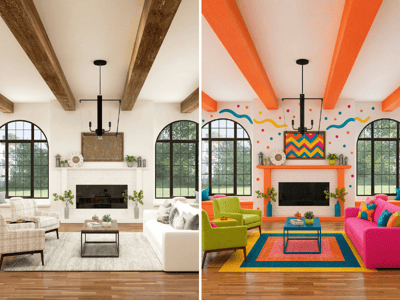
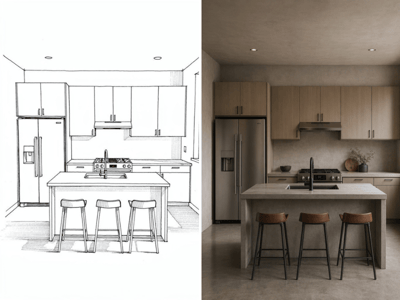
لست متأكدًا إذا كانت الشقة تبدو أفضل بنمط ساحلي أم منتصف القرن الحديث؟ أنشئ الاثنان وقارن بينهما ثم قرر قبل إنفاق المال على الأثاث الحقيقي. أداة اختيار النمط تتيح لك تجربة عدة خيارات في جلسة واحدة. يمكنك أيضًا تجربة إضاءة مختلفة.
مصمم خصيصًا للعقارات، ليس فقط للإلهام في التصميم
أكثر من 20 نمط تصميم، يمكنك البحث والتصفية بسهولة
معظم أدوات التأثيث الافتراضي توفر بضعة أنماط جاهزة فقط. هذا البرنامج يغطي كل الأنماط التي يفضلها المشترون بالفعل — من الجاباندي والوابي سابي إلى الريف الفرنسي والباوهاوس. بفضل الفلاتر والبحث لن تضطر لتصفح أنماط لا تناسب سوقك.
تأثيث افتراضي بالذكاء الاصطناعي يناسب حجم الغرفة الفعلي
التأثيث الافتراضي بالذكاء الاصطناعي يضع قطع الأثاث بشكل يتناسب مع مساحة الغرفة — لا تطفو ولا تعبر الأبواب ولا تحجب عناصر معمارية. النوافذ ومصادر الإضاءة الطبيعية تبقى ظاهرة في النتيجة. هذا مهم جدًا لصور الإعلانات: المشترون يلاحظون عندما يكون التأثيث غير واقعي.
كتابة الطلبات بمساعدة الذكاء الاصطناعي مدمجة في الأداة
زر "تحسين بالذكاء الاصطناعي" يعيد صياغة المدخلات غير الواضحة في حقل التفاصيل الإضافية إلى طلبات واضحة قبل توليد الصورة — مفيد جدًا عندما يصعب عليك وصف ما تريده.