AI Home Exterior Design
Upload a photo of your home and see a new exterior design in seconds. Change siding, roofing, paint, and more with AI. No design experience needed.
Upload a photo of your home and see a new exterior design in seconds. Change siding, roofing, paint, and more with AI. No design experience needed.
“I was skeptical at first, but the AI redesigned my living room exactly how I imagined it. We followed the design and the result was stunning. Saved us thousands on a designer.”

Sarah Mitchell
Homeowner
“Virtual staging used to cost $300+ per room. Now I stage entire properties in minutes for a fraction of the cost. My listings sell 40% faster.”

David Chen
Real Estate Agent
“I use this tool to quickly visualize concepts for clients. It speeds up the initial consultation process dramatically. Great for moodboarding.”

Emily Rodriguez
Interior Designer
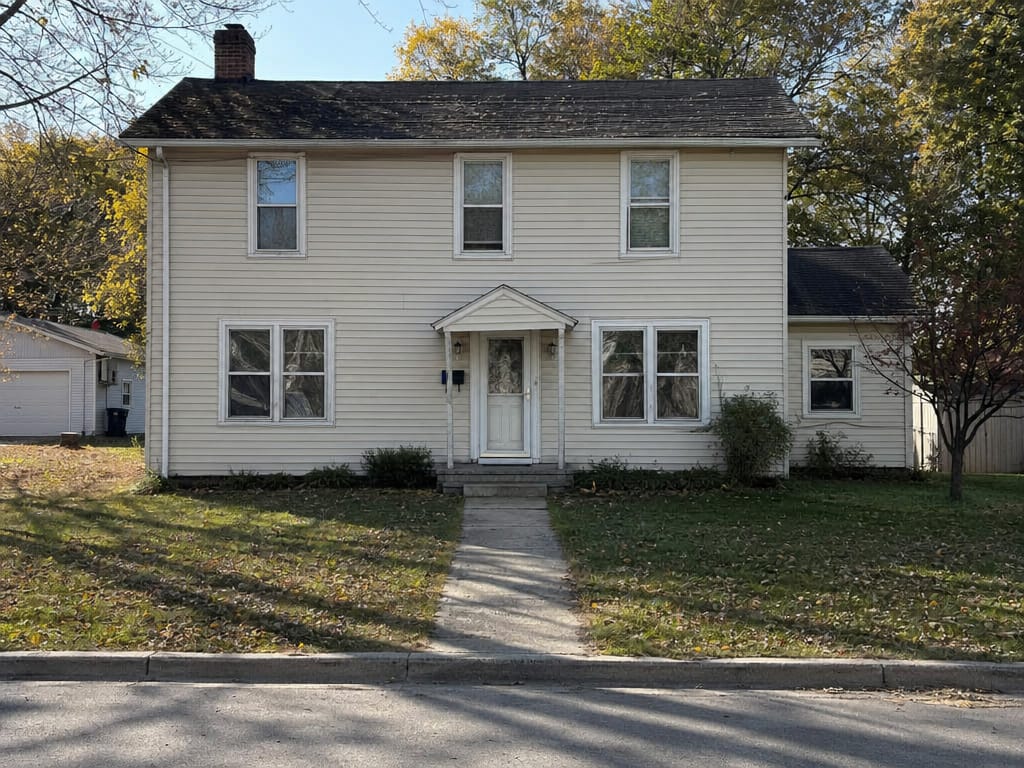
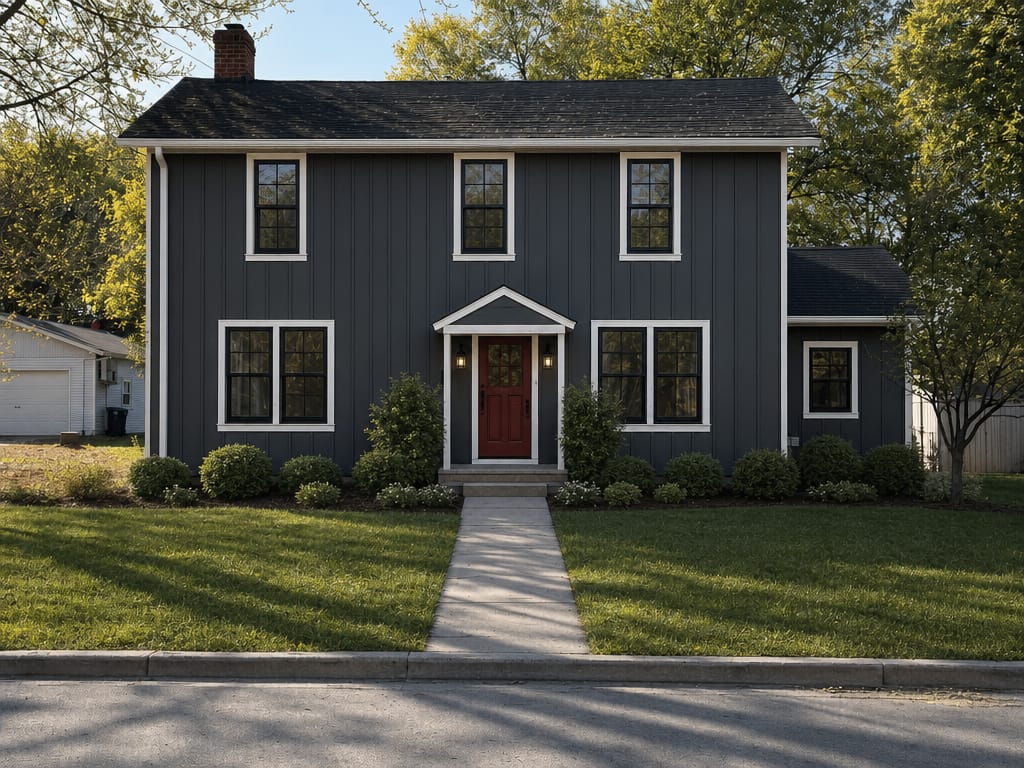
AI home exterior design is the process of using image-generation AI to transform a photo of your home's exterior into a realistic visualization of a different style or finish. Unlike hand-drawn renderings or generic mood boards, these results are built around your actual house — same structure, same light, different surface.
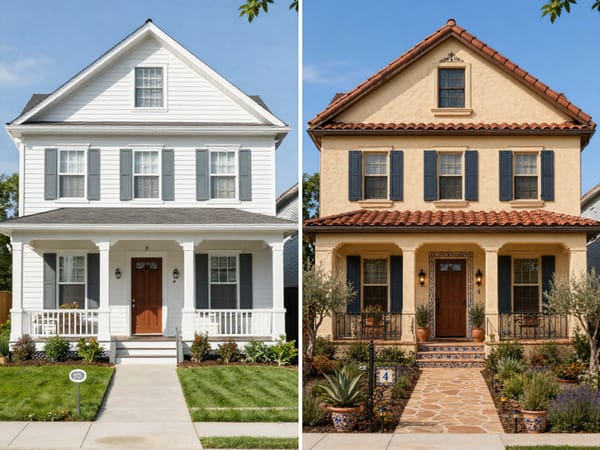
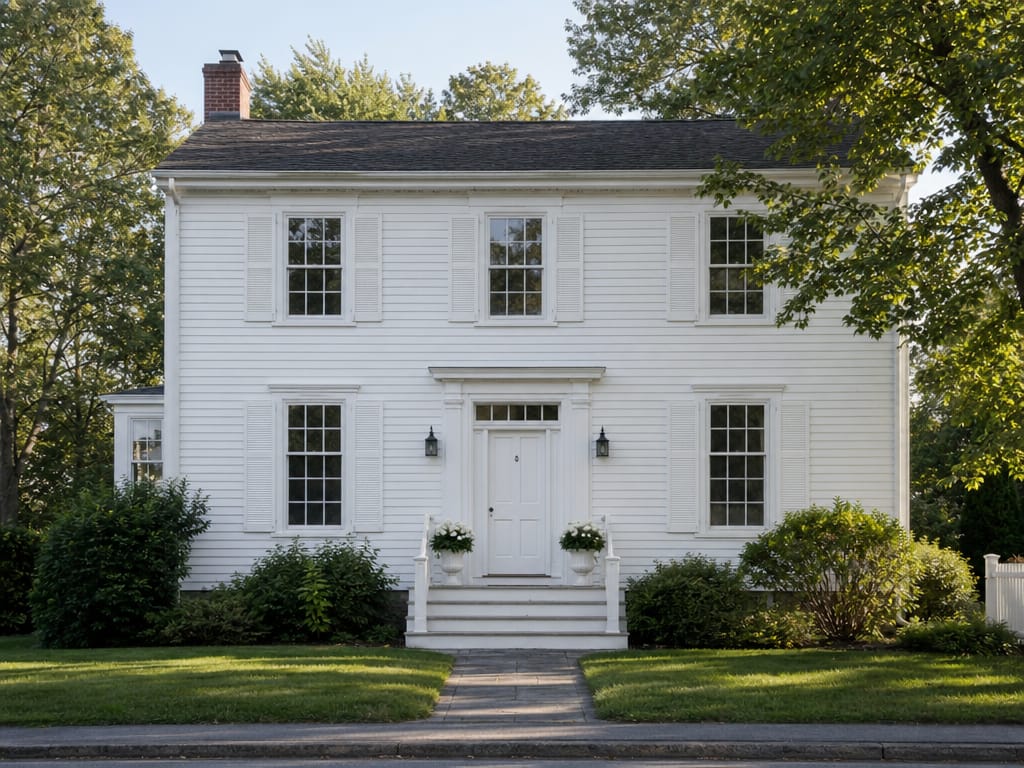
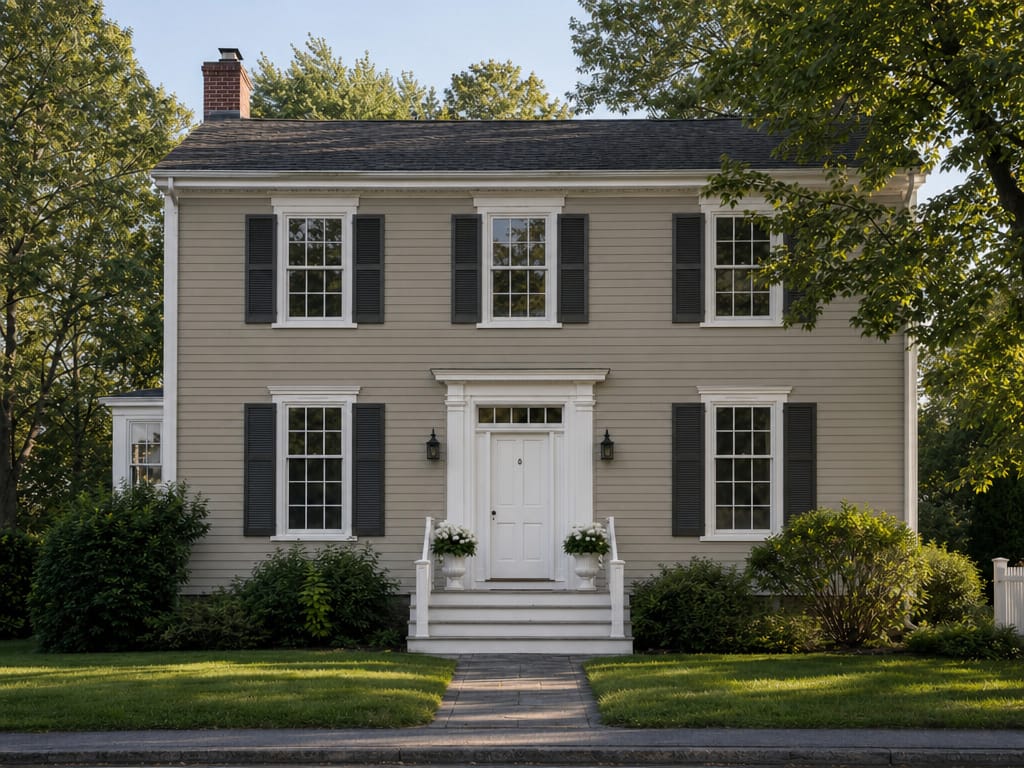
Presenting three exterior concepts as separate mood boards takes hours. With an AI exterior design generator, you can produce photorealistic variations — farmhouse, craftsman, contemporary — using the client's actual home as the base. Clients understand options faster when they can see their house, not a stock photo.
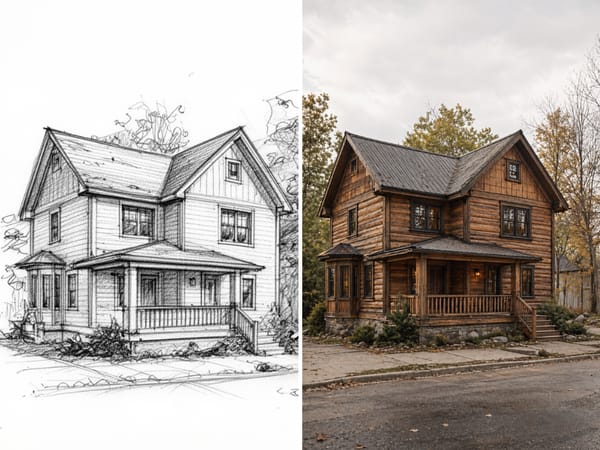
You've got a rough floor plan and a hand-drawn elevation sketch, but you can't quite picture how the finished house will actually look.
Before committing to an architectural style or sitting through weeks of 3D modeling, upload your sketch and watch it transform into photorealistic renderings — craftsman bungalow, modern minimalist, Mediterranean villa, or farmhouse chic.
You get multiple style options in seconds — not a generic stock render, but your actual layout brought to life with real materials, lighting, and landscaping. It's like test-driving your dream home before a single foundation is poured.
Exterior paint is one of the most visible — and irreversible — choices in a home exterior remodeling project. Upload your home's photo, apply different paint colors to walls, trim, and door, and compare results before buying a single can. The AI respects the existing texture of your surfaces rather than painting over them uniformly.
A standard smartphone photo works. Shoot straight-on from across the street for the clearest results — avoid extreme angles.
Type what you're aiming for: "craftsman with dark wood accents," "modern white stucco with black trim," "colonial brick with shutters." The more specific you are, the closer the result.
Look at the result and decide what to keep or change. Run it again with a different description to compare two or three directions side by side.
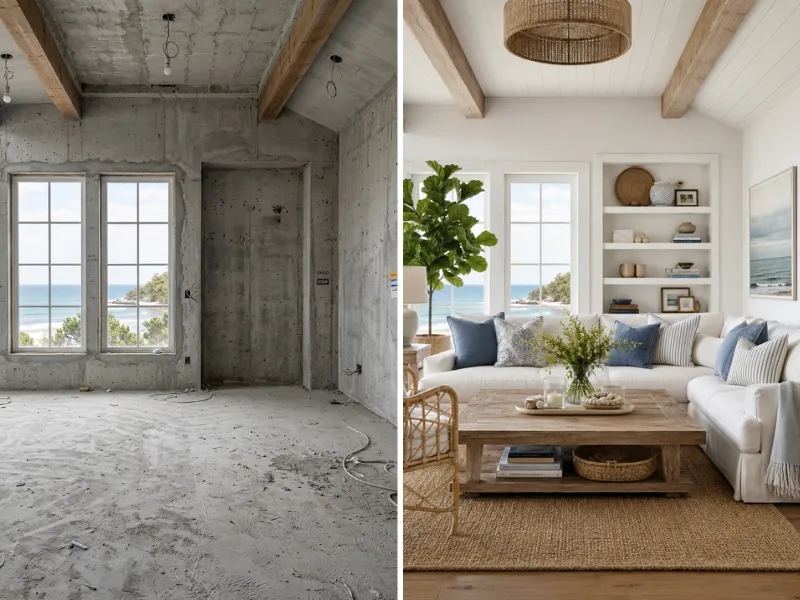
Visualize renovations before spending a dime. Try different styles, colors, and layouts risk-free. Show contractors exactly what you want.
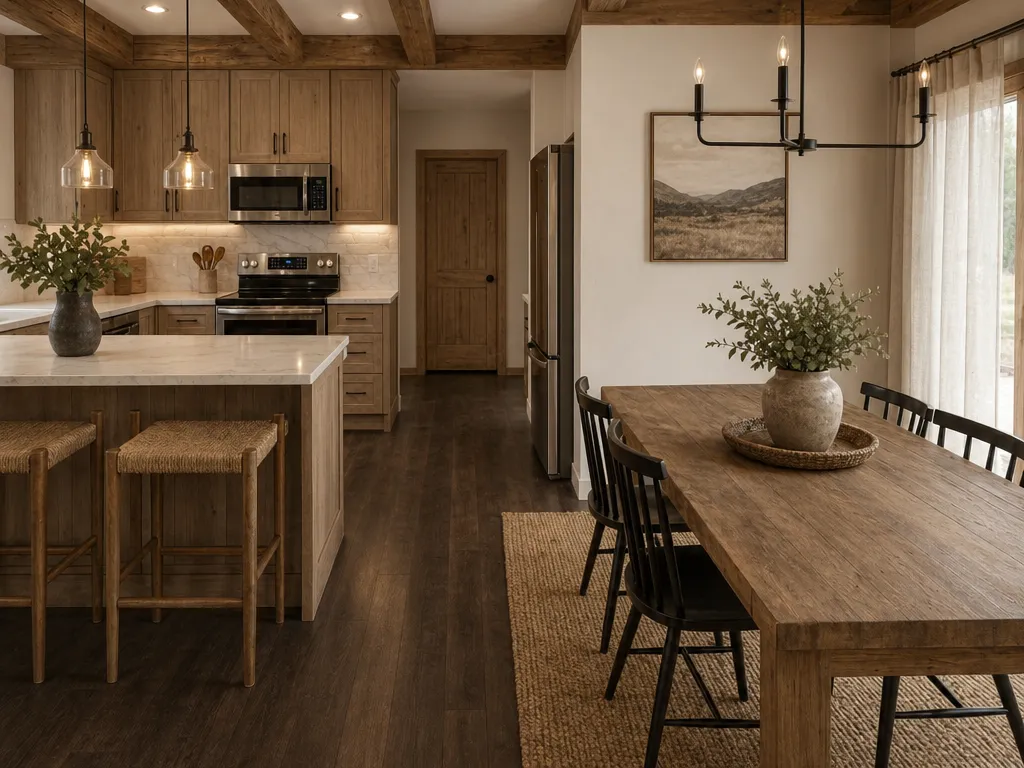
Stage vacant properties virtually at a fraction of traditional costs. Create stunning listing photos that sell homes faster.
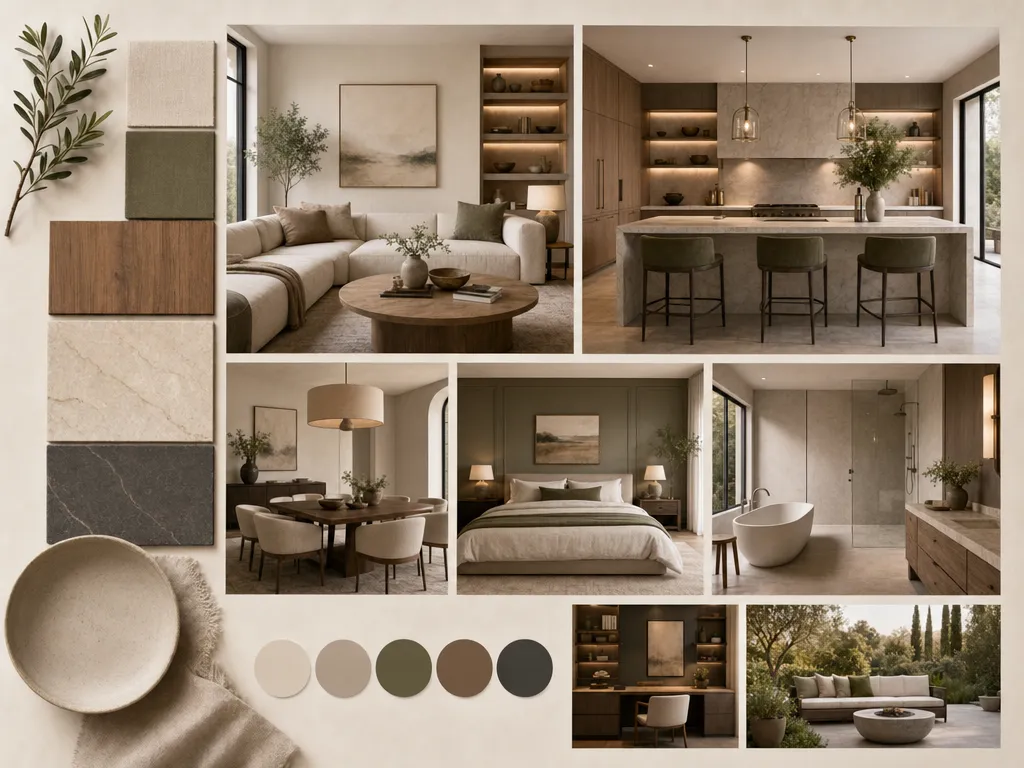
Speed up client presentations with rapid concept visualization. Iterate on ideas in minutes instead of hours.
Anyone can use it from day one.
Faster than any other tool on the market.
Modern, Japandi, Coastal, Industrial, and more.
No downloads, no installs, browser-based.
From homeowners to agencies.
Redesign, staging, floor plans, color swap.
We take your data seriously. Here's exactly how HomeRestyle handles your photos and personal information.
Every photo you upload is encrypted in transit and at rest. Your images are never accessible to other users.
We do not sell, share, or license your uploaded images to any third party — ever. Your home is your business.
Your photos are not used to train our AI models. What you upload stays separate from our model development pipeline.
Exterior remodeling projects average $5,000–$15,000 or more. Visualizing the outcome before committing saves you from expensive mistakes — and makes it easier to explain your vision to a contractor.
A home exterior visualizer that runs on AI can generate a new look in under a minute. You can test traditional, contemporary, and rustic styles in the same session without redrawing or reshooting.
You don't need to know what "board-and-batten" means before you start. Describe what appeals to you in plain language, and the AI translates that into a visual. You learn the vocabulary as you go.
Whether you have a ranch, a Victorian, a mid-century split-level, or a contemporary townhouse, the AI adapts its output to the structure already in the photo. It doesn't apply a generic template — it works from your specific house.
Every generated result can be placed next to your original photo. This before-and-after view is useful not just for decision-making but for sharing with contractors who need to understand what finish or style you're targeting.
Upload one photo. Describe the look you want. See your home transformed — before anything gets built.