AI Kids Room Design
Get kids room ideas you can actually see. Upload a photo and preview AI-generated redesigns for your child's bedroom — before buying anything.
Get kids room ideas you can actually see. Upload a photo and preview AI-generated redesigns for your child's bedroom — before buying anything.
“I was skeptical at first, but the AI redesigned my living room exactly how I imagined it. We followed the design and the result was stunning. Saved us thousands on a designer.”

Sarah Mitchell
Homeowner
“Virtual staging used to cost $300+ per room. Now I stage entire properties in minutes for a fraction of the cost. My listings sell 40% faster.”

David Chen
Real Estate Agent
“I use this tool to quickly visualize concepts for clients. It speeds up the initial consultation process dramatically. Great for moodboarding.”

Emily Rodriguez
Interior Designer
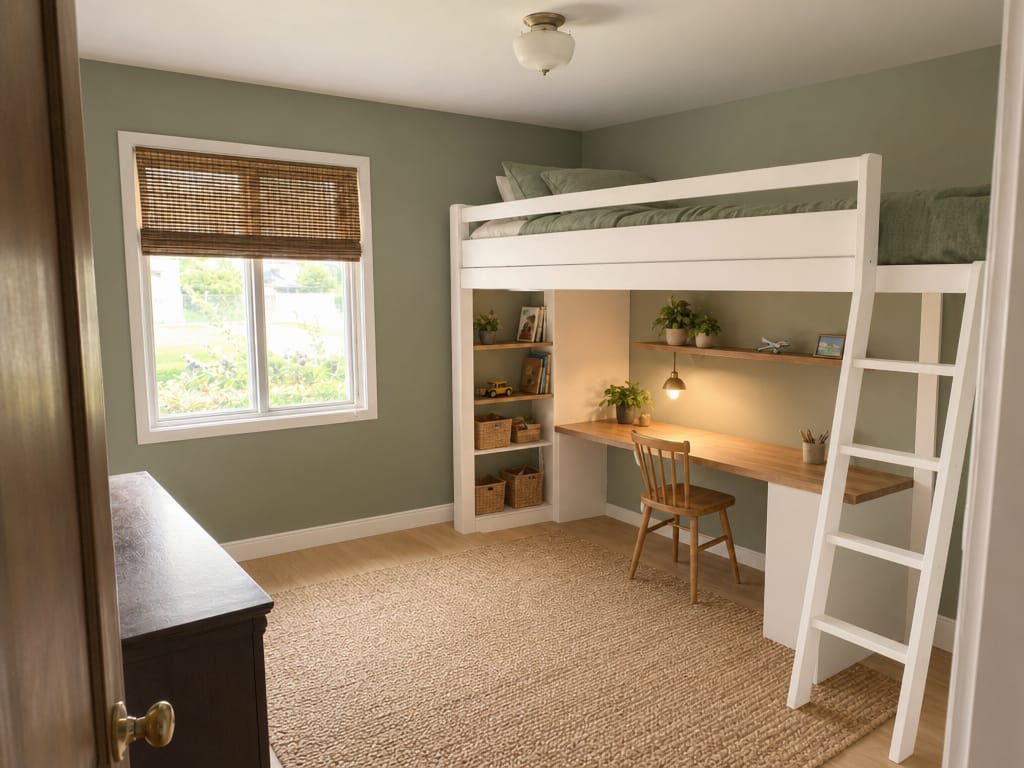
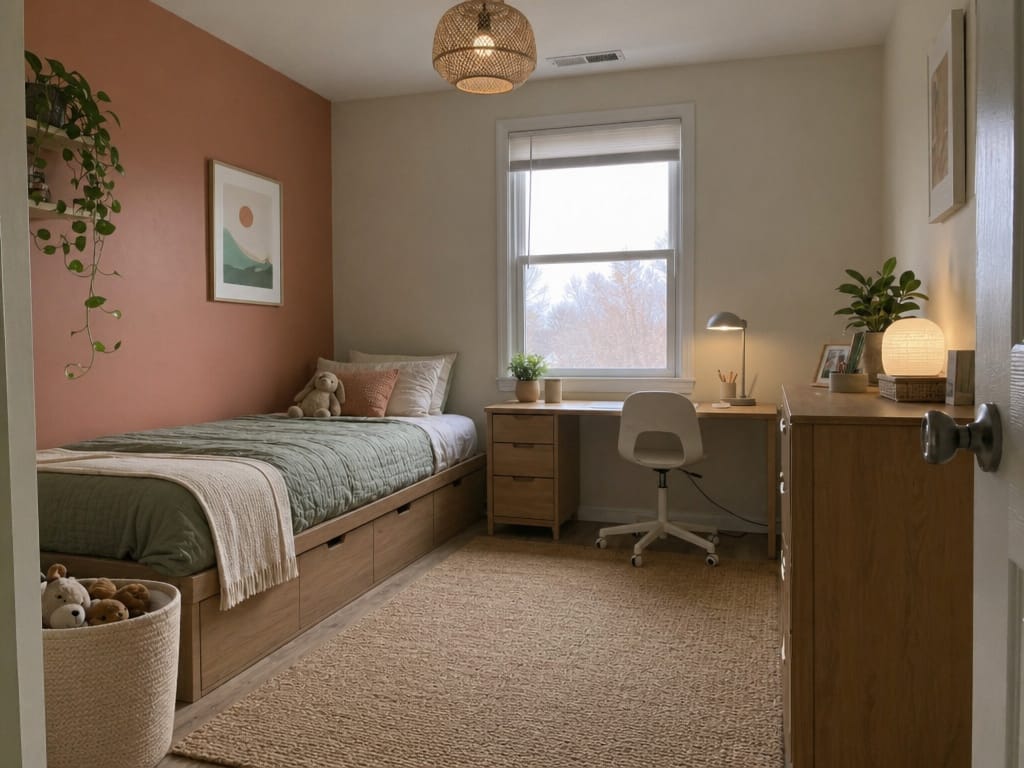
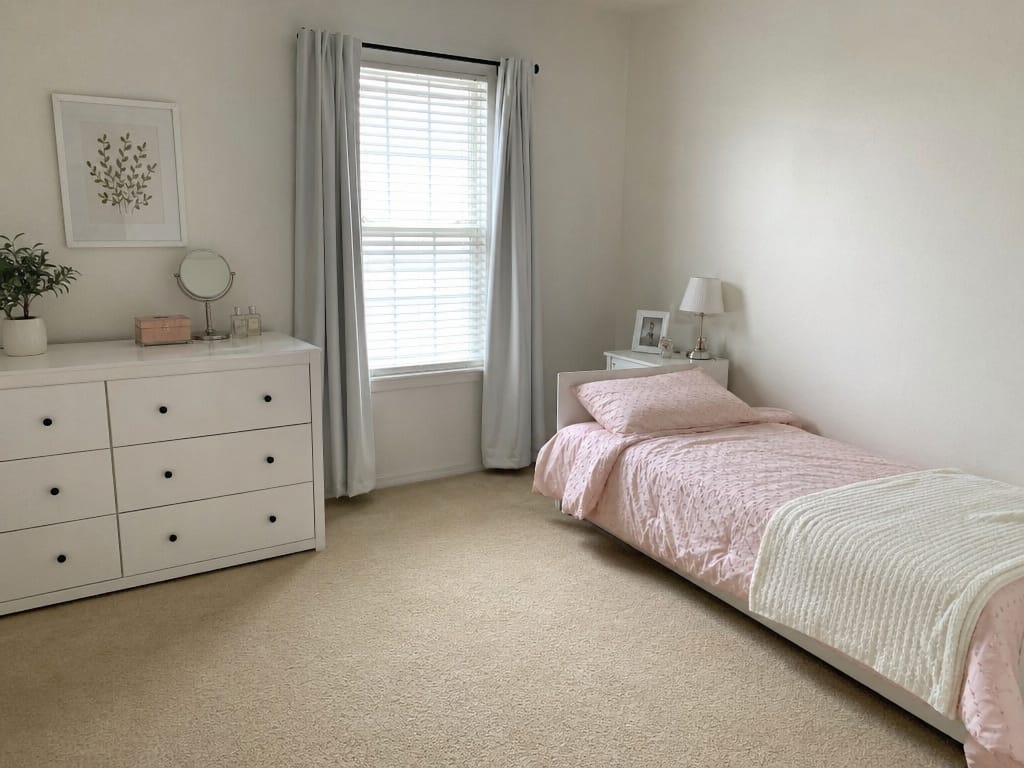
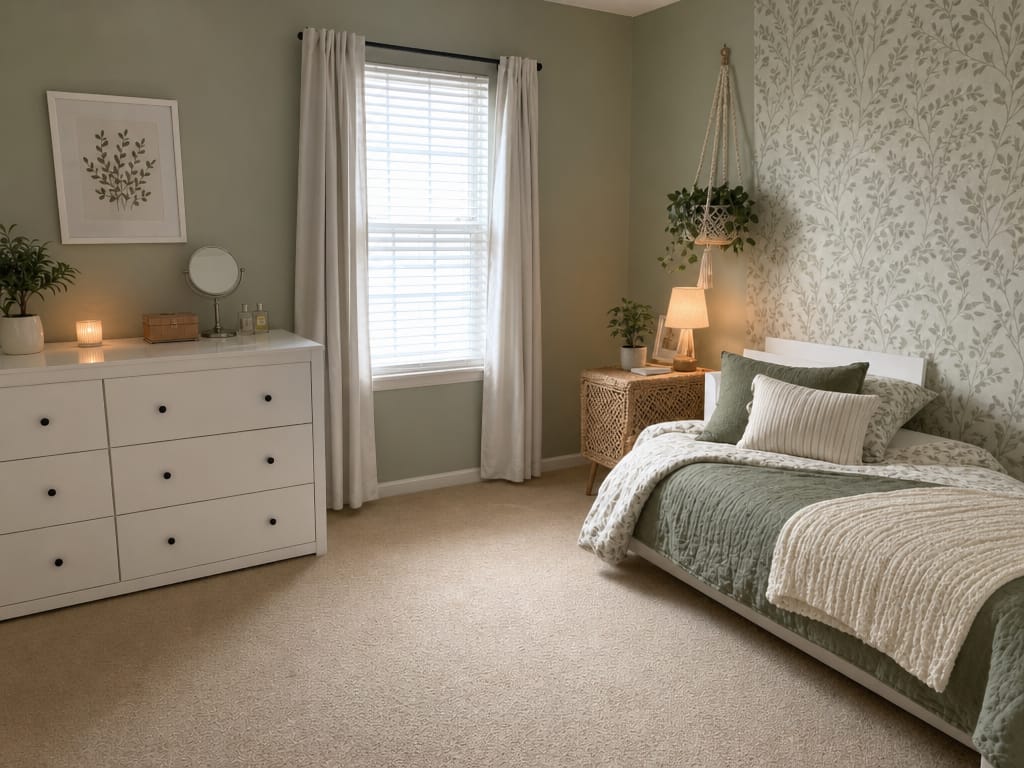
AI kids room design is a tool that analyzes a photo of an existing bedroom and generates a realistic redesigned version based on a style, color, or layout direction you choose. It produces visual results in minutes, not weeks.
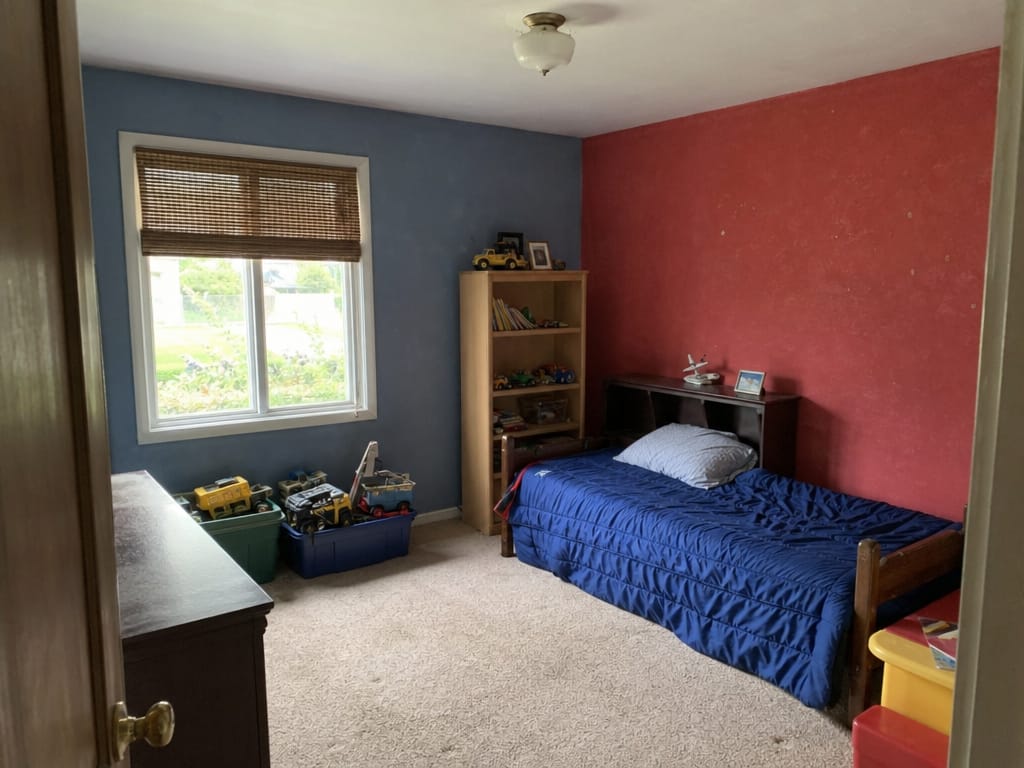
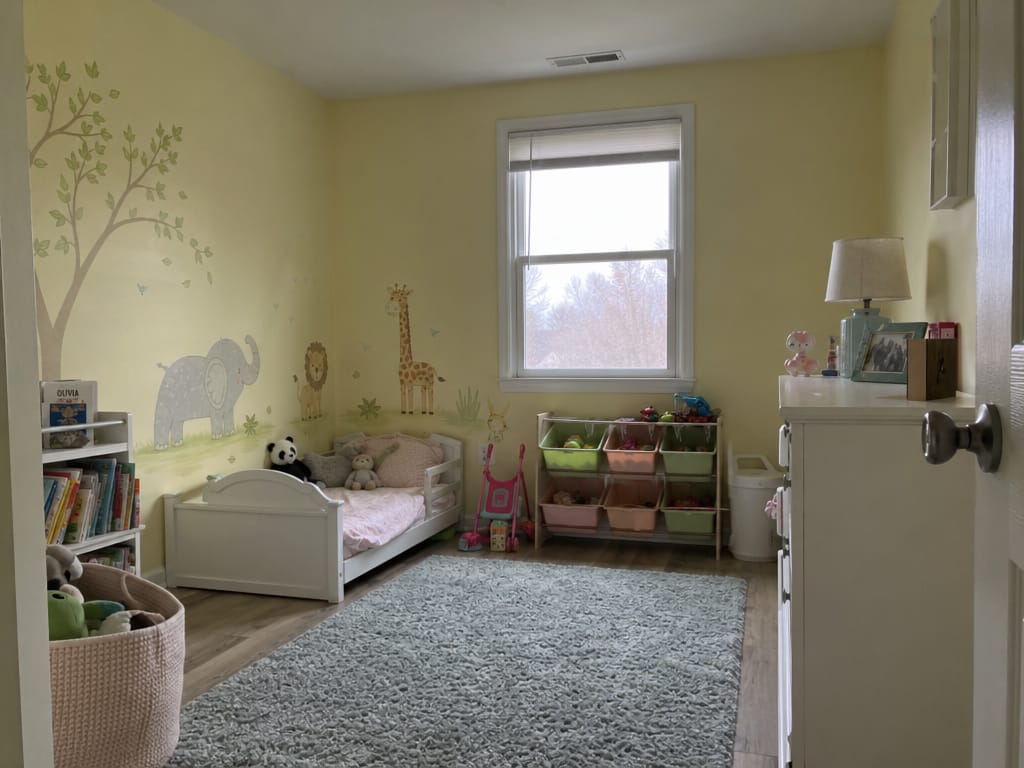
Your child has outgrown their nursery setup. The crib isgone, the rainbow mural feels dated, and you need a room that works for the next five years — not just right now. Upload a photo and preview a completely reimagined space: new layout, updated palette, age-appropriate furniture arrangement.
The room needs a personality — not just furniture. Maybe it's a botanical theme, a reading nook corner, or a soft sage-and-cream palette. Apply a design direction to your existing room photo and see how the mood shifts before committing to any decor purchases.
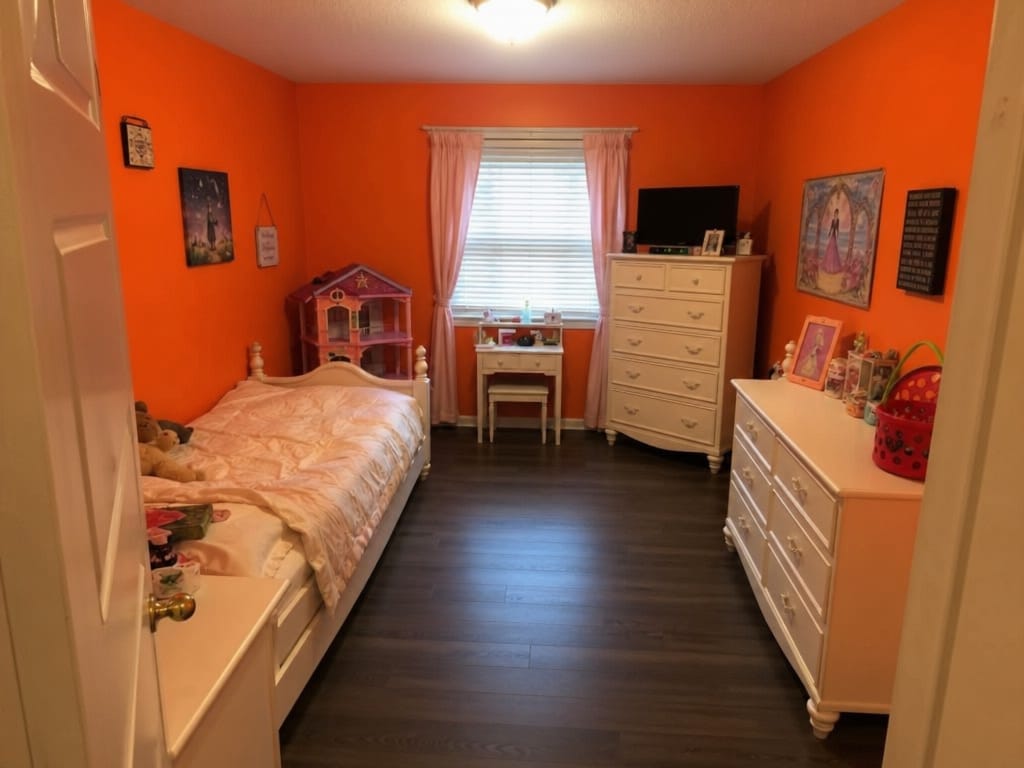
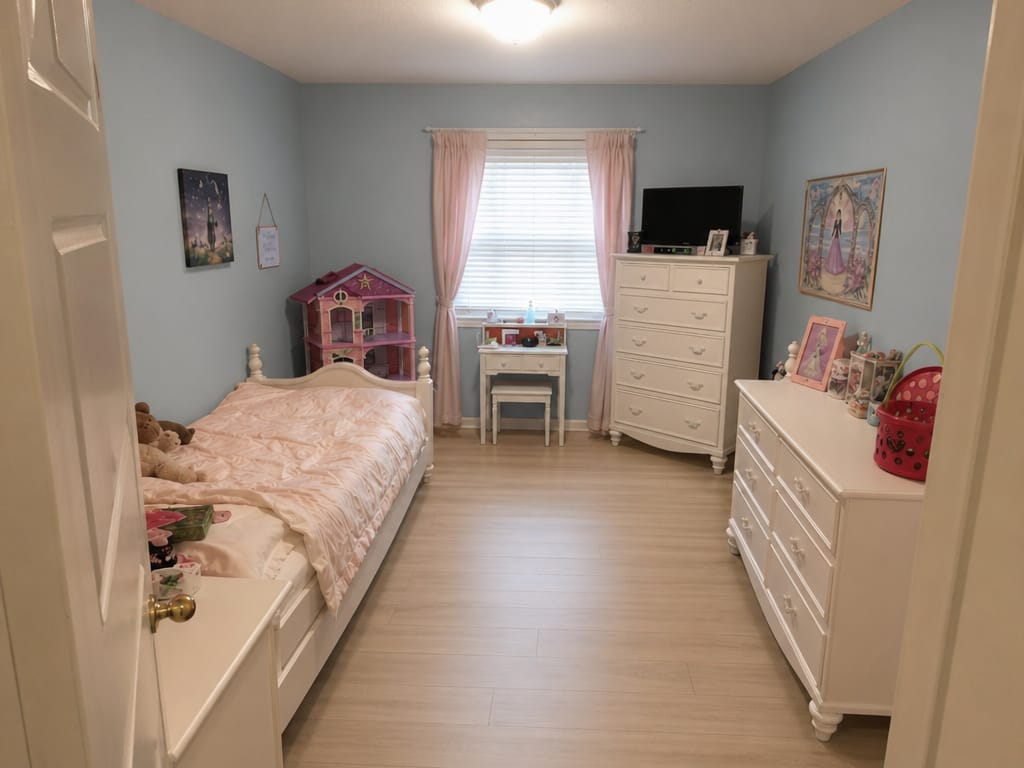
The bones of the room are fine. The carpet is not. Or the paint color made sense five years ago and now it doesn't. You don't need a full redesign — just a targeted swap. Change the wall color, floor material, or surface finish and see the result in your actual room, not a stock photo.
A standard smartphone photo is enough. It doesn't need to be staged or professionally shot.
Pick a style (playful, minimalist, nature-themed), a color palette, or describe what you want to change.
See a photorealistic version of the room with your chosen changes applied.
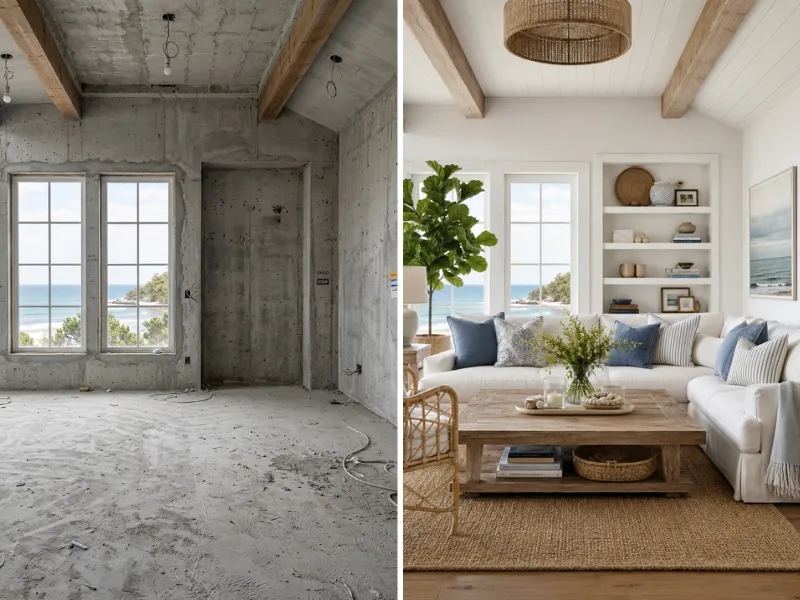
Visualize renovations before spending a dime. Try different styles, colors, and layouts risk-free. Show contractors exactly what you want.
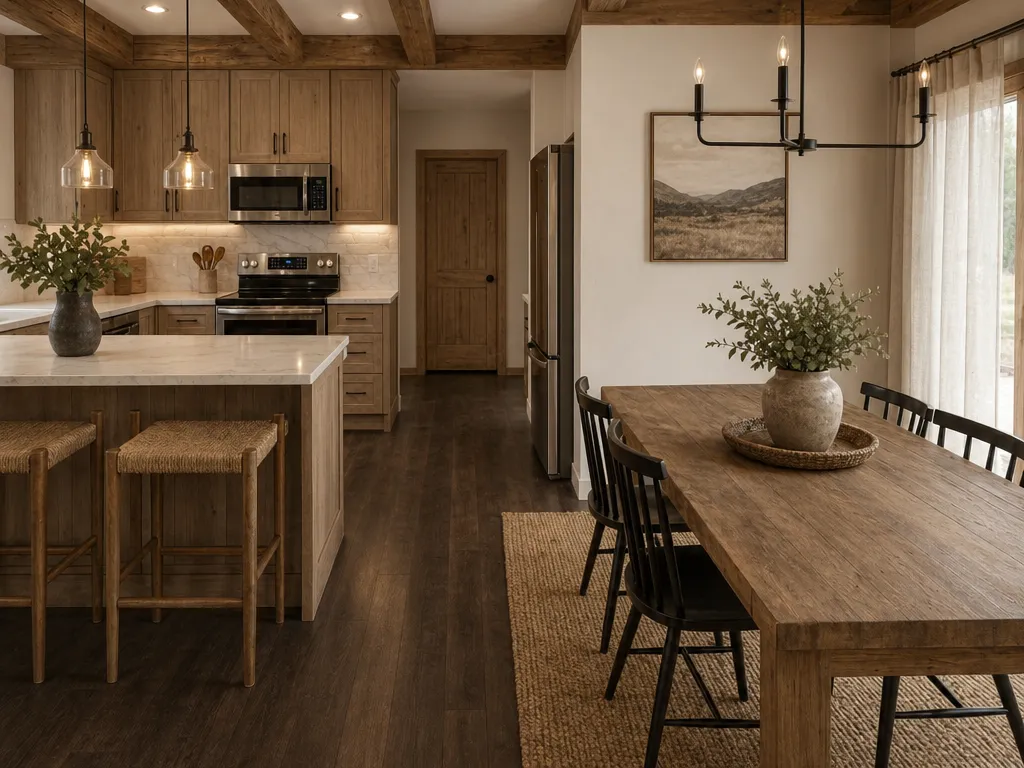
Stage vacant properties virtually at a fraction of traditional costs. Create stunning listing photos that sell homes faster.
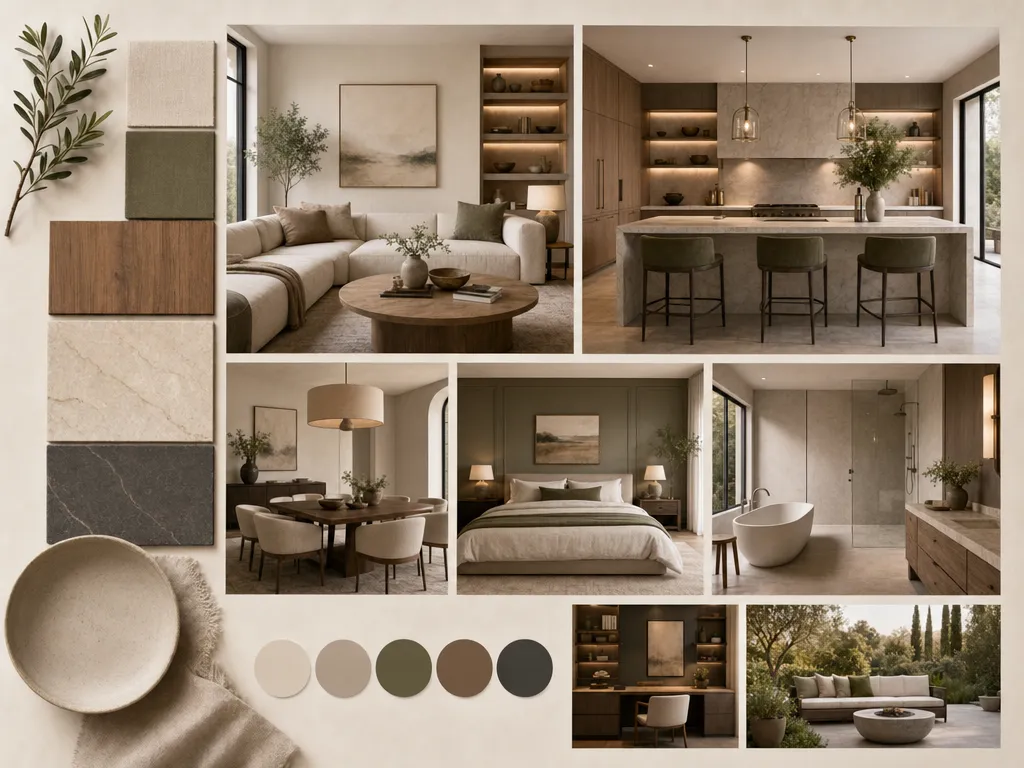
Speed up client presentations with rapid concept visualization. Iterate on ideas in minutes instead of hours.
Anyone can use it from day one.
Faster than any other tool on the market.
Modern, Japandi, Coastal, Industrial, and more.
No downloads, no installs, browser-based.
From homeowners to agencies.
Redesign, staging, floor plans, color swap.
We take your data seriously. Here's exactly how HomeRestyle handles your photos and personal information.
Every photo you upload is encrypted in transit and at rest. Your images are never accessible to other users.
We do not sell, share, or license your uploaded images to any third party — ever. Your home is your business.
Your photos are not used to train our AI models. What you upload stays separate from our model development pipeline.
Furniture returns are a hassle. Paint color mistakes cost money and time. AI generates a realistic preview of your kids room design ideas so you can make confident decisions before spending anything.
A space-themed ceiling mural sounds fun until you're staring at it every morning for three years. Test adventurous kids room design ideas — bright murals, themed furniture, graphic wallpaper — and see how they feel in your real space.
A six-year-old's room needs different things than a ten-year-old's. AI makes it easy to revisit and refresh the design as your child's interests change, without starting from scratch each time. And as they get older still, that same room might evolve into a gaming setup — AI makes it easy to preview that transition too.
AI works from a photo of your existing space. The results reflect your actual window placement, wall dimensions, and layout — not an idealized floor plan.
AI gives you design-quality output to explore on your own — bring in a professional only when you're ready to execute.
See every kids room idea in your actual bedroom — not a showroom. Upload a photo and get a realistic redesign in minutes.