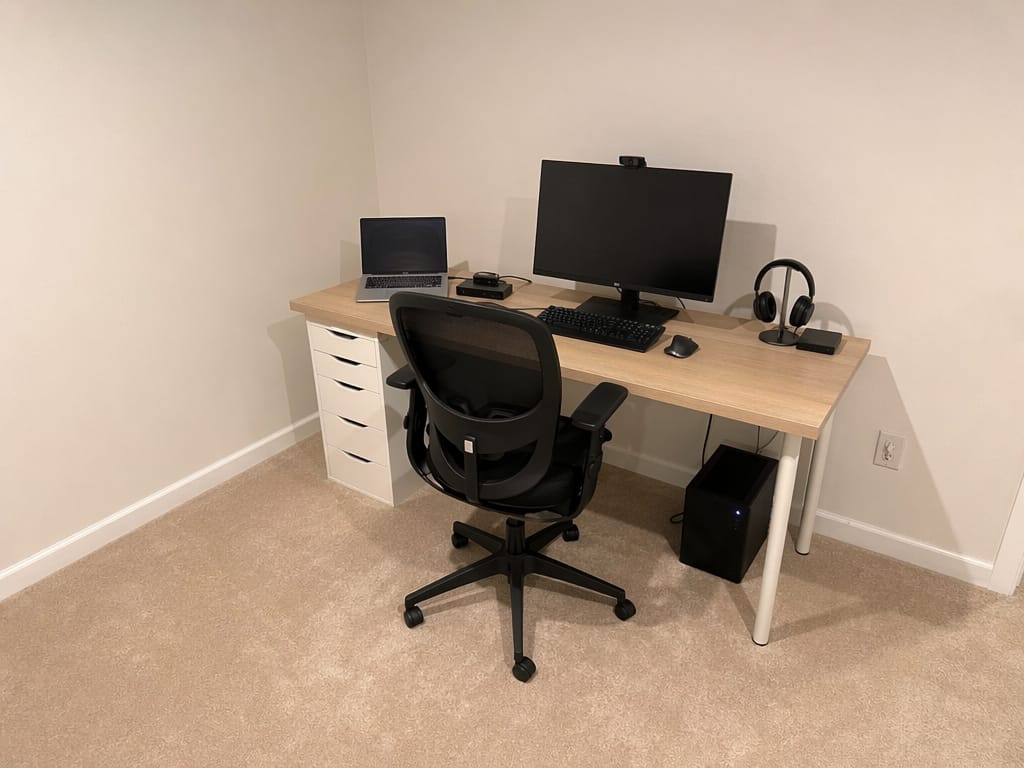
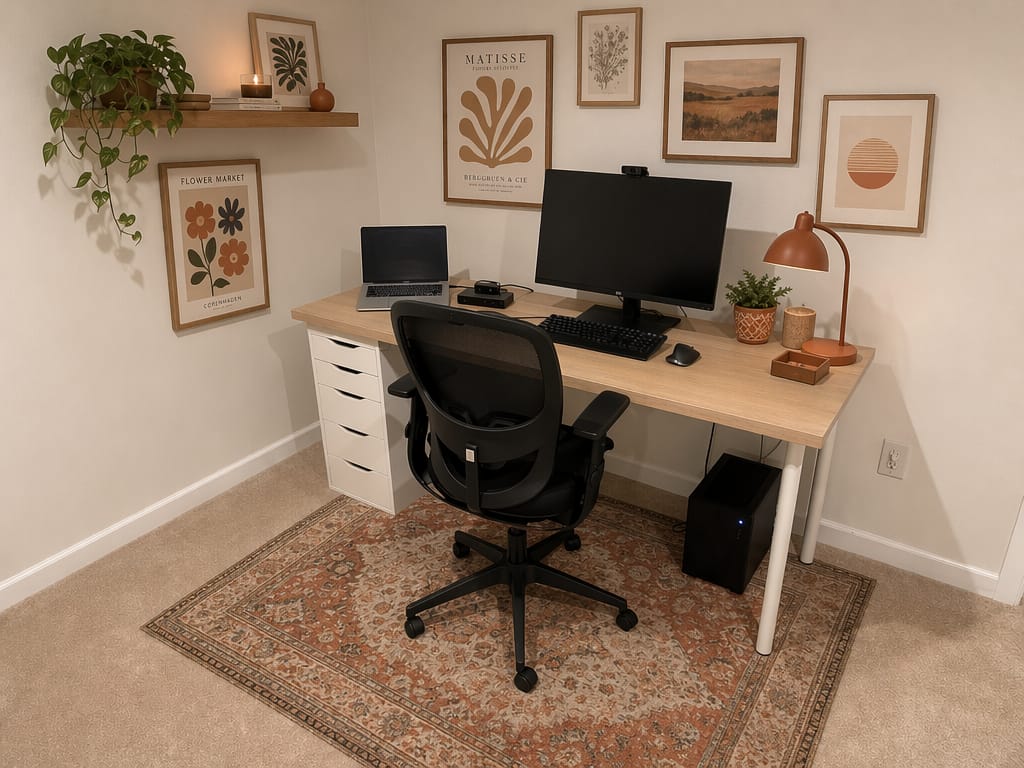
AI Home Office Design
Explore home office design ideas and see how your space could look — before you buy a single item. Upload a photo, describe your style, get your result.
Explore home office design ideas and see how your space could look — before you buy a single item. Upload a photo, describe your style, get your result.
“I was skeptical at first, but the AI redesigned my living room exactly how I imagined it. We followed the design and the result was stunning. Saved us thousands on a designer.”

Sarah Mitchell
Homeowner
“Virtual staging used to cost $300+ per room. Now I stage entire properties in minutes for a fraction of the cost. My listings sell 40% faster.”

David Chen
Real Estate Agent
“I use this tool to quickly visualize concepts for clients. It speeds up the initial consultation process dramatically. Great for moodboarding.”

Emily Rodriguez
Interior Designer
Home office design means planning the layout, lighting, furniture, and decor of a dedicated workspace inside your home. It covers everything from wall color and shelving to desk placement and natural light. The goal is a space that helps you focus — and looks like it belongs there.
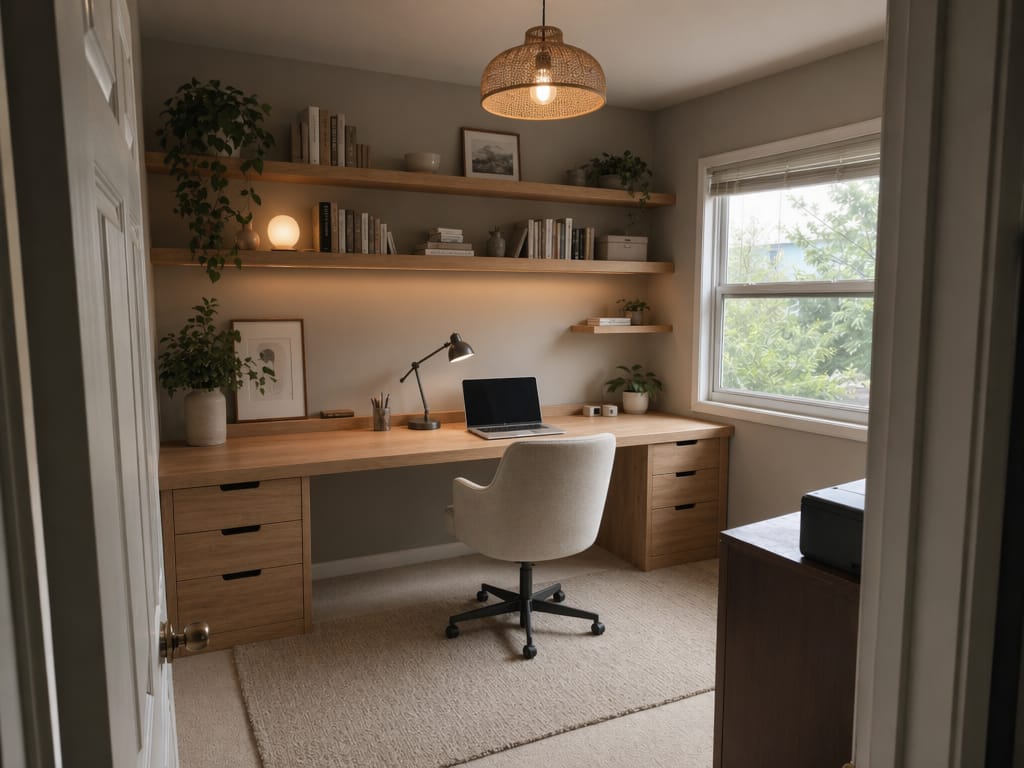
A new desk doesn't fix a bad layout. If your back faces the door, if the light hits your screen at noon, if the cables snake across the floor — those are layout problems. AI lets you test different home office layout configurations before committing. Move the desk to the window wall. Add a bookshelf divider. See how it looks.
You can't paint the walls. You can't install built-in shelving. But you can add visual character through office decor — rugs, lighting, plants, art, and furniture choices. AI shows you what different decor combinations look like in your specific space, with your specific wall color and flooring.
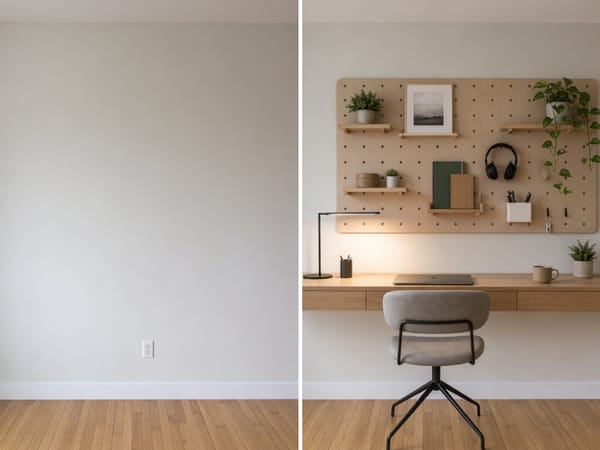
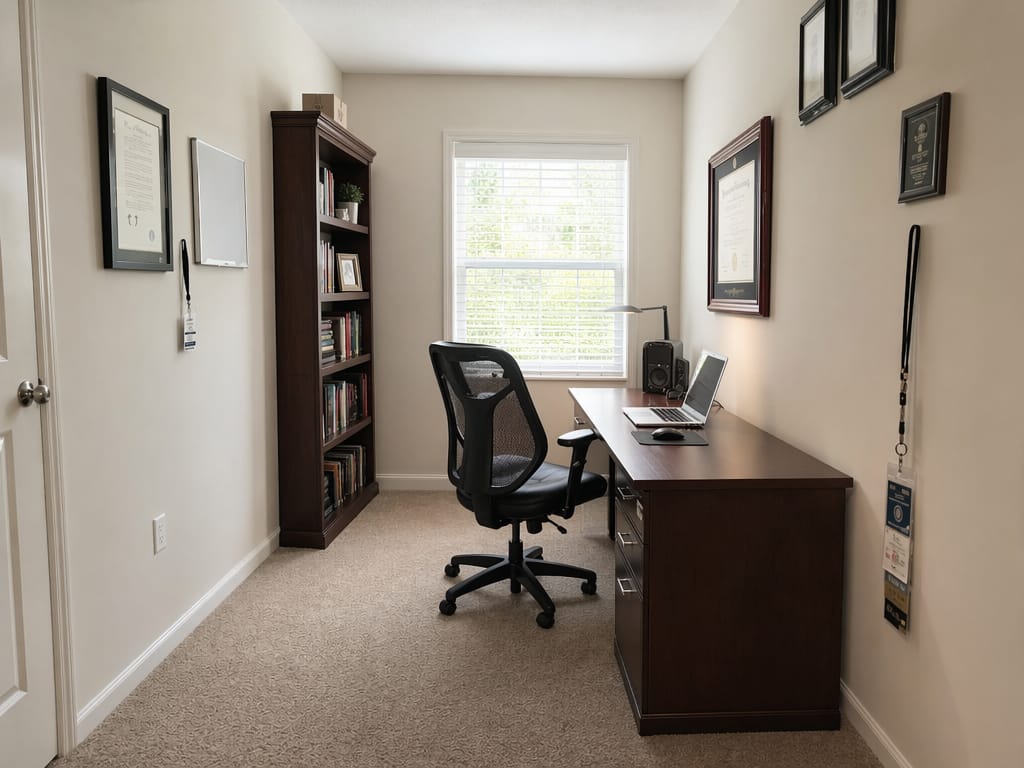
Small office ideas don't require a dedicated room. A 6-foot wall can hold a floating desk, pegboard storage, and a task light — if you plan it right. AI lets you visualize the layout before drilling a single hole. Try different color schemes to make the corner feel intentional, not cramped.
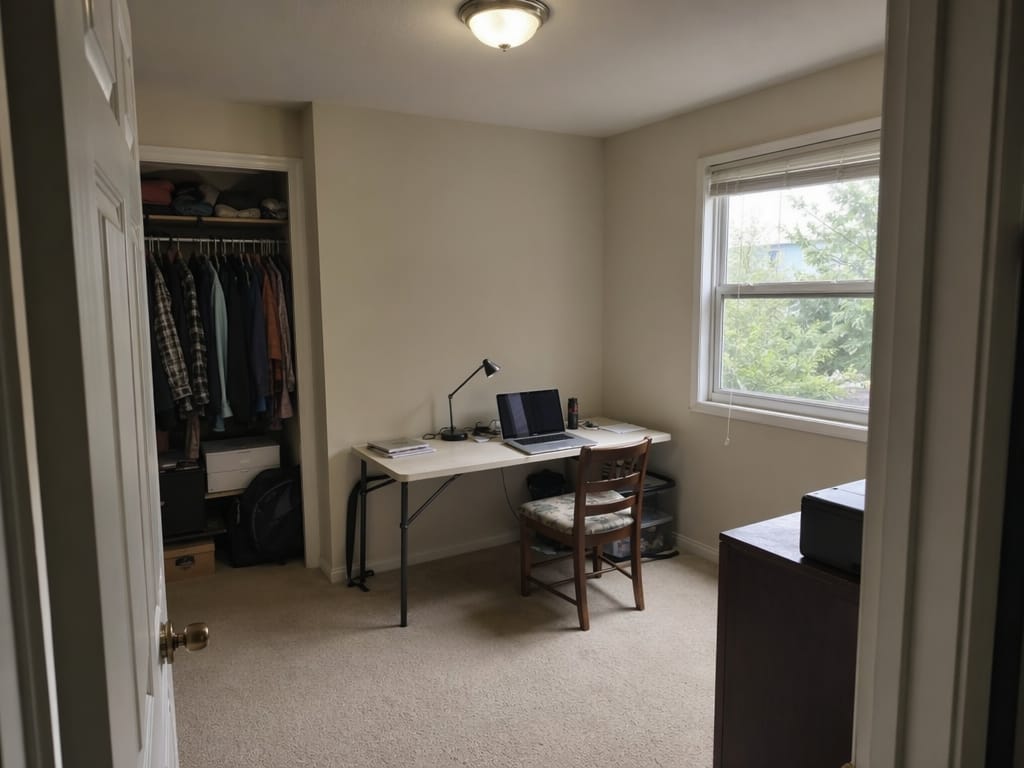
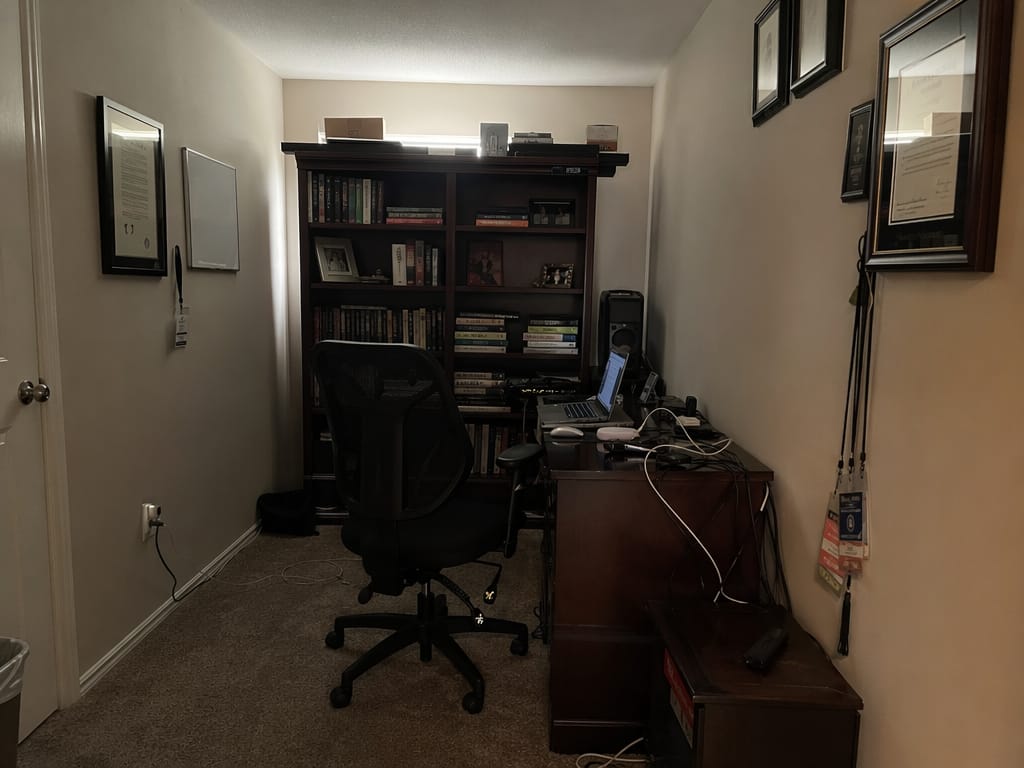
Any room, any condition. A cluttered spare room works as well as an empty one.
Give a style direction — Scandinavian, industrial, maximalist, cozy, minimal — or describe specific goals like "more storage" or "better light."
The redesign comes back as a photorealistic image of your actual room. Compare it with the original.
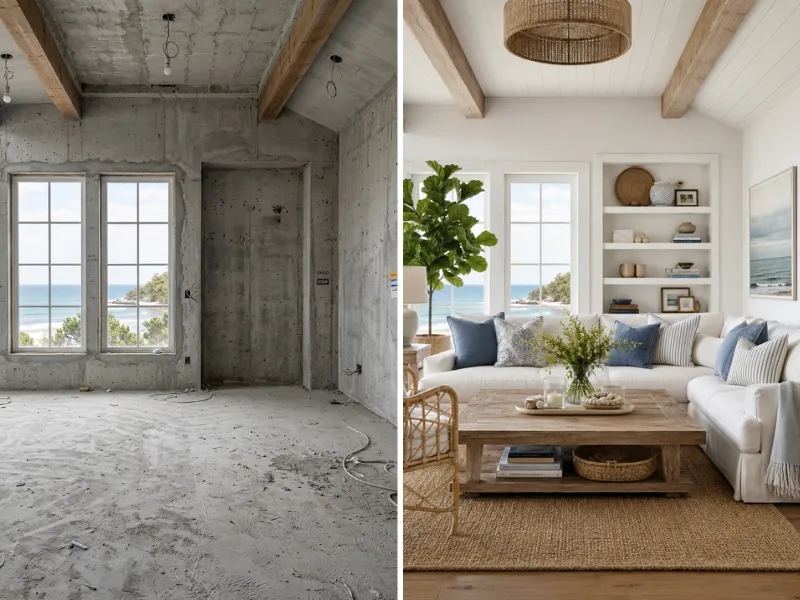
Visualize renovations before spending a dime. Try different styles, colors, and layouts risk-free. Show contractors exactly what you want.
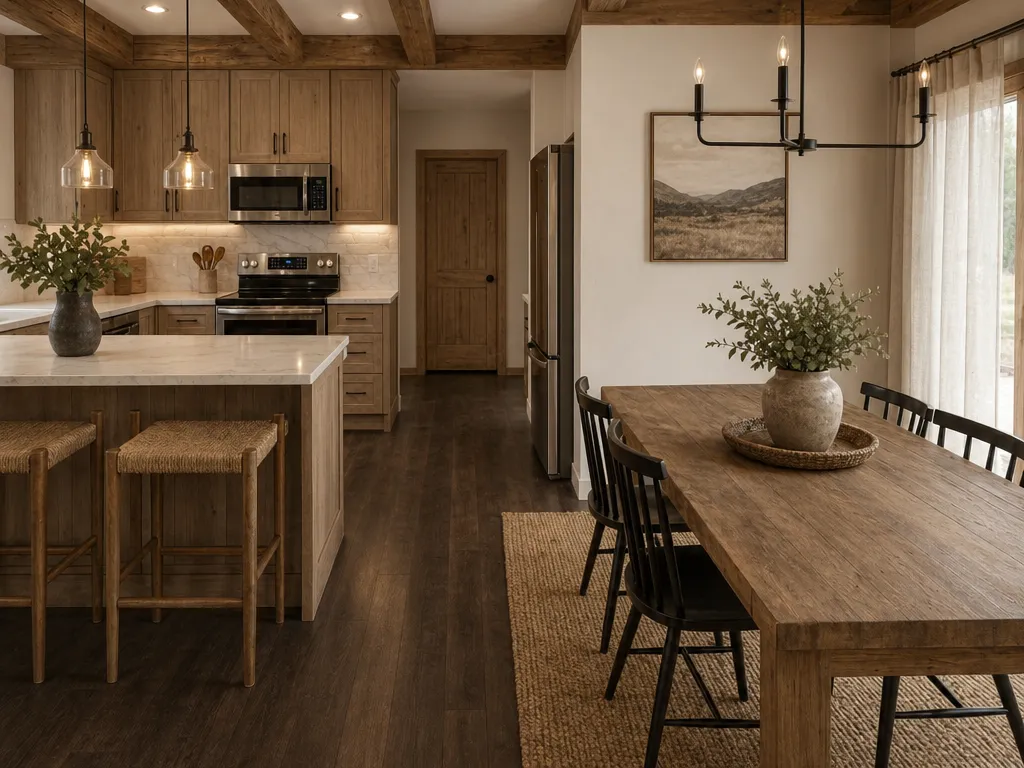
Stage vacant properties virtually at a fraction of traditional costs. Create stunning listing photos that sell homes faster.
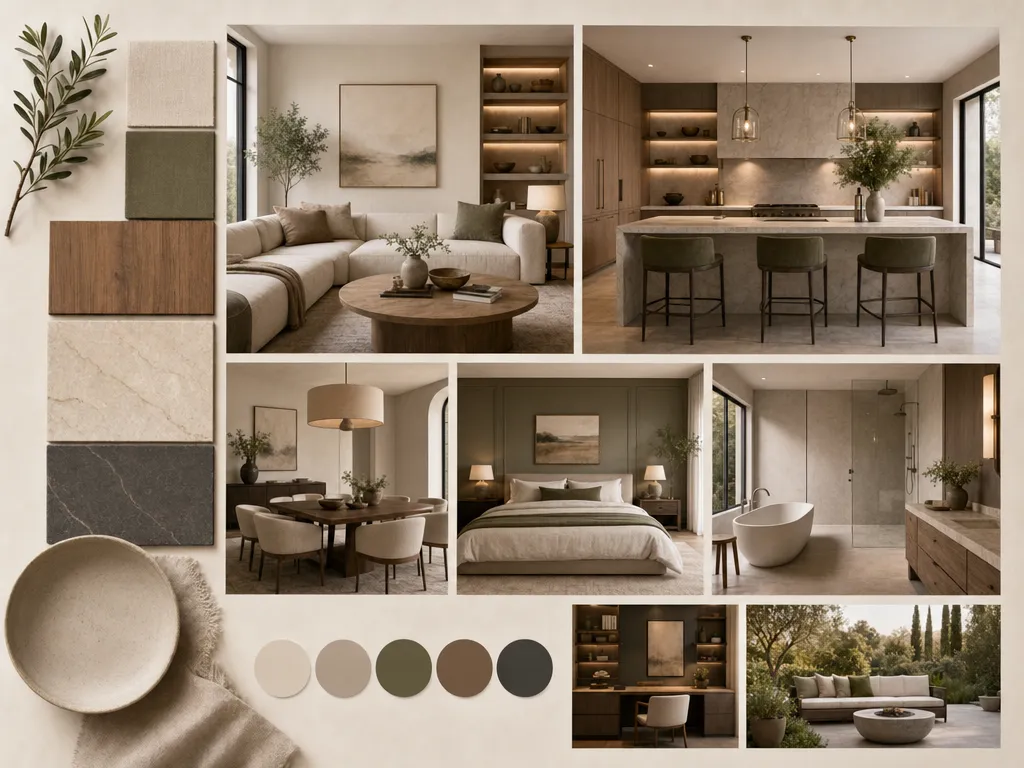
Speed up client presentations with rapid concept visualization. Iterate on ideas in minutes instead of hours.
Anyone can use it from day one.
Faster than any other tool on the market.
Modern, Japandi, Coastal, Industrial, and more.
No downloads, no installs, browser-based.
From homeowners to agencies.
Redesign, staging, floor plans, color swap.
We take your data seriously. Here's exactly how HomeRestyle handles your photos and personal information.
Every photo you upload is encrypted in transit and at rest. Your images are never accessible to other users.
We do not sell, share, or license your uploaded images to any third party — ever. Your home is your business.
Your photos are not used to train our AI models. What you upload stays separate from our model development pipeline.
Most people buy a desk, then realize it's wrong for the space. AI lets you test home office ideas in your actual room first. Only buy what you've already seen work.
Browsing home office inspiration on design blogs shows you other people's rooms. AI shows you your room — your walls, your floor, your window. That specificity is what turns inspiration into a decision.
Office decor ideas that look great in a photo don't always translate to a room with beige carpet and low ceilings. AI renders those ideas in your specific conditions — not in a staged studio.
Moving a heavy desk is the worst way to test a home office layout. Generate the layout in AI first. Move furniture once, with confidence.
You don't need to know design terminology or have a vision board ready. Describe what you want in plain language. The AI translates it into a visual result.
Upload a photo of your space and get a photorealistic redesign in the style you choose. See the result before moving a single piece of furniture.