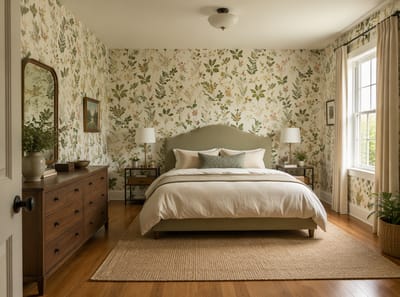
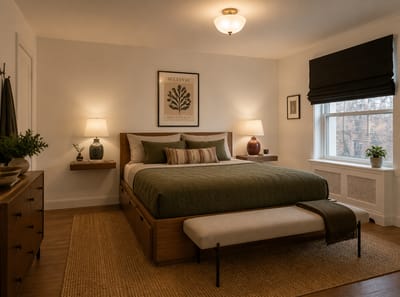
AI Bedroom Design
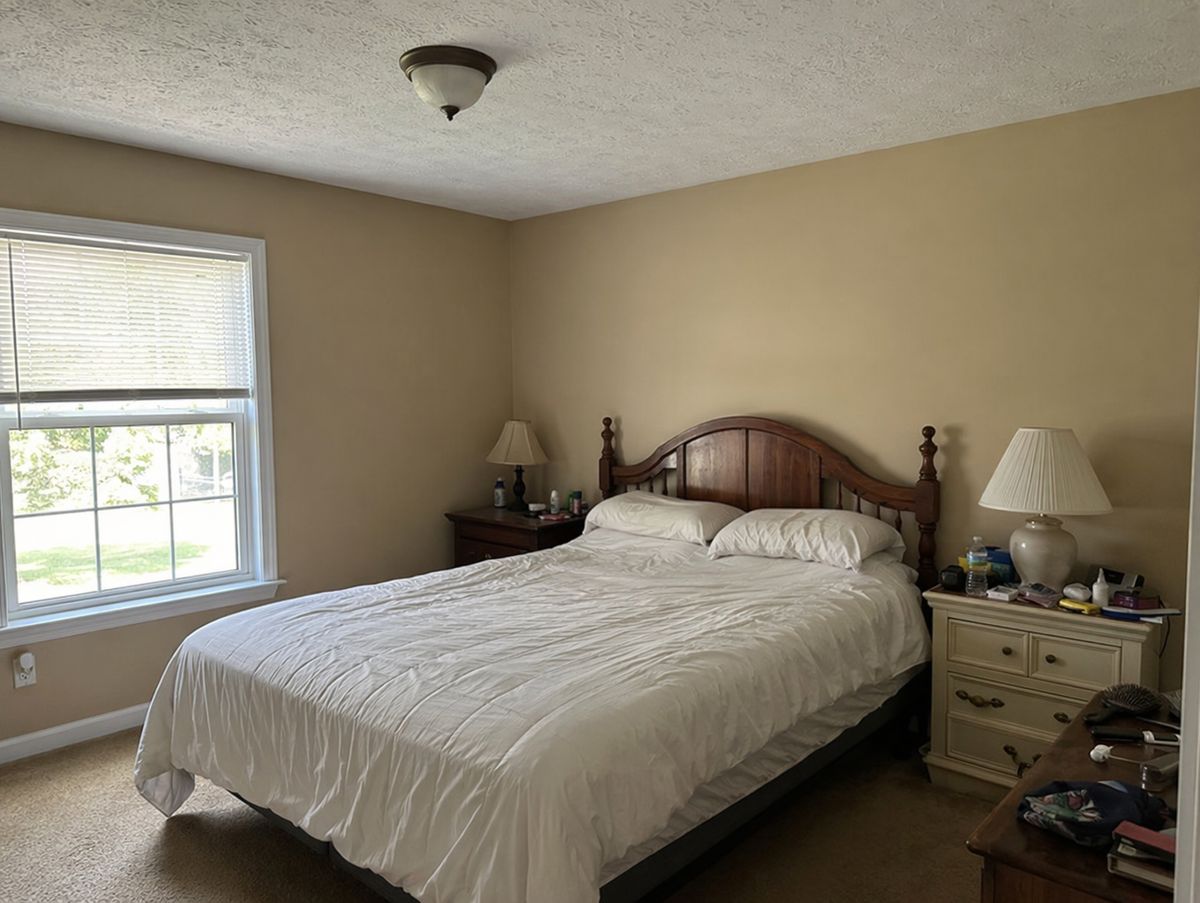
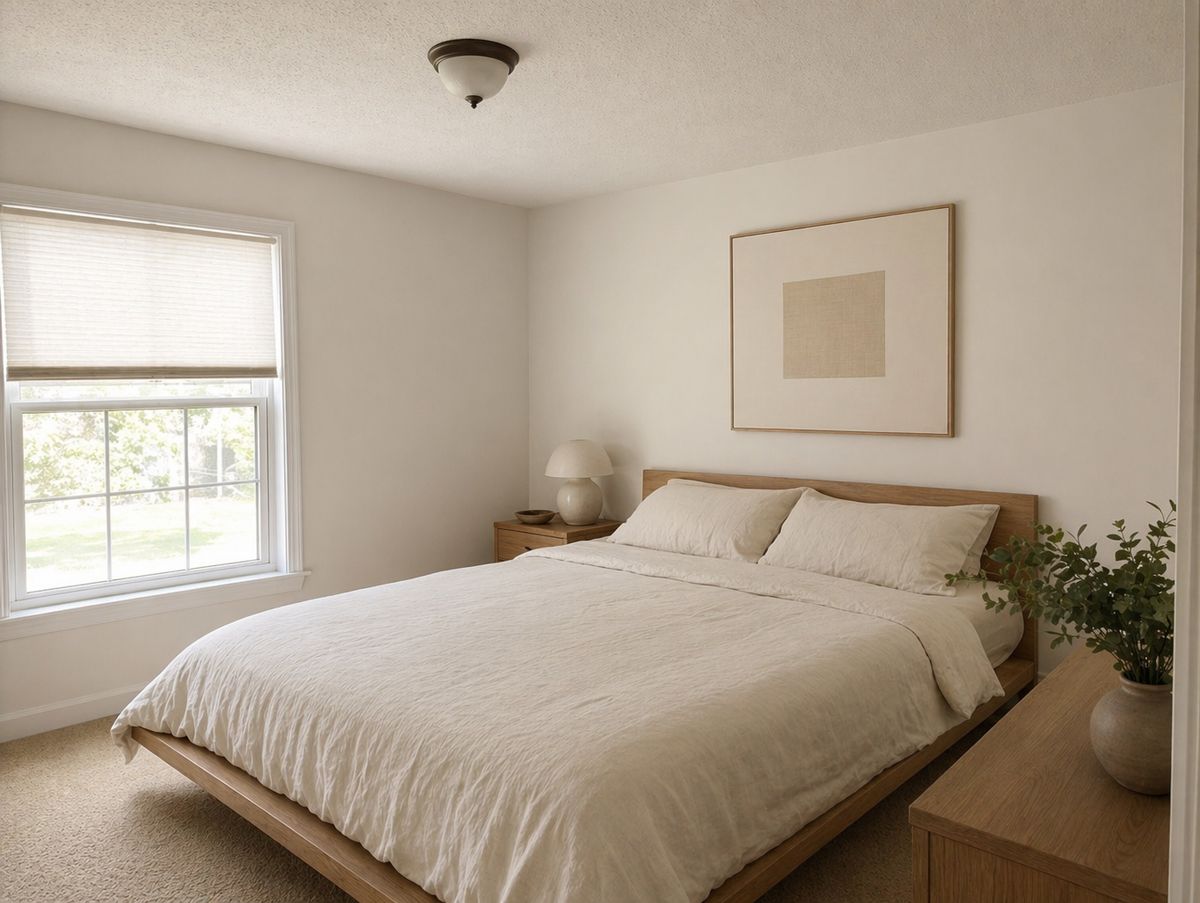
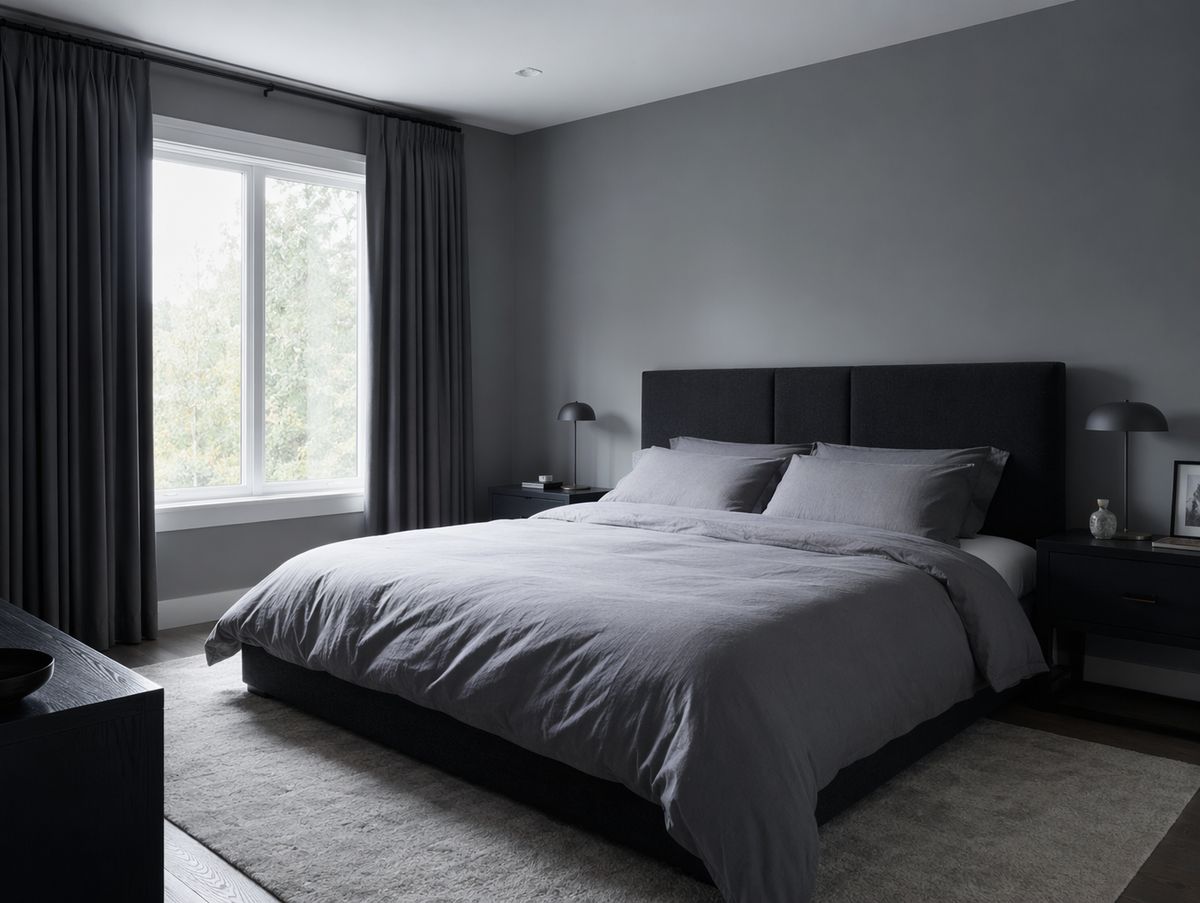
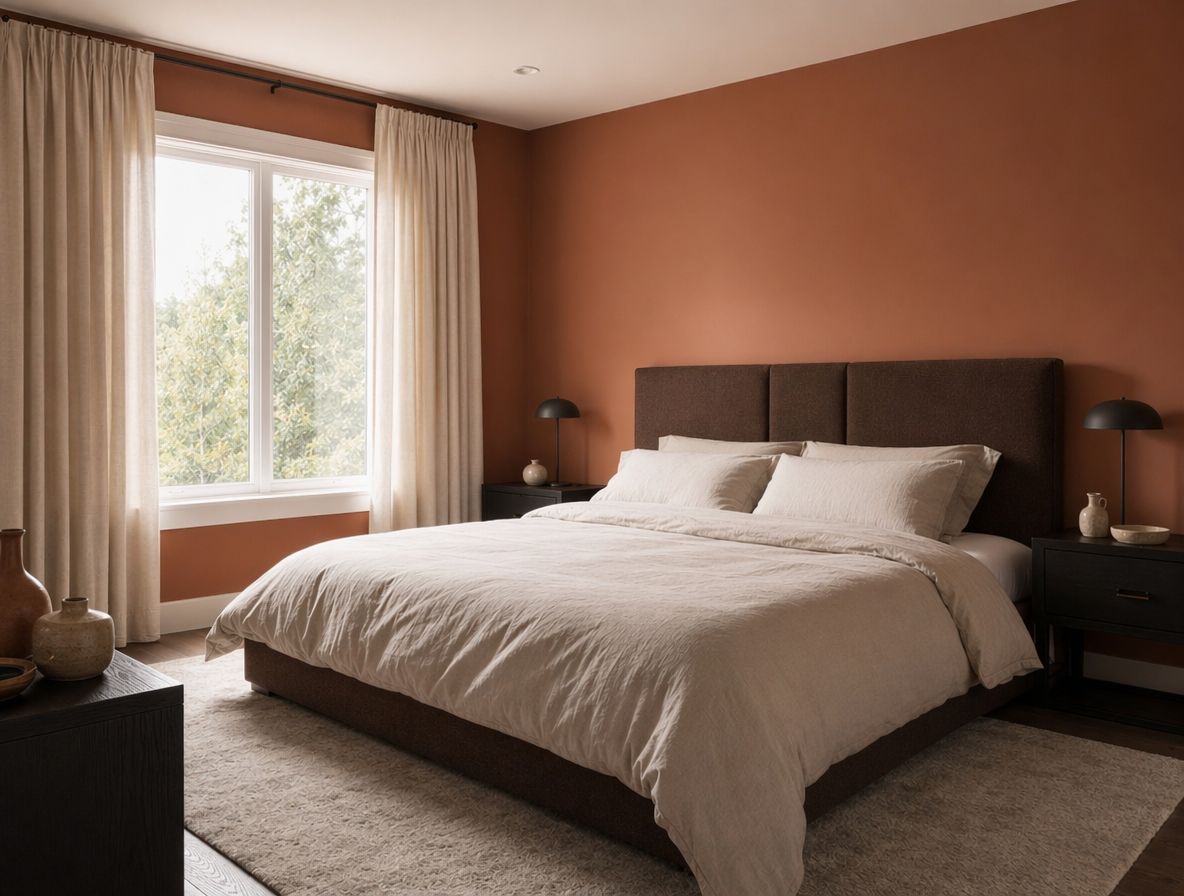
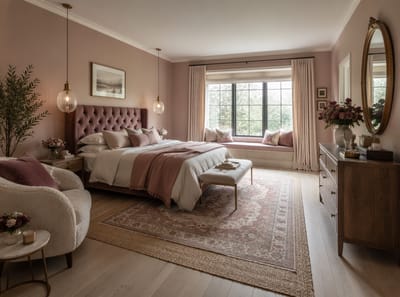
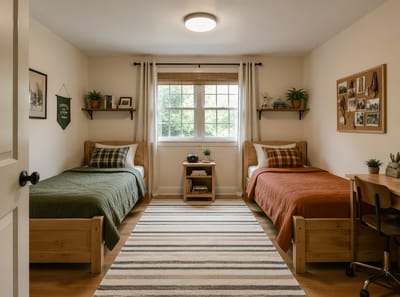
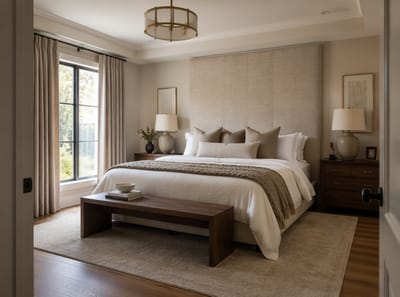
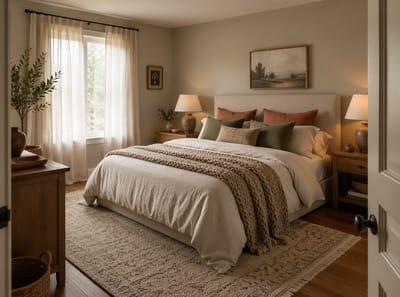
Use AI bedroom design to see exactly how your room could look — before moving furniture or buying anything. Upload a photo and get results in seconds.
Use AI bedroom design to see exactly how your room could look — before moving furniture or buying anything. Upload a photo and get results in seconds.
“I was skeptical at first, but the AI redesigned my living room exactly how I imagined it. We followed the design and the result was stunning. Saved us thousands on a designer.”

Sarah Mitchell
Homeowner
“Virtual staging used to cost $300+ per room. Now I stage entire properties in minutes for a fraction of the cost. My listings sell 40% faster.”

David Chen
Real Estate Agent
“I use this tool to quickly visualize concepts for clients. It speeds up the initial consultation process dramatically. Great for moodboarding.”

Emily Rodriguez
Interior Designer
You upload a photo of your actual bedroom, describe what you'd like to change — the style, colors, furniture — and the AI generates a photorealistic preview. No measurements, no floor plans, no design knowledge needed.
The output is a visual to help you make decisions, not a blueprint. Think of it as a try-before-you-buy for your room — useful whether you're exploring bedroom design ideas, planning a renovation, or just curious what a different aesthetic would look like in your space.
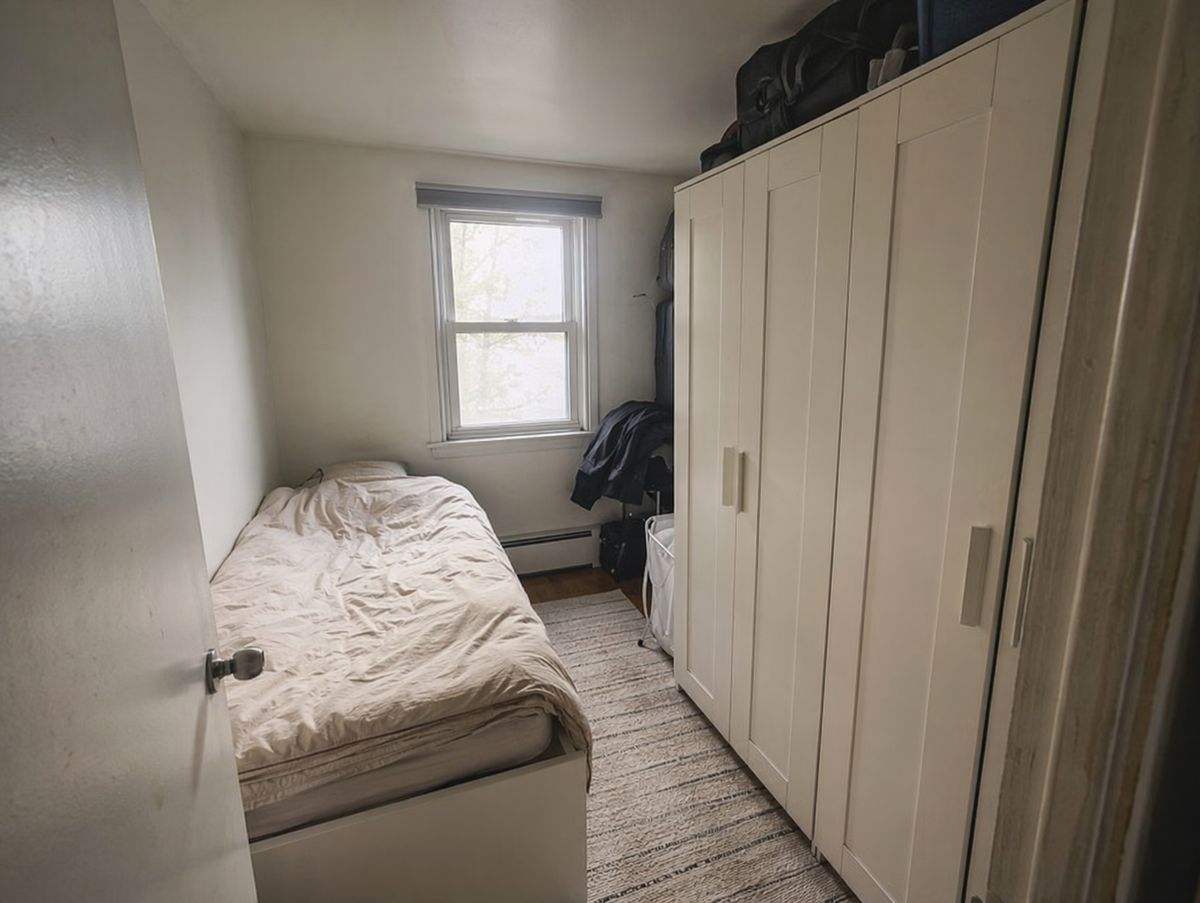
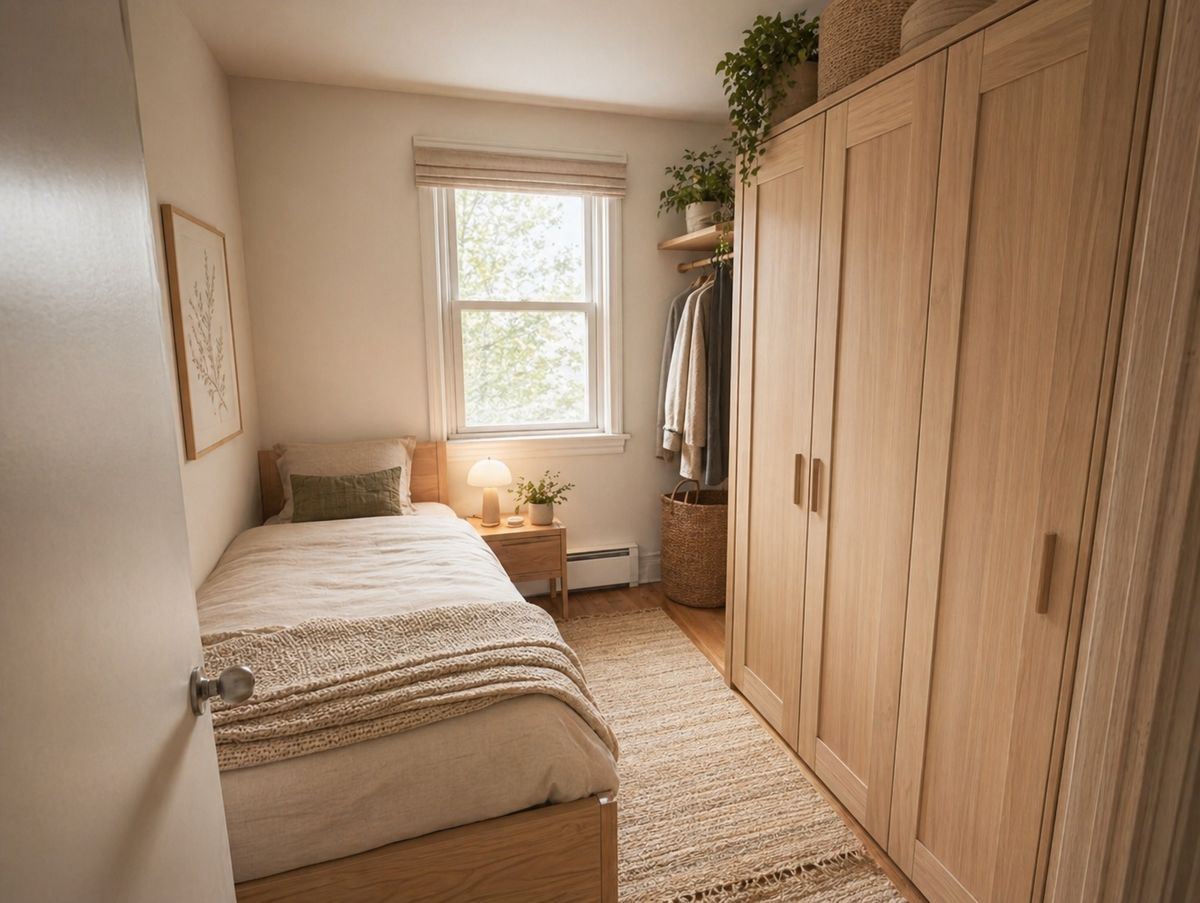
Small bedroom design is hard to experiment with in real life. Upload a photo and test lighter walls, lower-profile furniture, or a different layout — without touching anything.
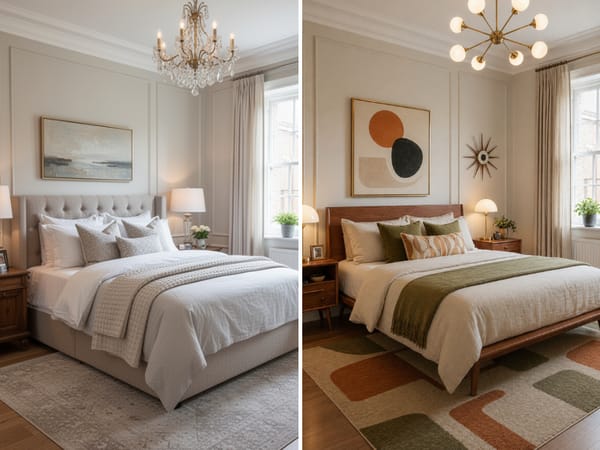
Master bedroom design decisions are hard to reverse. Choosing a style from Pinterest boards is risky — what works in someone else's home may not work in yours. Apply Japandi, mid-century modern, or any other style directly to a photo of your actual room before committing.
Her client has shortlisted two wall colors and can't decide between linen and velvet for the headboard. Nina uploads a photo and generates side-by-side versions with each combination applied. The client picks a direction in one meeting instead of three.
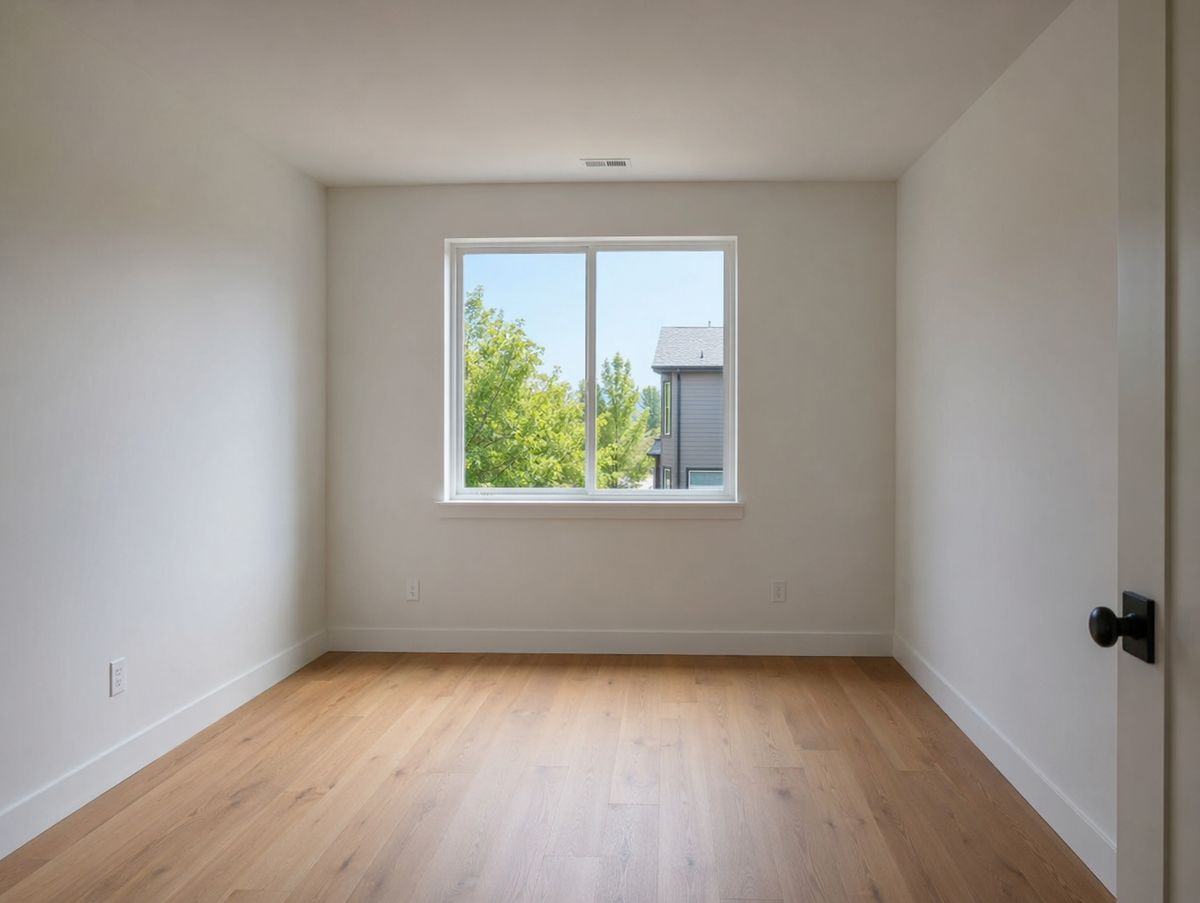
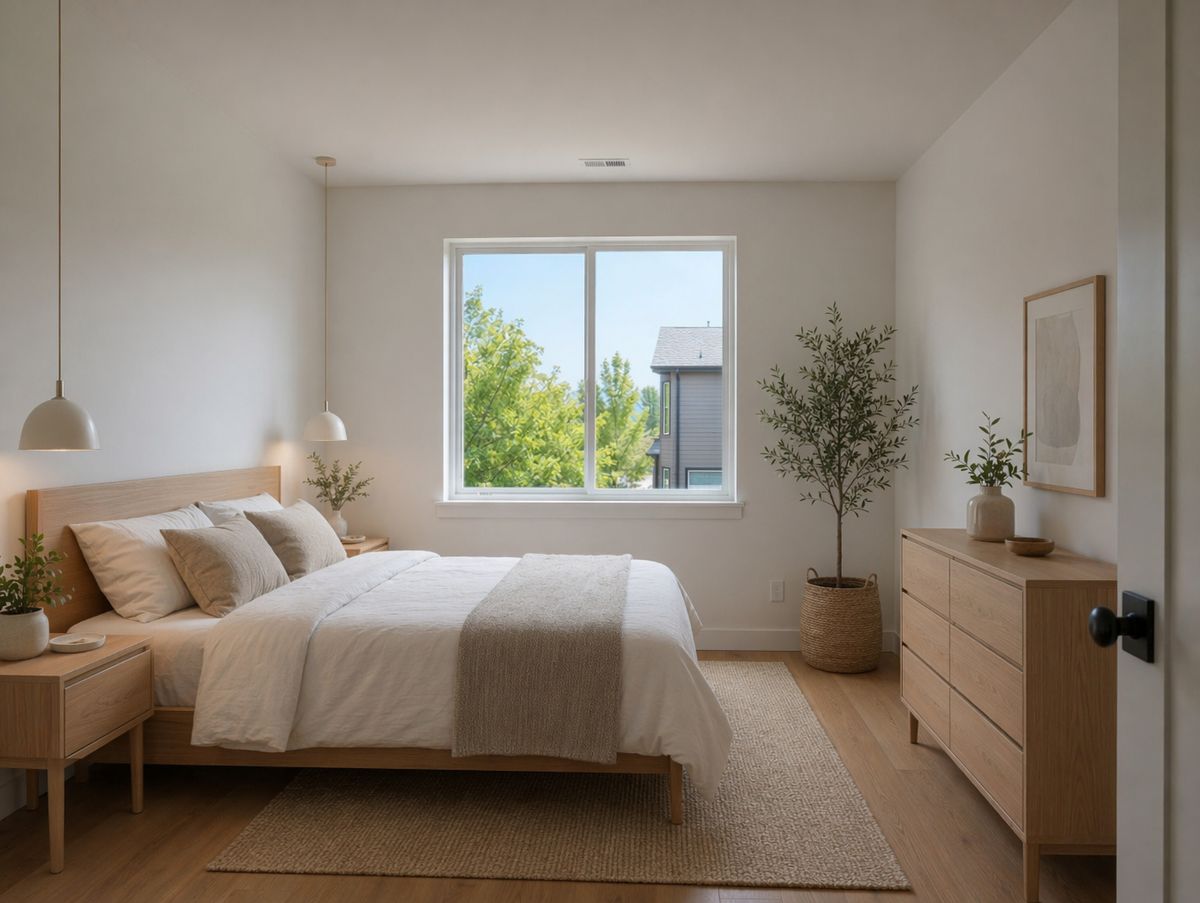
An empty room is difficult to plan. Upload a photo and see how different furniture arrangements and styles would actually look in that specific space.
A smartphone photo works — no professional photography needed.
Be specific ("replace the headboard") or open-ended ("make it feel more minimal").
A photorealistic preview of your room with the changes applied.
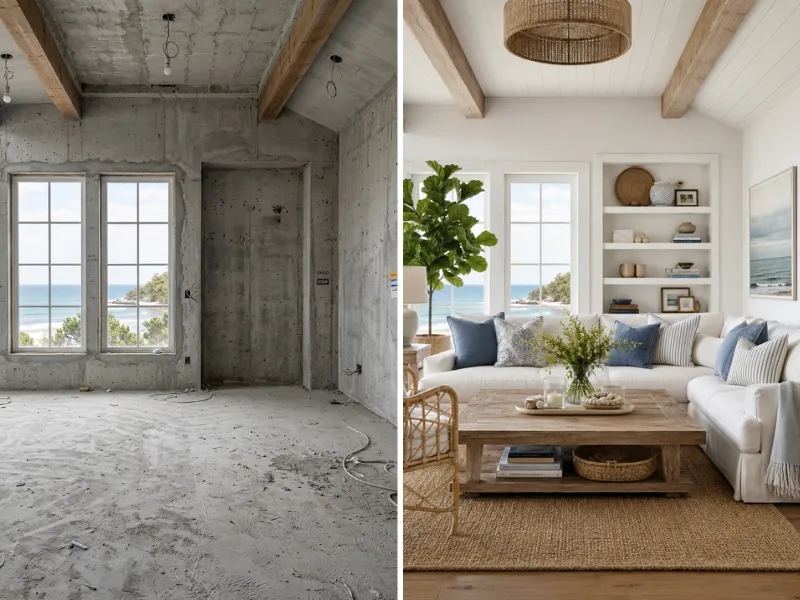
Visualize renovations before spending a dime. Try different styles, colors, and layouts risk-free. Show contractors exactly what you want.
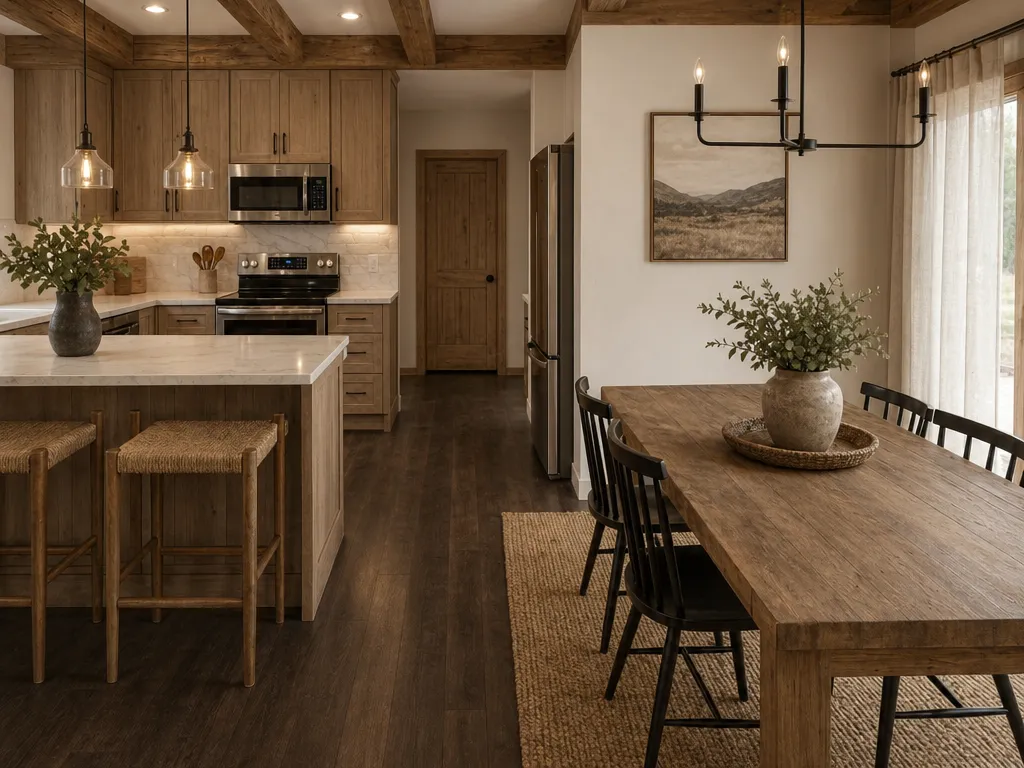
Stage vacant properties virtually at a fraction of traditional costs. Create stunning listing photos that sell homes faster.
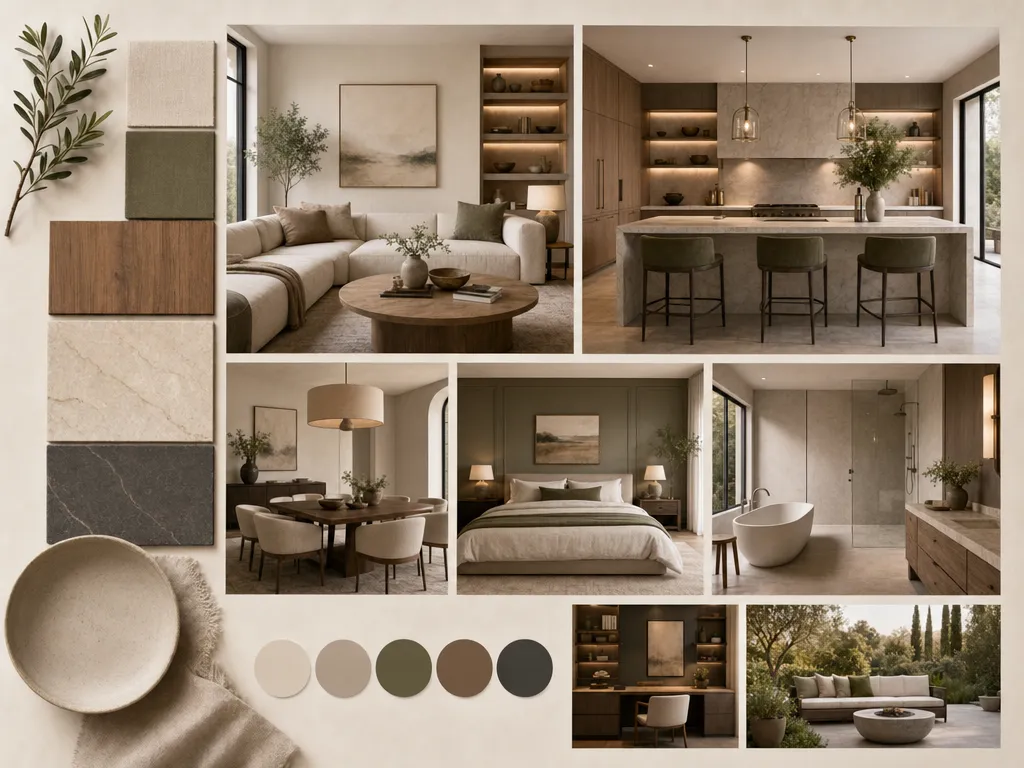
Speed up client presentations with rapid concept visualization. Iterate on ideas in minutes instead of hours.
Anyone can use it from day one.
Faster than any other tool on the market.
Modern, Japandi, Coastal, Industrial, and more.
No downloads, no installs, browser-based.
From homeowners to agencies.
Redesign, staging, floor plans, color swap.
We take your data seriously. Here's exactly how HomeRestyle handles your photos and personal information.
Every photo you upload is encrypted in transit and at rest. Your images are never accessible to other users.
We do not sell, share, or license your uploaded images to any third party — ever. Your home is your business.
Your photos are not used to train our AI models. What you upload stays separate from our model development pipeline.
Bedroom changes get expensive fast. A realistic preview means you only buy what you've already seen working in your room.
Testing unfamiliar styles — Japandi, Japanese bedroom design, dark moody interiors, warm maximalism, Scandinavian — takes seconds. Seeing it in your actual room removes the guesswork that usually stops people from trying something new.
Bedroom lighting design is one of the most overlooked factors — the wrong fixture or placement can make a well-furnished room feel flat. Visualize different lighting setups in your space before buying anything. The same is true for bathroom design — lighting is often what separates a tired space from a finished one.
Describe what you want in plain language. The AI handles the translation.
Instead of collecting references and imagining how they'd apply to your room, see it directly.
Upload one photo. Describe what you want. Get a realistic preview before you buy, paint, or move anything.