AI Kjellerdesign
Utforsk planløsninger, stiler og overflater med AI for kjellerdesign. Last opp et bilde og se kjelleren forvandles på sekunder.
Utforsk planløsninger, stiler og overflater med AI for kjellerdesign. Last opp et bilde og se kjelleren forvandles på sekunder.
“Jeg var skeptisk først, men AI-en redesignet stuen akkurat slik jeg hadde sett det for meg. Vi fulgte forslaget, og resultatet ble fantastisk. Vi sparte mange tusen på interiørdesigner.”

Sarah Mitchell
Boligeier
“Virtuell møblering kostet før over 300 dollar per rom. Nå kan jeg style hele boliger på minutter til en brøkdel av prisen. Boligene mine selges 40% raskere.”

David Chen
Eiendomsmegler
“Jeg bruker dette verktøyet til å visualisere konsepter raskt for kundene mine. Det gjør førstegangsmøter langt mer effektive. Perfekt til moodboarding.”

Emily Rodriguez
Interiørdesigner
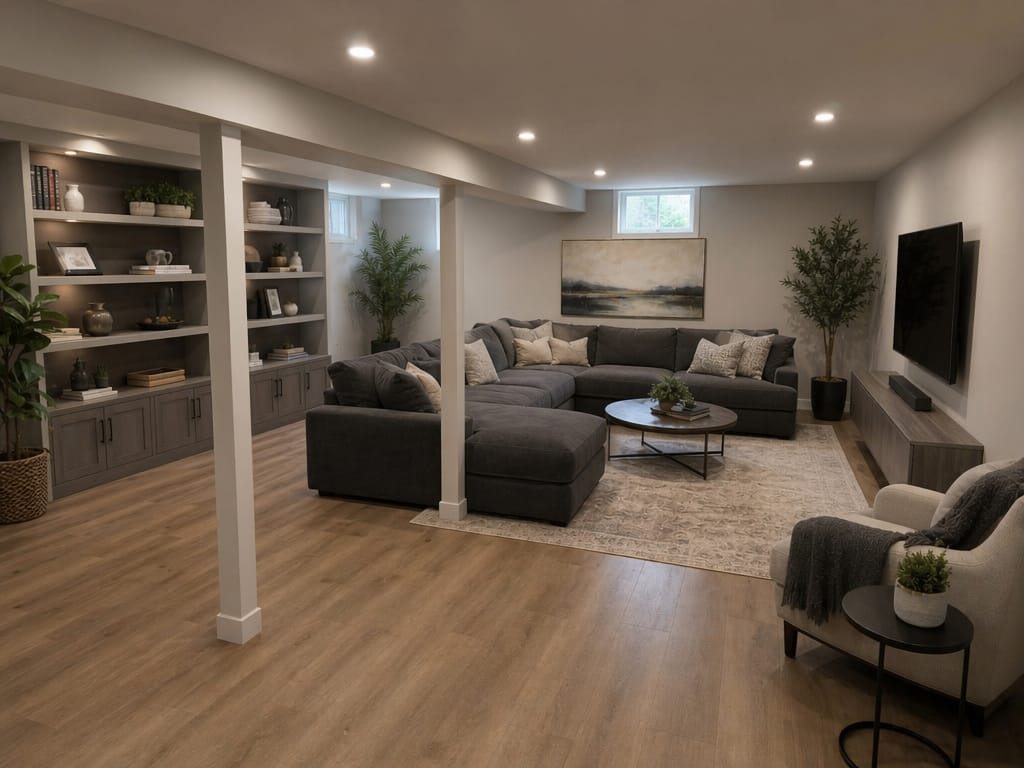
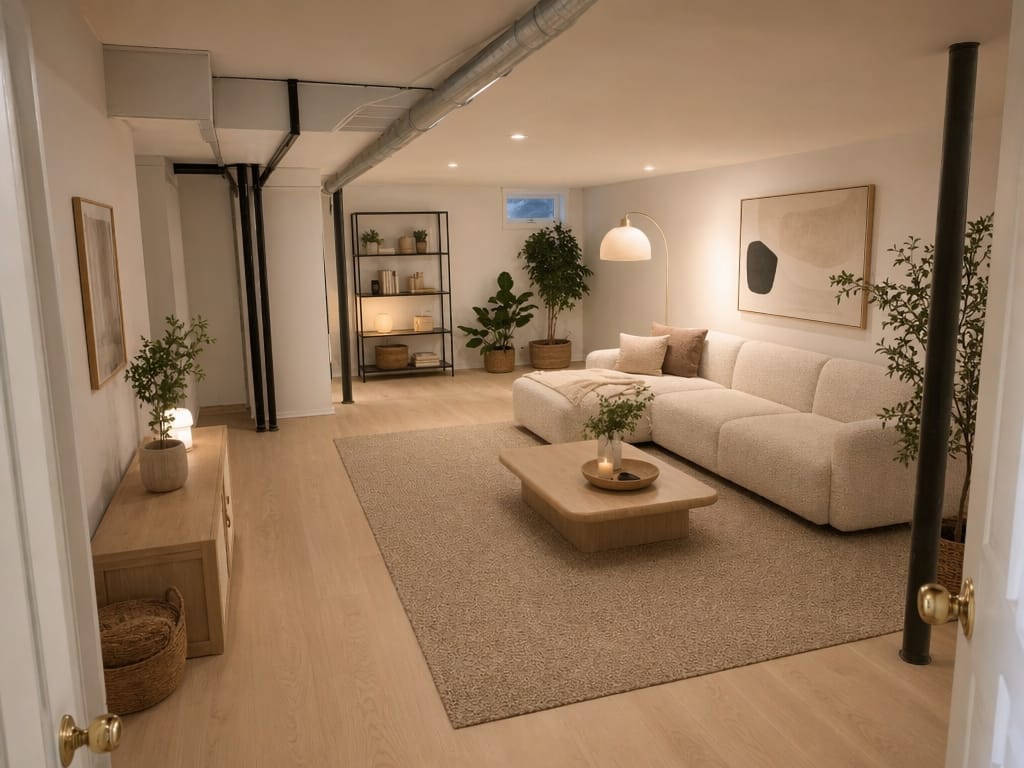
AI kjellerdesign bruker generative AI-verktøy for å forvandle bilder av eksisterende kjellerrom til fotorealistiske visninger av ferdige rom. Du laster opp et bilde – AI-en legger på stiler, materialer, belysning og møbler, så du ser det ferdige resultatet før du setter i gang med oppussing.
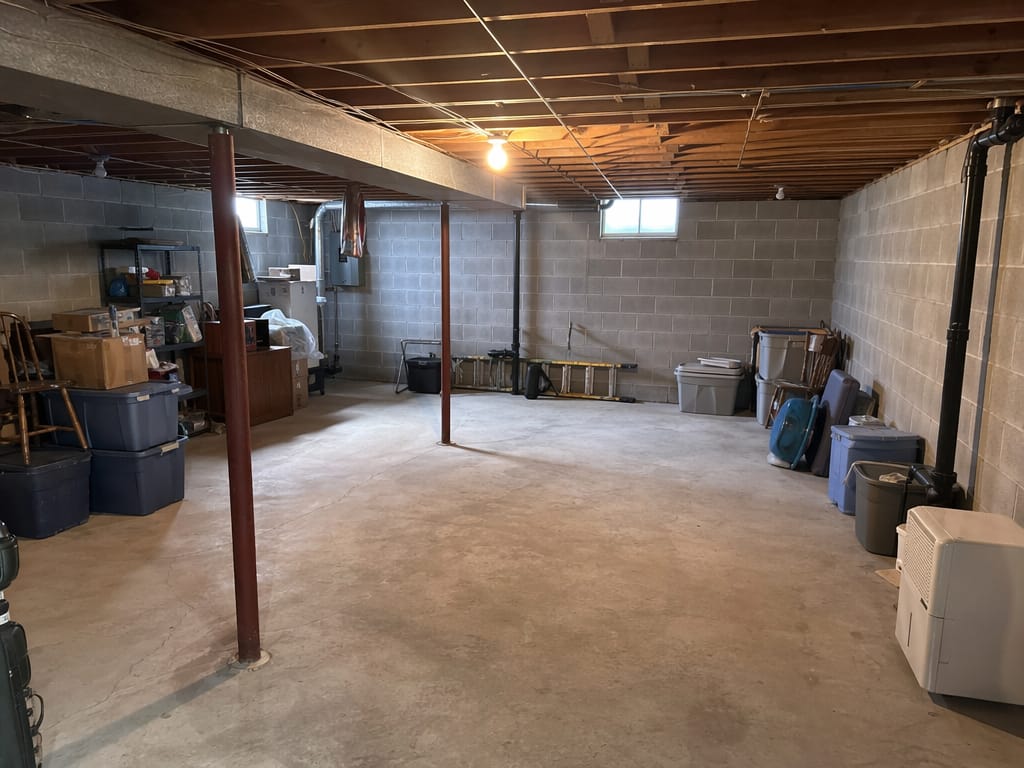
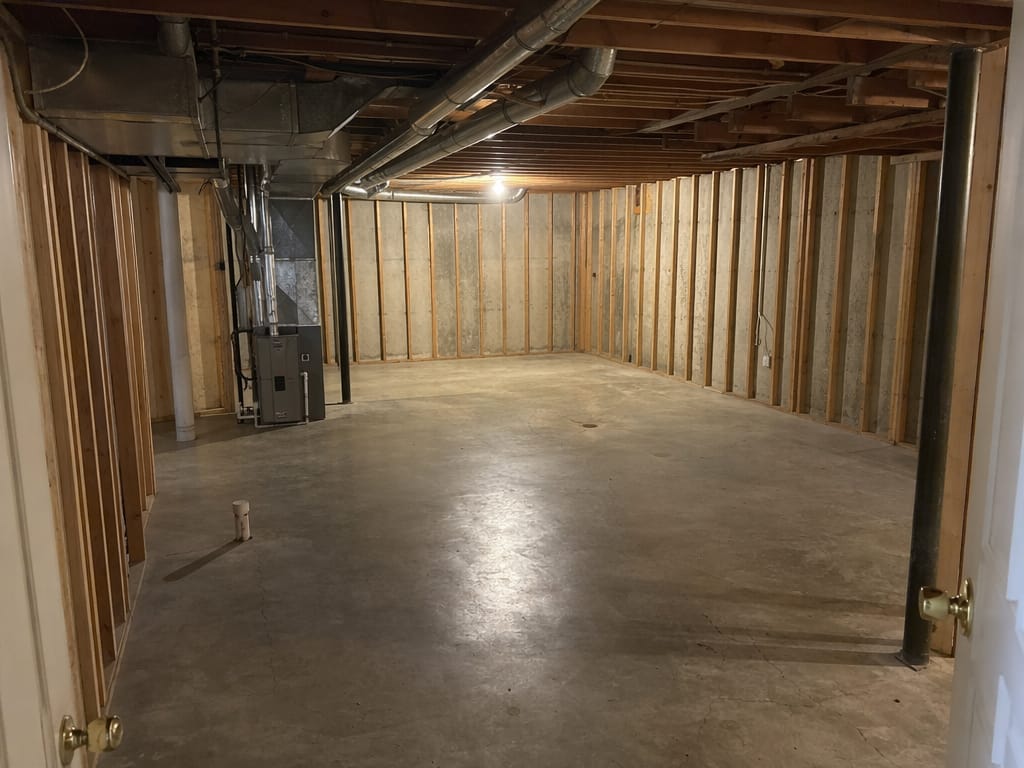
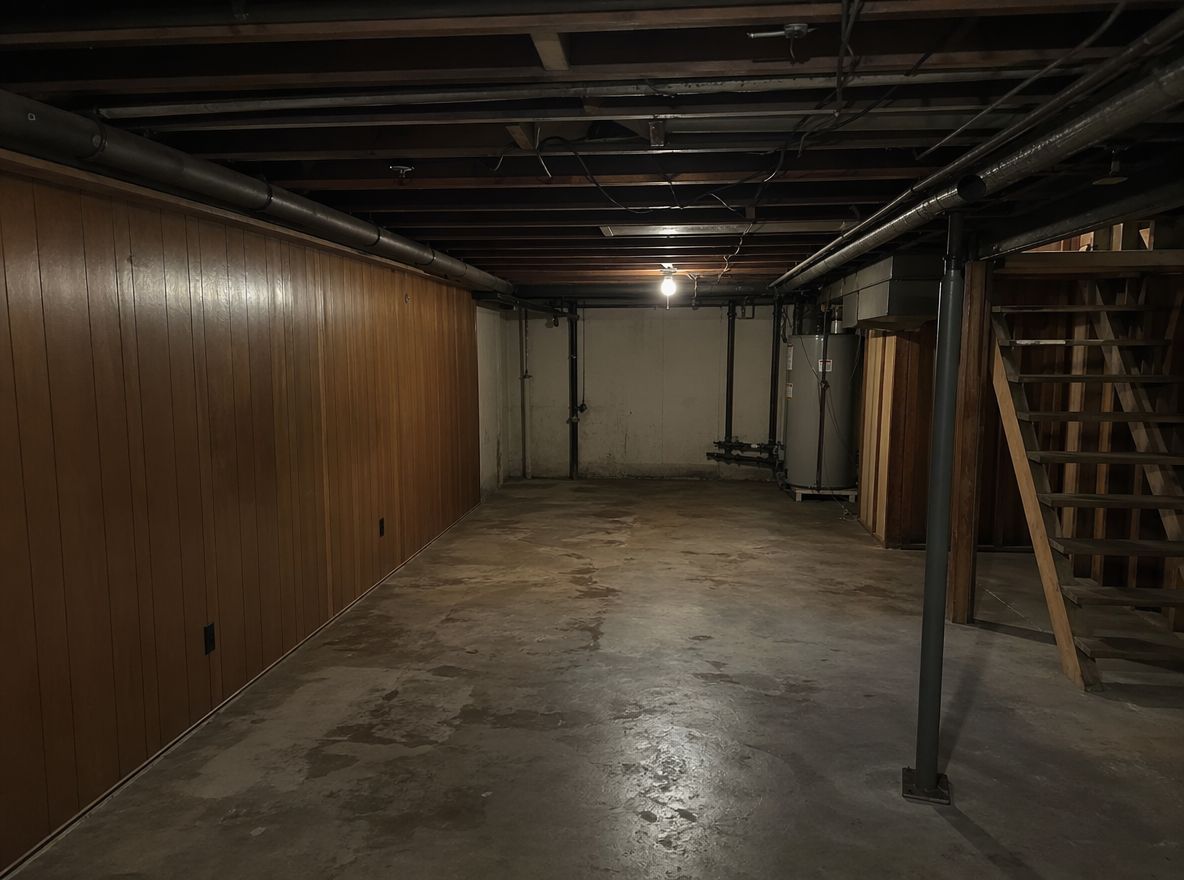
Kjelleren har betonggulv, nakne vegger og en glødepære som blinker. Du vet det kan bli et gamingrom, TV-stue eller gjesterom – men det er vanskelig å se det for seg. Last opp et bilde og få flere ferdige forslag i ulike stiler: moderne landlig, industrielt, skandinavisk. Finn ut hva som passer hjemme hos dere før du setter opp budsjettet til oppussingen.
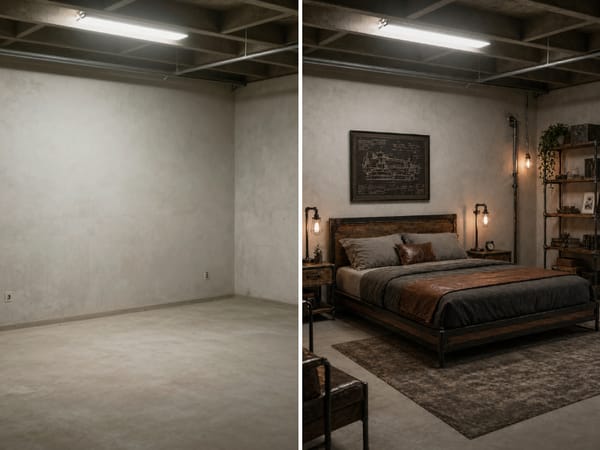
Kjøpere sliter med å se potensialet i tomme betongrom. Virtuell styling med AI forvandler bildet av en uferdig kjeller til et møblert, ferdig rom – så kjøpere lett kan se for seg livet der. Det koster bare en brøkdel av tradisjonell styling og er gjort på timer, ikke dager.
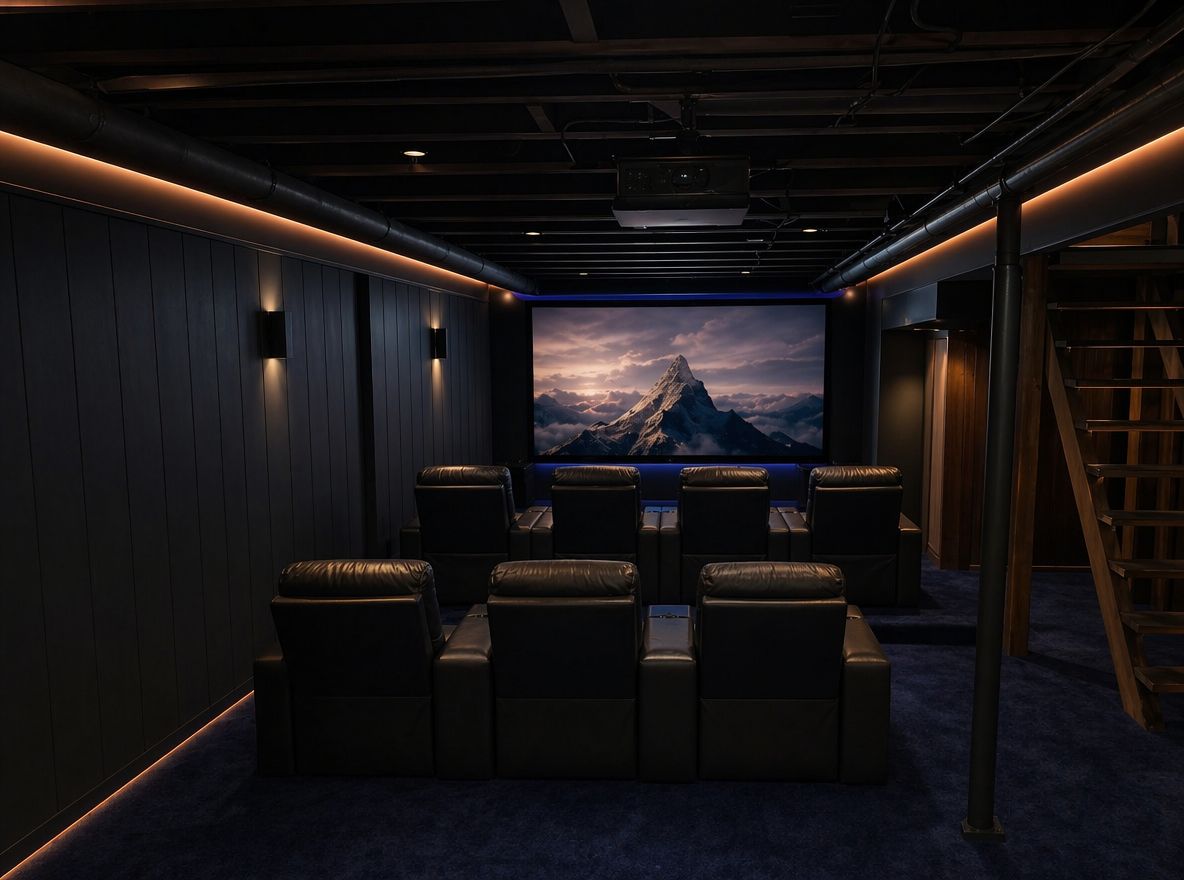
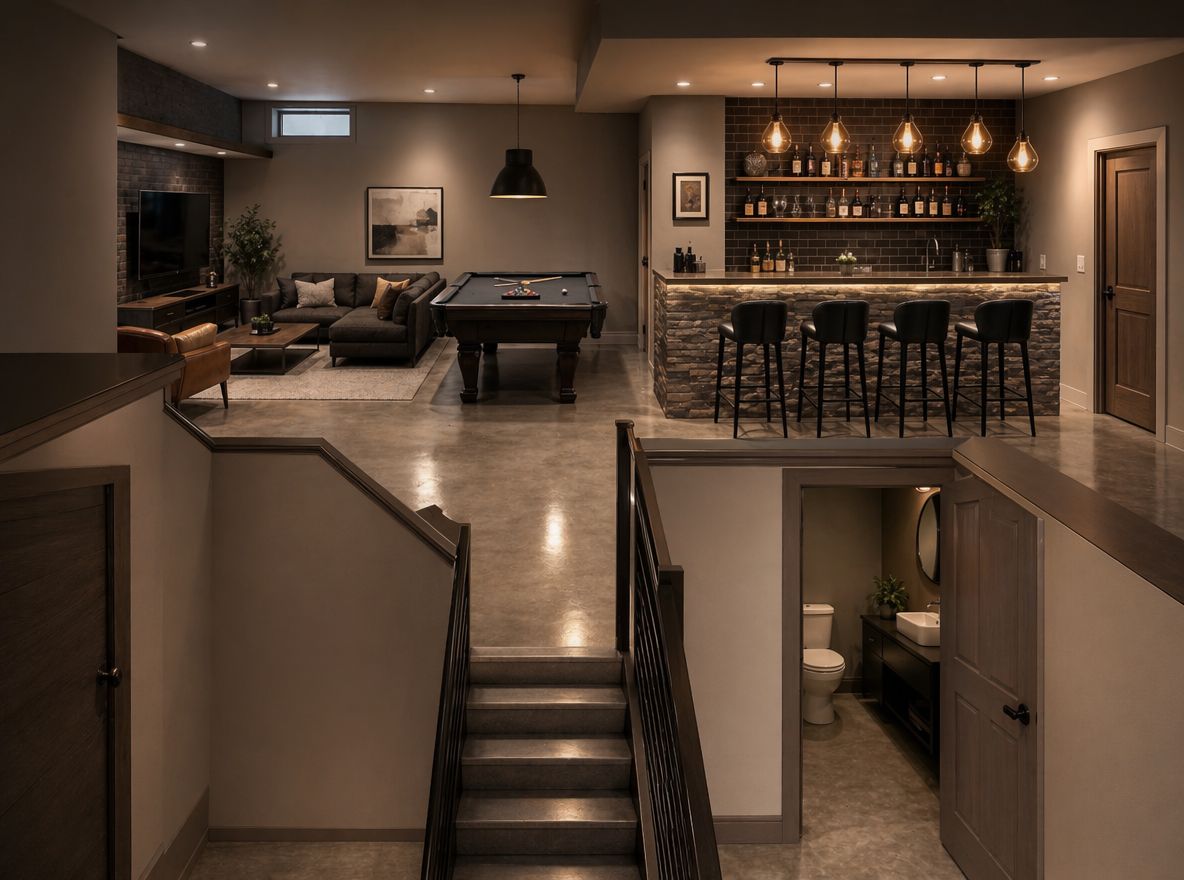
Du har en plan – kanskje en stemningsfull hjemmekino med mørke vegger, spotlights og trinnvise seter, eller en bar med steinpanel og hengende lamper. Bruk stiloverføring for å se hvordan rommet faktisk kan bli. Sjekk stemningen før du kjøper inn materialene.
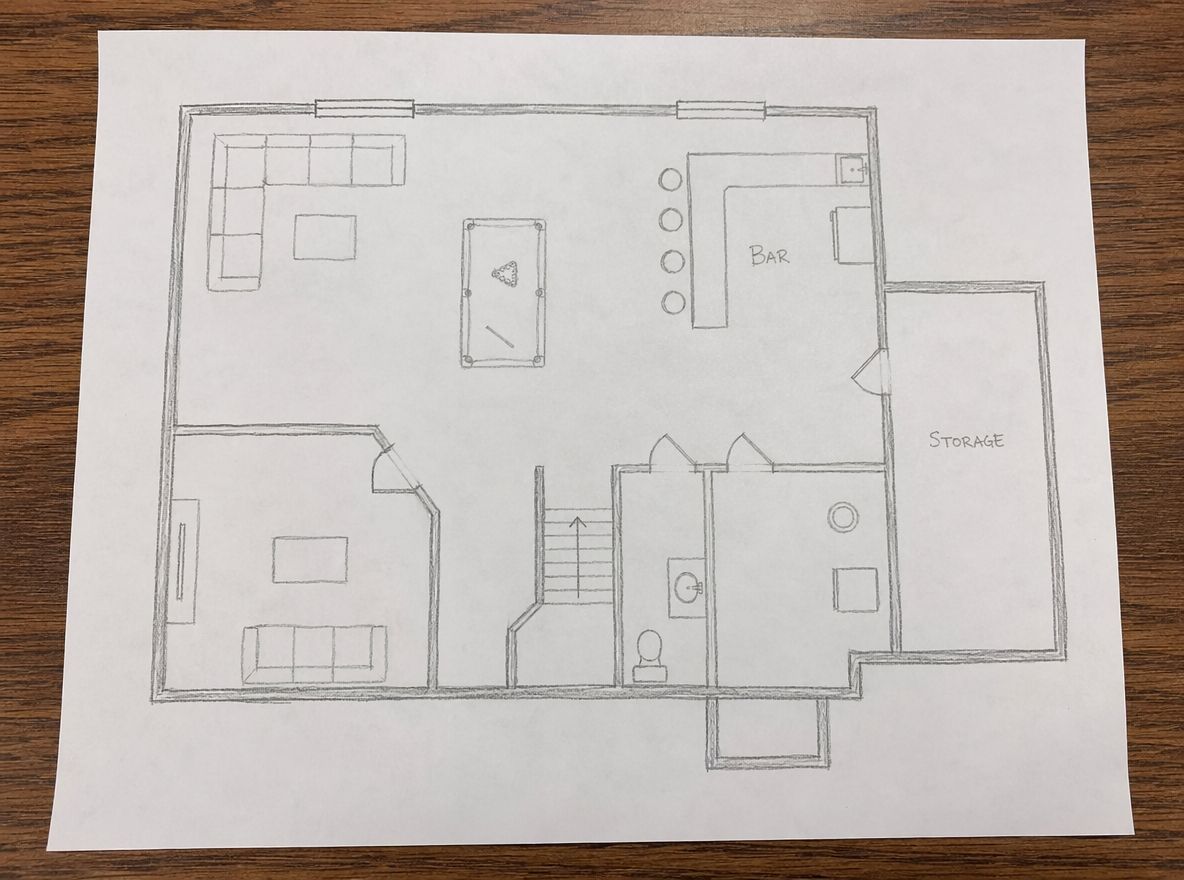
Kunder sier «Jeg vil ferdigstille kjelleren», men er ikke enige om resultatet. Gjør en enkel skisse eller idé om til et fotorealistisk bilde av det faktiske rommet. Kom på kundemøte med noe visuelt – ikke bare ord.
Alle mobilbilder fungerer – selv om rommet er uferdig, rotete eller dårlig belyst. Ta gjerne oversiktsbilder fra et hjørne for mest mulig kontekst.
Skriv kort hva du ser for deg – «koselig lounge med mørke panelvegger og varm belysning» – eller skriv romtype som hjemmegym, hjemmekontor eller hjemmekino.
Resultatet er klart på sekunder. Du ser rommet ditt – nå med ferdige gulv, vegger, belysning og møbler.
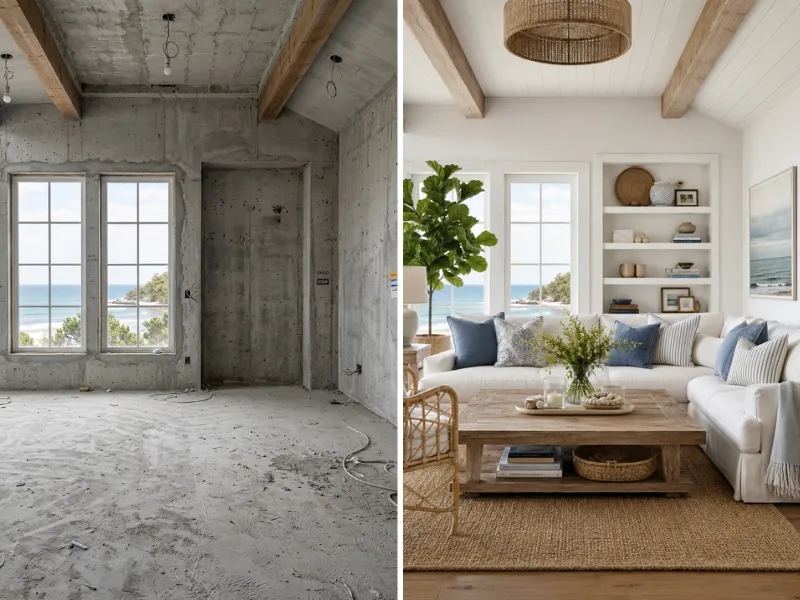
Visualiser oppussingen før du bruker en eneste krone. Prøv ulike stiler, farger og løsninger helt risikofritt. Vis håndverkere nøyaktig hva du ønsker deg.
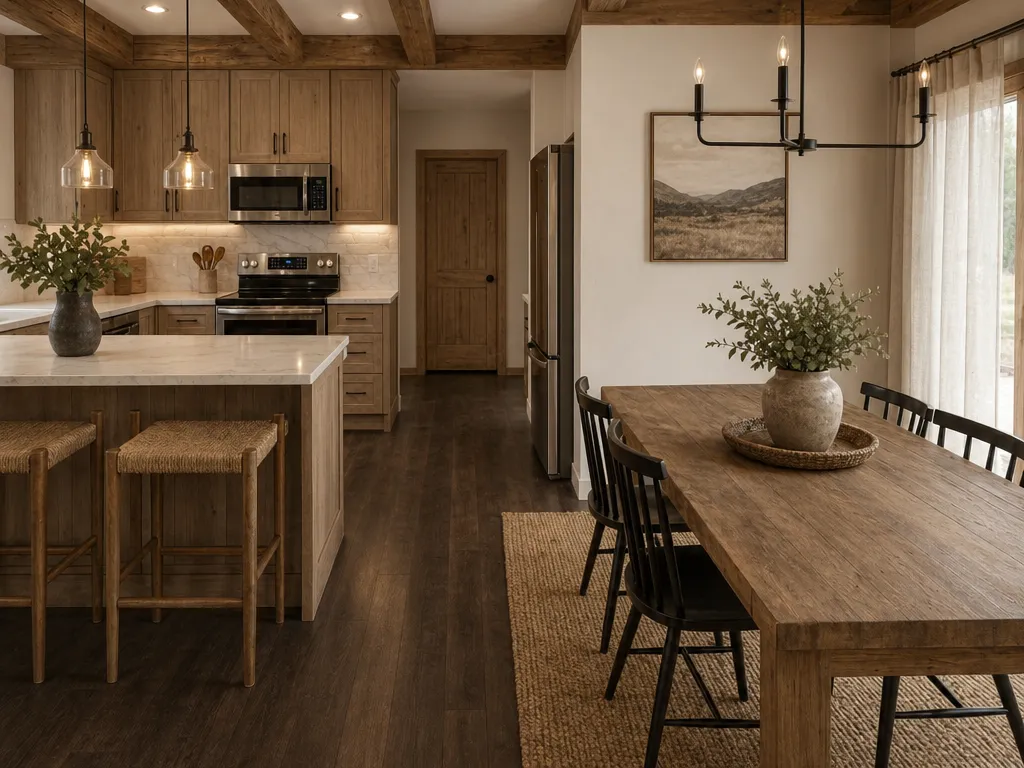
Virtuelt møbler tomme boliger til en brøkdel av prisen. Lag imponerende salgsbilder som får boligene solgt raskere.
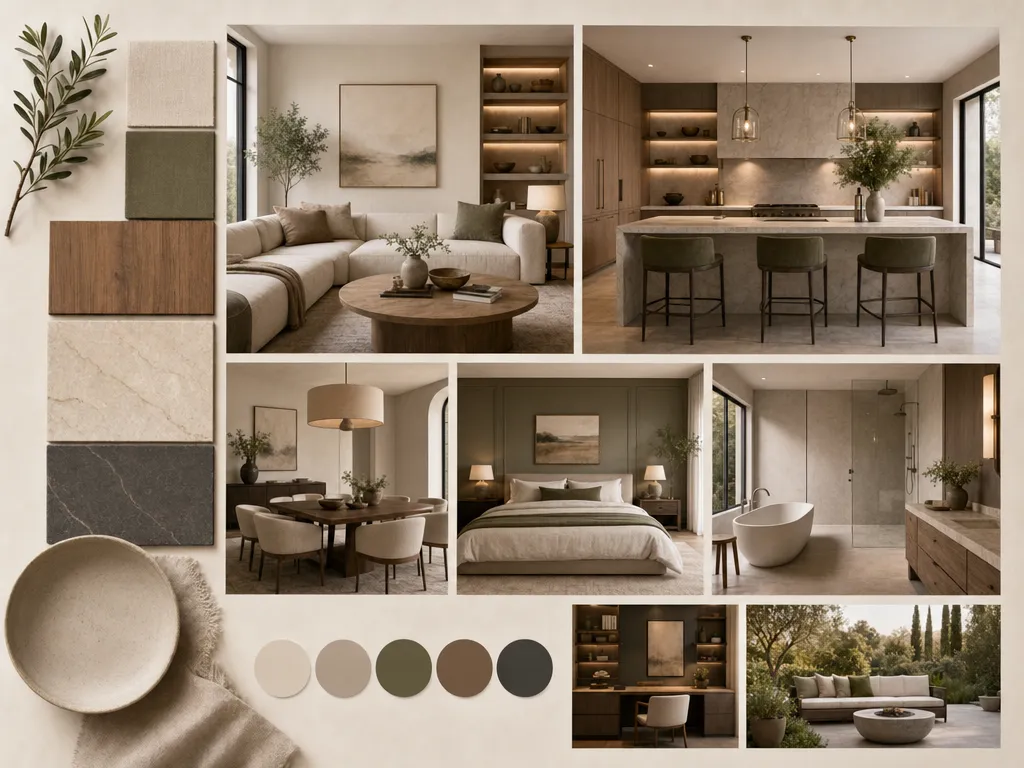
Effektiviser kundeprosessen med raske visualiseringer av konsepter. Utforsk og endre ideer på minutter, ikke timer.
Alle kan ta det i bruk med én gang.
Raskere enn noen annen løsning på markedet.
Moderne, Japandi, kyst, industriell og flere andre.
Ingen nedlastinger, ingen installasjon, alt i nettleseren.
For alt fra huseiere til byråer
Ombygging, virtuell styling, plantegninger, fargebytte
Vi tar ditt personvern på alvor. Slik behandler HomeRestyle bildene og informasjonen din.
Alle bilder du laster opp er kryptert under overføring og lagring. Bildene dine er aldri tilgjengelige for andre brukere.
Vi selger, deler eller lisensierer aldri dine opplastede bilder til tredjepart. Hjemmet ditt er privat.
Bildene dine brukes ikke til å trene våre AI-modeller. Det du laster opp holdes adskilt fra utviklingen av modellene våre.
Det er vanskelig å velge mellom ekstra slitesterkt gulv, polert betong eller teppe uten å se det i akkurat ditt rom. Med AI kan du prøve ut forskjellige gulv og vegger direkte på bildet av din egen kjeller – og enkelt sammenligne før du handler.
AI-verktøyet kan tegne opp et treningsrom, soverom og lounge fra samme bilde. Det som vanligvis tar uker med moodboards, går unna på noen minutter.
Kjellere er tricky – ofte lave tak og lite dagslys. AI viser hvordan ulike farger og lysvalg endrer stemningen i rommet, så du slipper å male om flere ganger.
Håndverkere gir bedre pristilbud når de forstår hva du vil ha. Med et fotorealistisk AI-bilde får alle en tydelig forventning til overflater, omfang og stil – mye enklere enn muntlige beskrivelser eller en Pinterest-tavle.
Du trenger ikke erfaring med SketchUp, AutoCAD eller design. Kan du ta et bilde og skrive to linjer, kan du lage et profesjonelt kjellerkonsept.
De fleste kjellere blir aldri satt i stand fordi det er vanskelig å bestemme seg uten å se det først. Et realistisk bilde gjør valget mye enklere – for deg, familien og håndverkeren din.