Design salon avec IA
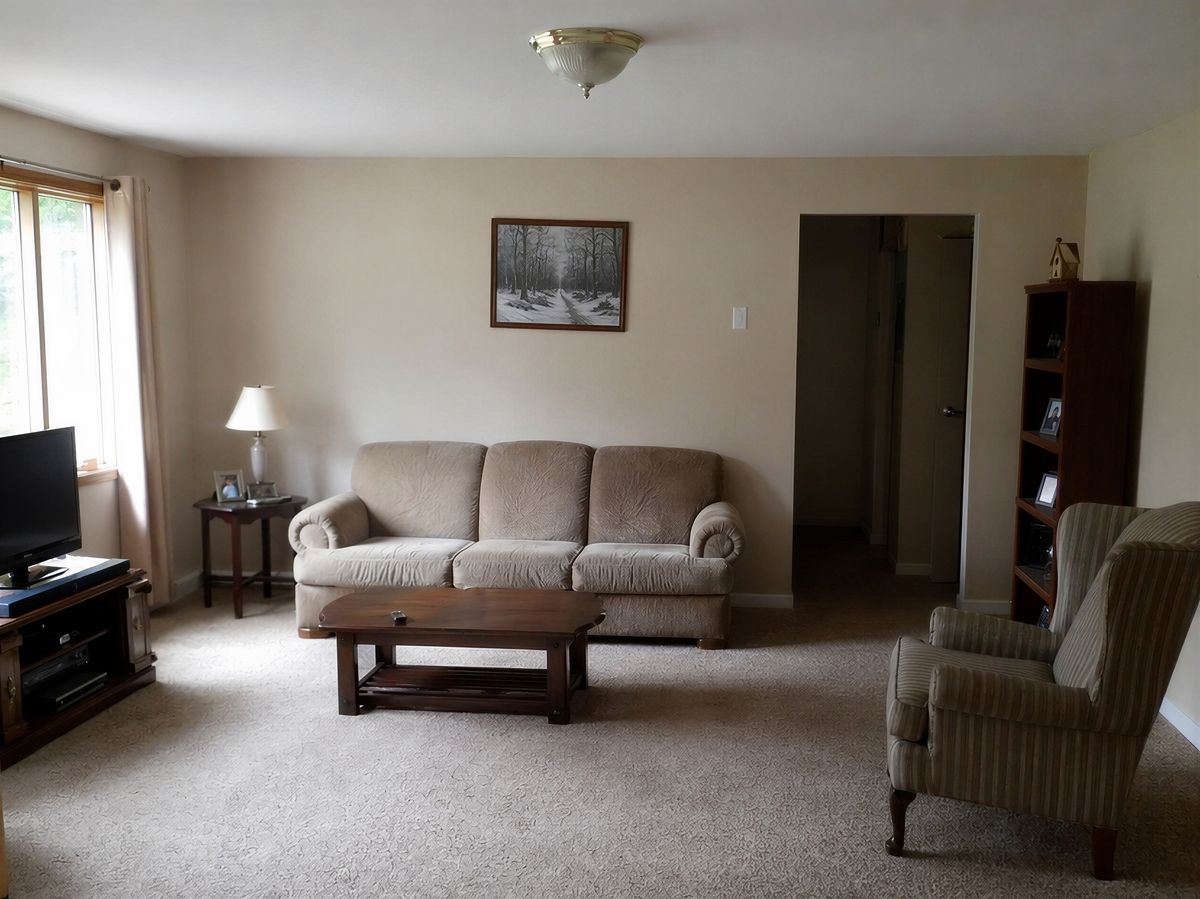
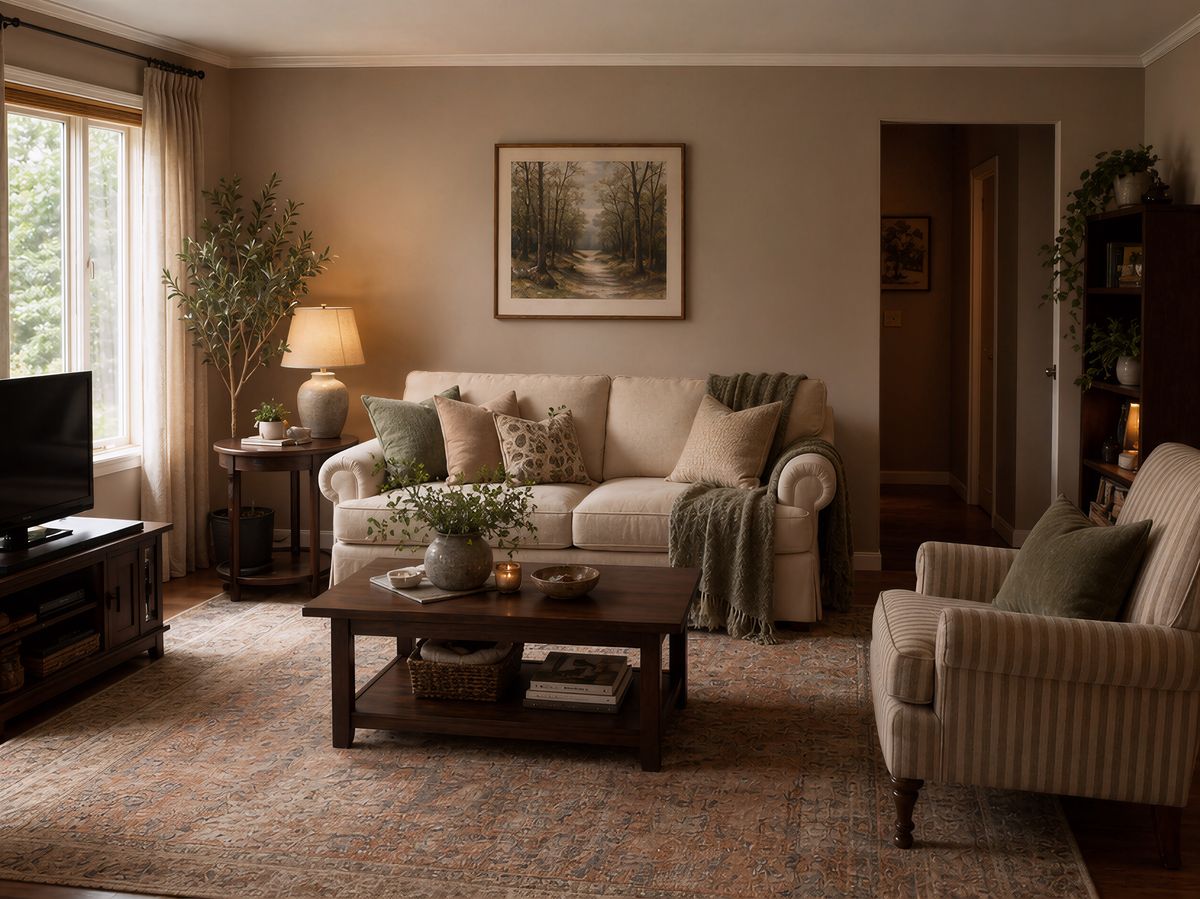
Utilisez le design salon avec IA pour imaginer un nouveau look avant d’acheter quoi que ce soit. Importez une photo, choisissez un style et découvrez le résultat immédiatement.
Utilisez le design salon avec IA pour imaginer un nouveau look avant d’acheter quoi que ce soit. Importez une photo, choisissez un style et découvrez le résultat immédiatement.
“J’étais sceptique au début, mais l’IA a redécoré mon salon exactement comme je l’imaginais. Nous avons suivi le design et le résultat est superbe. Cela nous a permis d’économiser des milliers d’euros sur un décorateur.”

Sarah Mitchell
Propriétaire
“La mise en scène virtuelle coûtait auparavant plus de 300 € par pièce. Aujourd’hui, je mets en valeur des propriétés entières en quelques minutes pour une fraction du prix. Mes annonces se vendent 40 % plus vite.”

David Chen
Agent immobilier
“J’utilise cet outil pour visualiser rapidement des concepts avec mes clients. Cela accélère considérablement la phase de consultation. Parfait pour les moodboards.”

Emily Rodriguez
Architecte d’intérieur
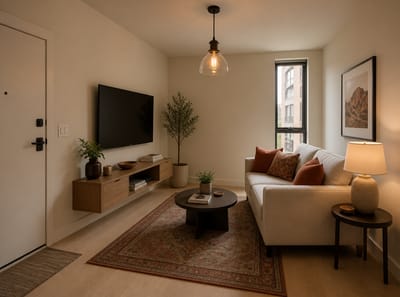
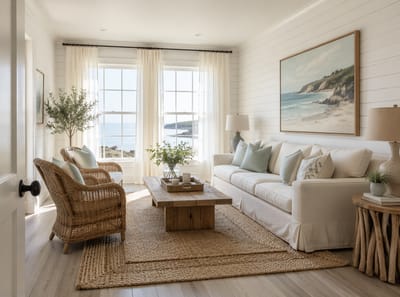
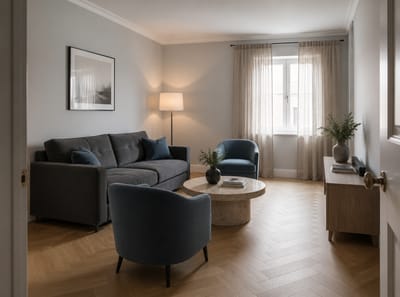
Le design de salon avec IA vous permet de visualiser des changements de décoration dans votre salon avant même de les réaliser. Importez une photo de votre pièce, choisissez un style ou décrivez ce que vous voulez, et l’IA crée une nouvelle décoration adaptée à votre espace réel — pas à un modèle générique.
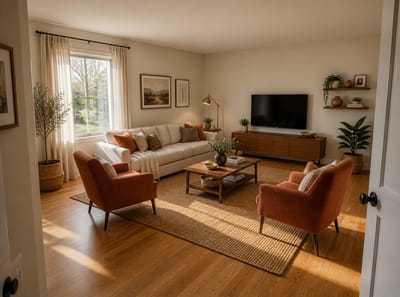
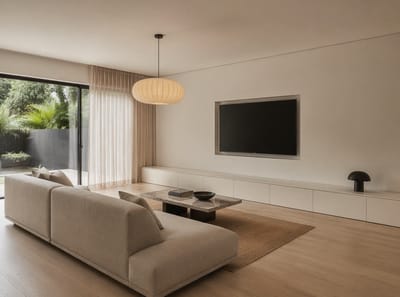
Pas besoin de mesurer, de logiciel, ni de décorateur. Le résultat ressemble à une vraie photo d’une pièce redécorée. Meubles, lumières, couleurs, et textures apparaissent comme ils le feraient chez vous. Ça fonctionne pour les grandes pièces ouvertes — y compris quand le salon s’ouvre sur une salle à manger — et pour les petits salons avec leurs propres défis.
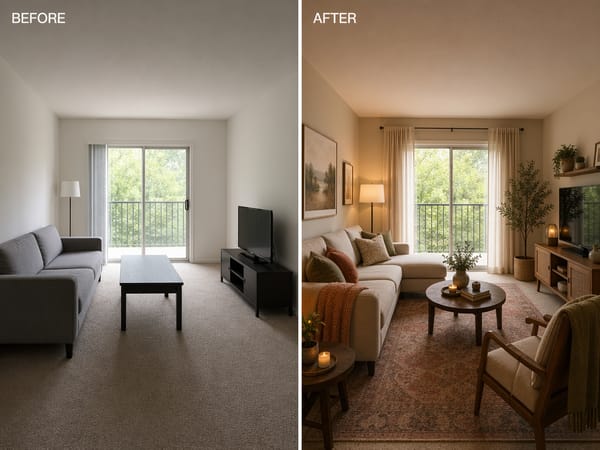
Importez une photo de votre salon, décrivez le style souhaité, et voyez une version réaliste de ce qui est possible selon vos contraintes. Pas de travaux, pas besoin d’en parler au propriétaire.
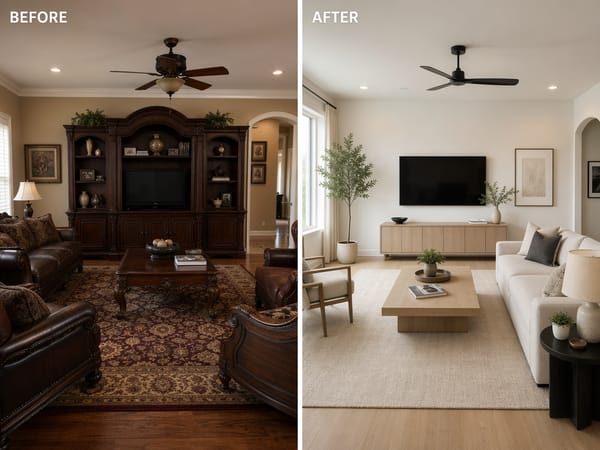
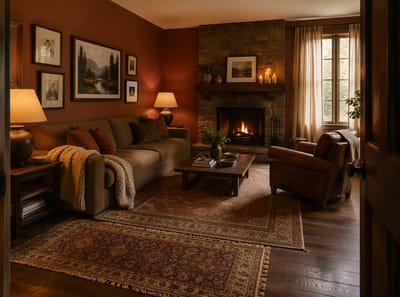
Vous avez repéré un style de salon qui vous plaît — sur Instagram, Pinterest ou chez des amis ? Importez une photo de votre pièce et une photo de référence, et l’IA vous montre à quoi cette ambiance ressemblerait chez vous. Pas de suppositions, pas de mood boards — juste un aperçu réaliste de votre salon avec le style que vous voulez vraiment.
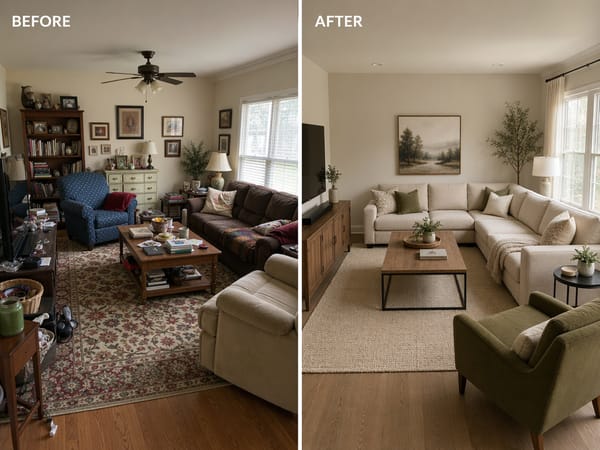
Essayez différentes dispositions de meubles et voyez quels changements ont le plus d’impact visuel — avant d’acheter quoi que ce soit. Dépensez dans ce qui fonctionne vraiment, et non au hasard.
Aucun compte nécessaire. L’outil analyse votre pièce automatiquement.
Choisissez parmi des styles pré-définis, ou tapez une description comme "lumineux et minimal avec du bois".
Votre salon redécoré apparaît en quelques secondes. Essayez plusieurs directions jusqu’à ce que cela vous convienne, puis téléchargez ou sauvegardez.
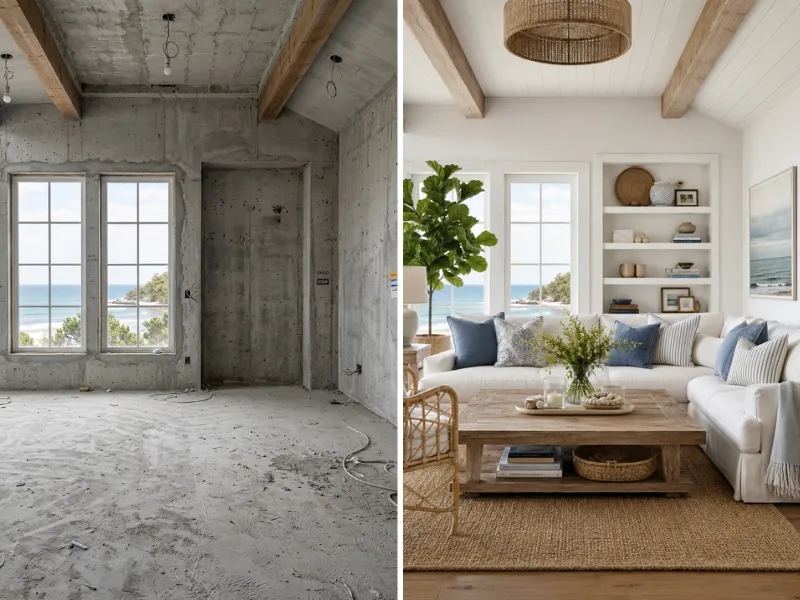
Visualisez vos rénovations avant d’engager le moindre centime. Essayez différents styles, couleurs et aménagements sans risque. Montrez aux artisans exactement ce que vous souhaitez.
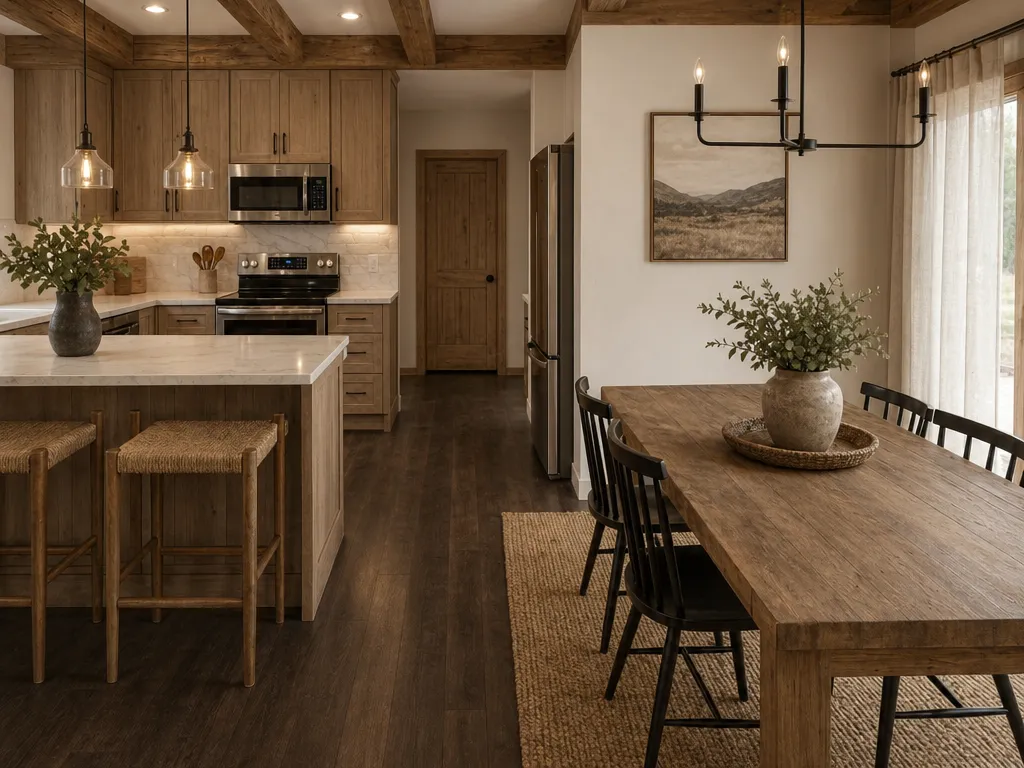
Meublez virtuellement des biens vides à une fraction du coût traditionnel. Créez des photos d’annonces saisissantes pour vendre plus vite.
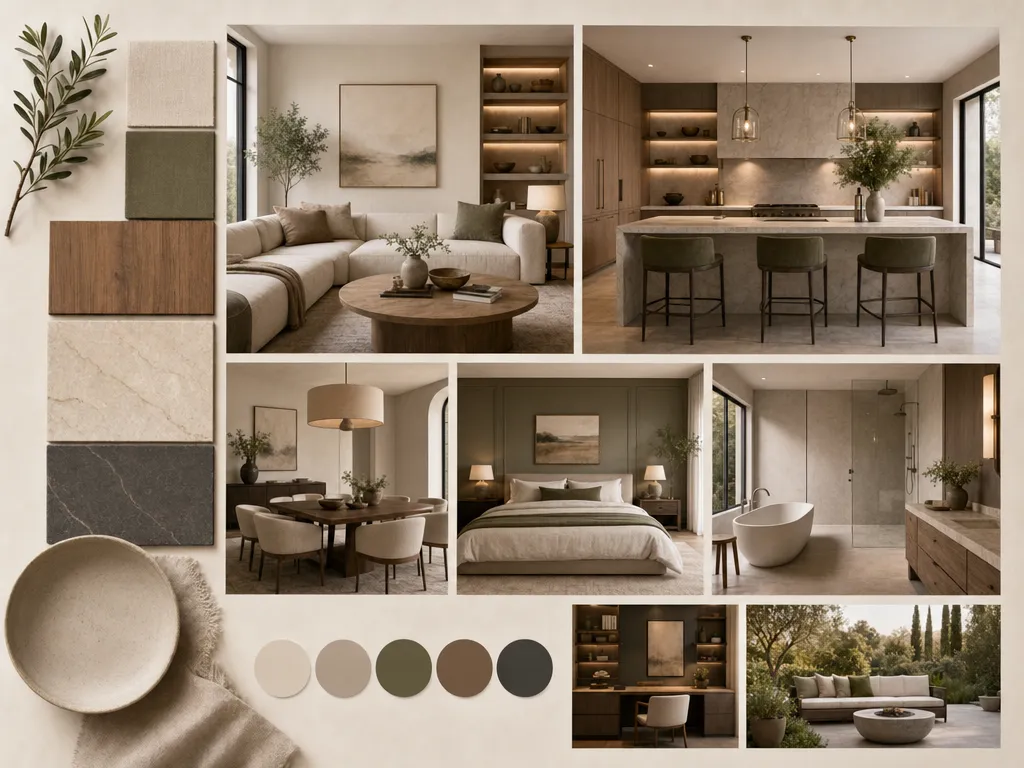
Accélérez vos présentations clients grâce à une visualisation rapide des concepts. Modifiez et testez différentes idées en quelques minutes.
Accessible à tous, dès la première utilisation.
Plus rapide que tout autre outil du marché.
Moderne, Japandi, bord de mer, industriel, et bien d’autres.
Aucun téléchargement ni installation, tout se fait sur votre navigateur.
Pour les particuliers comme pour les agences.
Repenser, valoriser, plans de sol, changement de couleurs.
Nous prenons vos données très au sérieux. Voici comment HomeRestyle protège vos photos et informations personnelles.
Chaque photo importée est chiffrée pendant le transfert et le stockage. Vos images ne sont jamais accessibles par d’autres utilisateurs.
Nous ne vendons, partageons ni ne concédons jamais vos images à des tiers. Votre maison reste votre espace privé.
Vos photos ne servent pas à entraîner nos modèles d’IA. Tout ce que vous importez reste strictement séparé du développement de nos modèles.
Le plus gros risque en décoration c’est d’acheter quelque chose qui ne fonctionne pas chez vous. L’IA élimine ce risque. Vous voyez le rendu final avant d’acheter ou de déplacer quoi que ce soit.
Testez cinq idées de salons en moins de temps qu’il ne faut pour faire un café. Pas besoin de connaître les règles de décoration, les couleurs ou l’aménagement — décrivez vos envies, l’IA s’occupe du reste.
Les outils de design salon avec IA fonctionnent directement dans le navigateur. Importez une photo et commencez tout de suite — pas de téléchargement, pas d’installation, aucun compte nécessaire pour démarrer.
L’IA ne remplace pas votre salon par un modèle générique. Elle utilise la vraie photo — vos murs, vos fenêtres, vos dimensions. Le résultat s’adapte à votre espace, pas à une vitrine.
Importez une photo et obtenez votre nouveau design instantanément — sans logiciel, sans décorateur, sans hésitation. Découvrez le potentiel de votre salon avant de changer quoi que ce soit.