AI Landscape Design

Upload a photo of your yard and get a realistic AI landscape redesign in seconds. Visualize your backyard, patio, or garden before any work begins.

What Is AI Landscape Design?

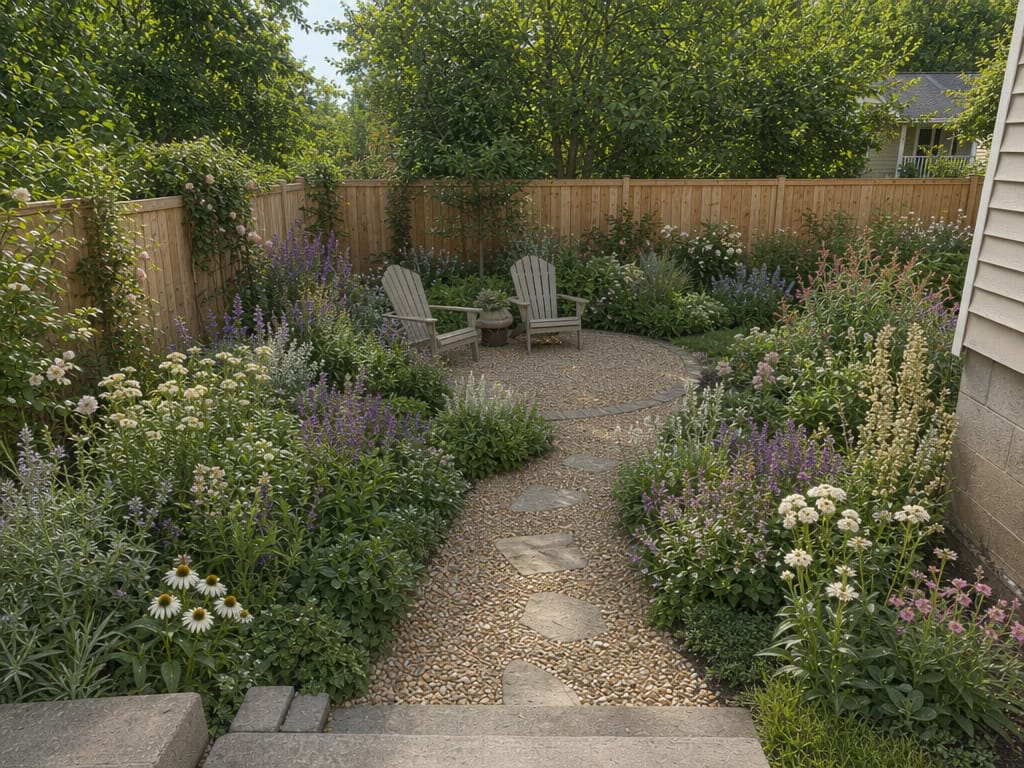
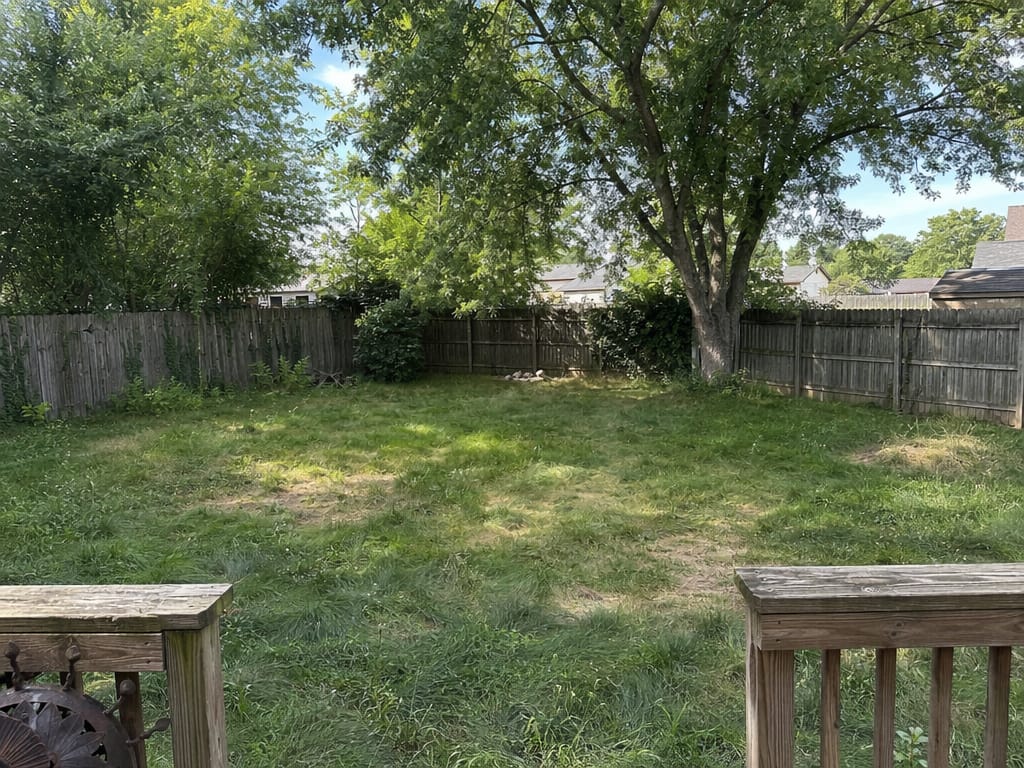
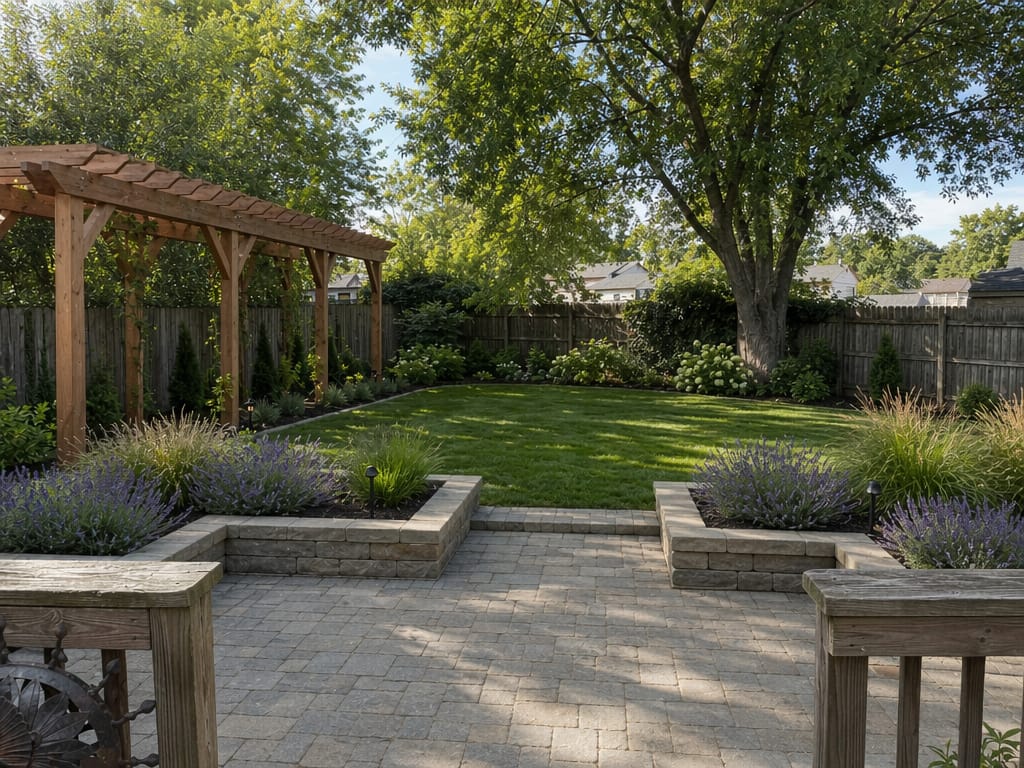
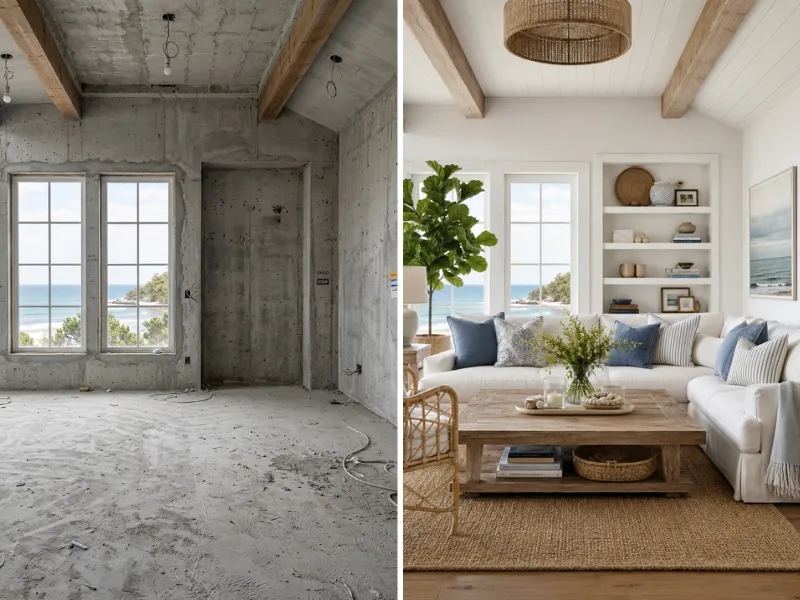
AI landscape design uses artificial intelligence to generate visual concepts for outdoor spaces. Upload a photo of your yard, describe what you want, and the AI returns a photorealistic redesign — same perspective, same proportions, different space.

It works for backyards, patios, garden beds, poolside areas, deck surrounds, and more. No design software or drafting experience needed.

Who Uses AI Landscape Design?

A Homeowner Redesigning a Neglected Backyard

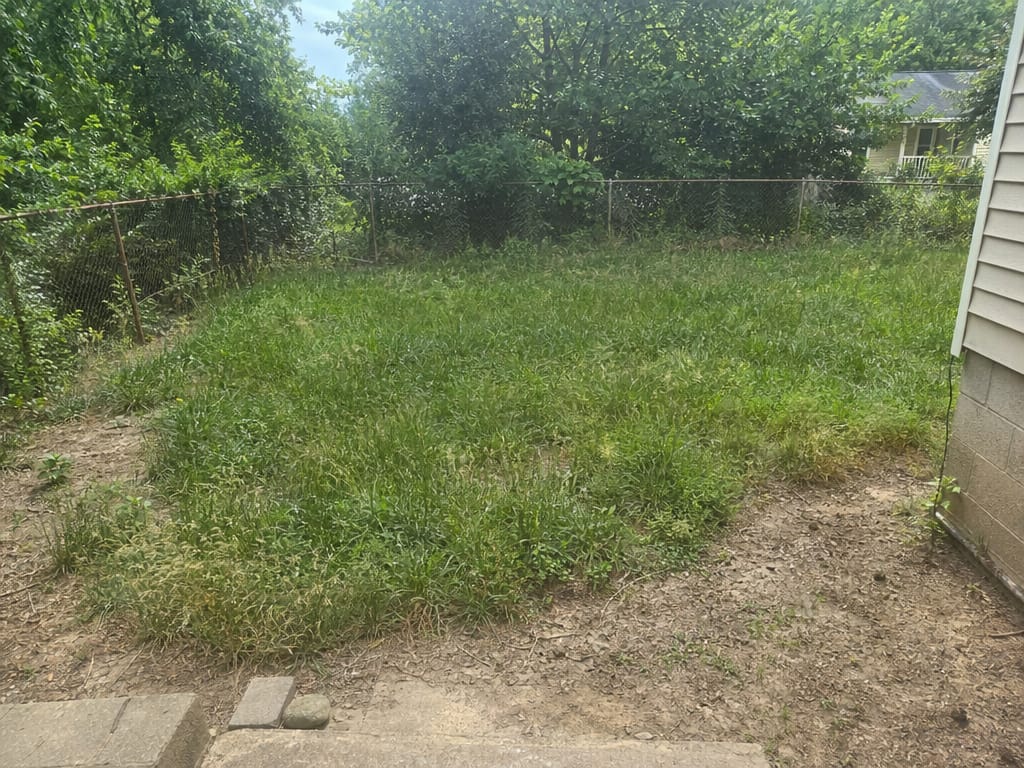
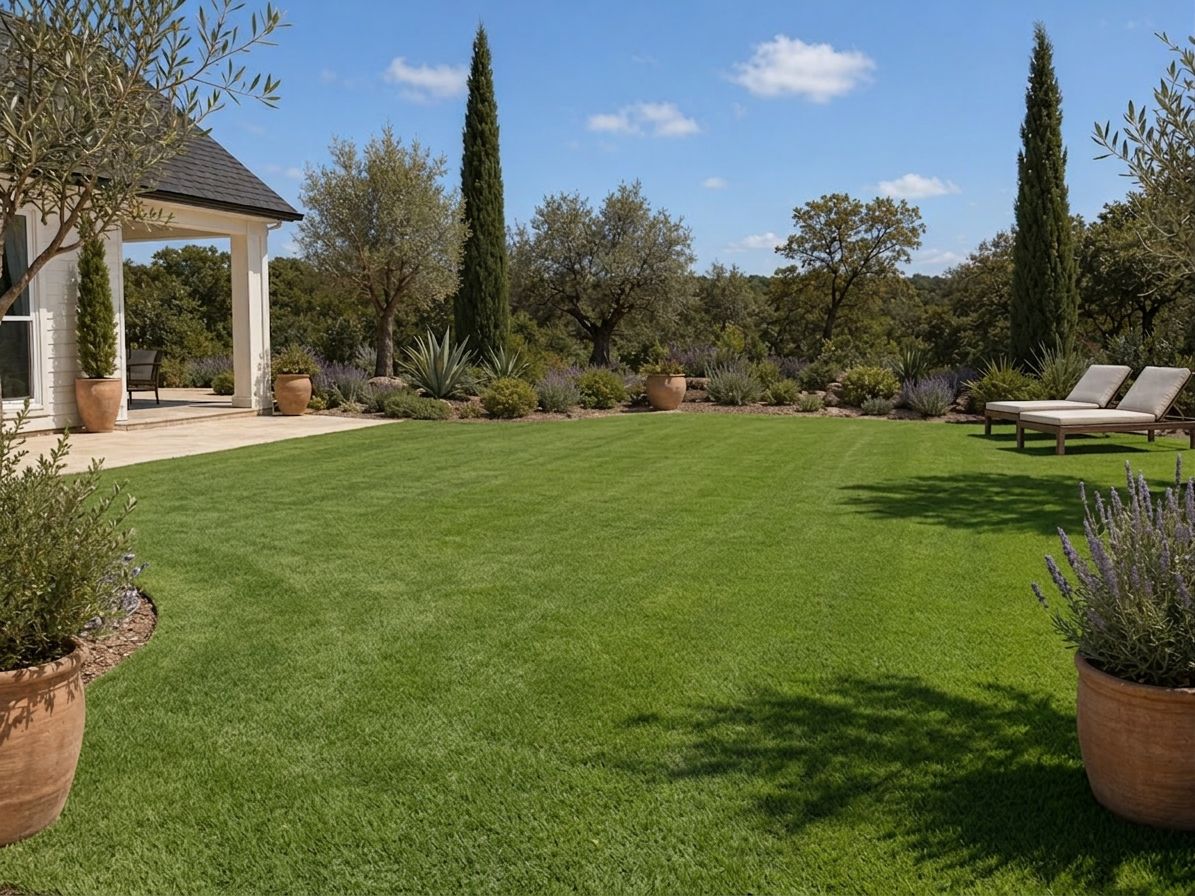
Overgrown grass, a fence that needs replacing, no clear direction. Upload a photo, describe the feel you're going for — structured and modern, or loose and cottage-garden — and generate a redesign that shows the full transformation.

A Homeowner Comparing Patio Materials Before Buying

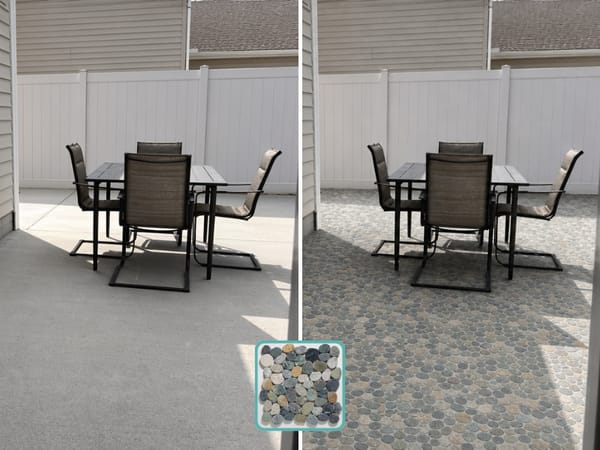
You've narrowed it down to two or three paving materials, but you can't visualize how each would look in your actual space. AI lets you swap between concrete, stone, pavers, and composite decking in the same photo — with the same furniture and surroundings — so you're comparing like for like.

A Pool Owner Visualizing Landscaping Around the Water

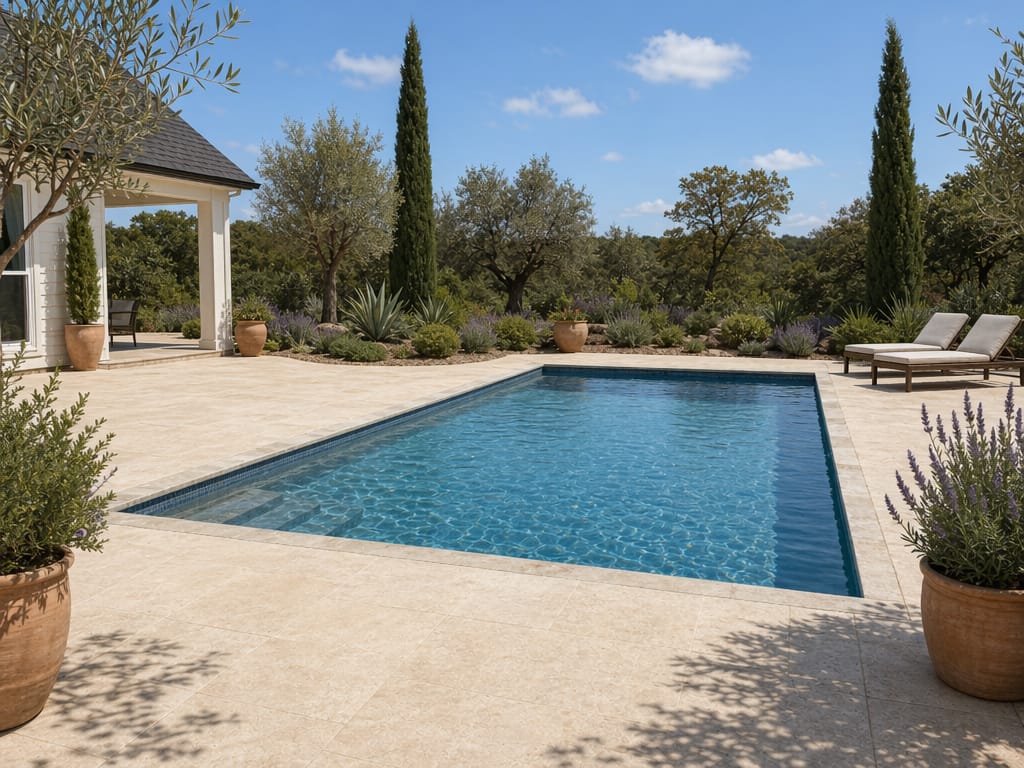
The pool is in. Now you want to figure out the surrounding hardscape, planting, and lighting. Apply different landscape styles — Mediterranean, tropical, minimalist — to a photo of the pool area and see which direction actually works with the shape and scale of the space.

How to Use AI for Landscape Design

1

Take a photo of your outdoor space

Any photo works — a wide shot of the backyard, a closer view of the patio, or a corner of the garden. Daylight and a clear view of the ground help the AI read the space accurately.

2

Upload the photo and describe what you want.

Type a short description of the changes you're imagining. You can be specific ("add a pergola along the left fence with climbing roses") or directional ("make this look like a Mediterranean courtyard").

3

Generate and review your redesign.

The AI returns a redesigned version of your photo, keeping the original perspective and proportions. Adjust the description and generate again until the direction feels right.

Why Use AI for Landscape Design?

See the Result Before You Dig a Single Hole

Outdoor changes are hard to undo. A retaining wall placed two feet too far back, or a tree planted where it blocks light — these are expensive mistakes. Generating a visual first means you make decisions with information, not guesses.

Try Dozens of Styles Without Committing to Any

Formal English garden or wild prairie planting? Concrete pavers or natural stone? With AI, you can generate 10 versions in the time it would take a designer to sketch one. You commit to a direction only when you've seen it.

Upload a Photo — No Design Skills Required

No design software, drafting conventions, or plant taxonomy needed. A phone photo and a plain-language description are the only inputs.

Plan Around Specific Features: Pools, Fences, Raised Beds

AI landscape design isn't limited to plants and grass. You can visualize how pools, raised beds, fencing, and patio surfaces interact with the rest of the yard — before committing to any of it.

Save Time and Money on Professional Consultations

A professional landscape design consultation typically runs $100–$300 before a single recommendation is made. AI landscape design lets you narrow down your ideas before that conversation — so you spend consultation time on execution details, not early exploration.

FAQ

Design Your Outdoor Space Before a Single Shovel Moves

See exactly what your backyard, garden, patio, or deck could look like — using a photo you take today. No design experience, no consultant, no commitment.

Start Your Landscape Redesign