AI Closet Design
Use an AI closet design tool to visualize closet design ideas for any style — walk-in, bedroom, or reach-in — before moving a single shelf.
Use an AI closet design tool to visualize closet design ideas for any style — walk-in, bedroom, or reach-in — before moving a single shelf.
“I was skeptical at first, but the AI redesigned my living room exactly how I imagined it. We followed the design and the result was stunning. Saved us thousands on a designer.”

Sarah Mitchell
Homeowner
“Virtual staging used to cost $300+ per room. Now I stage entire properties in minutes for a fraction of the cost. My listings sell 40% faster.”

David Chen
Real Estate Agent
“I use this tool to quickly visualize concepts for clients. It speeds up the initial consultation process dramatically. Great for moodboarding.”

Emily Rodriguez
Interior Designer
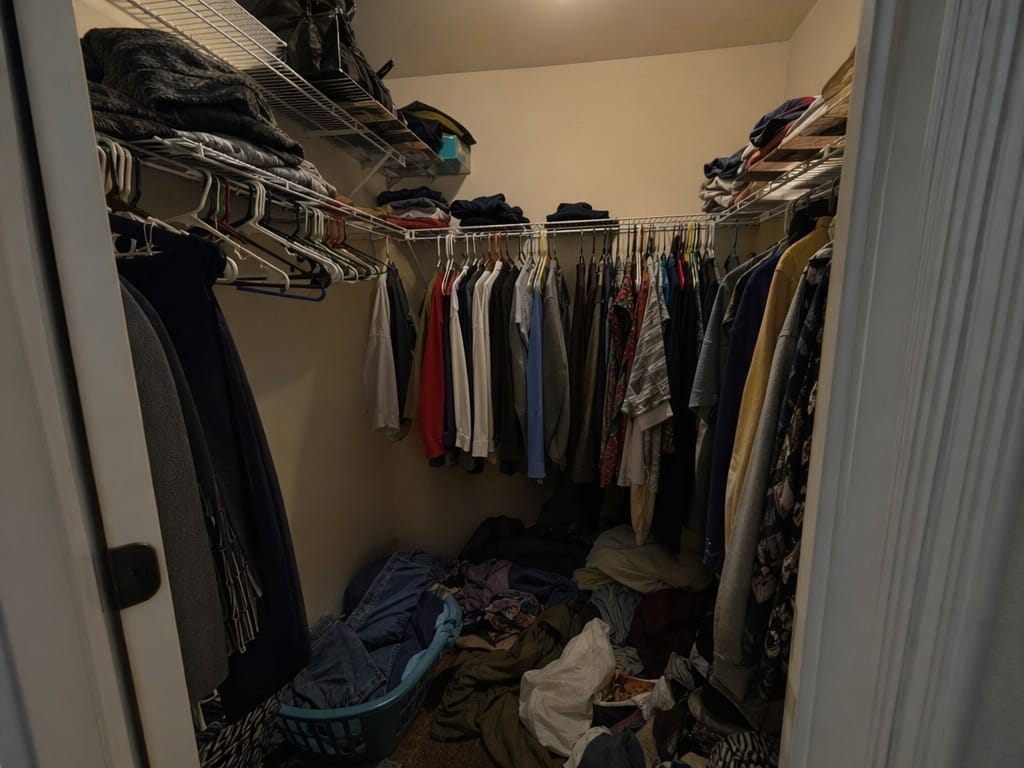
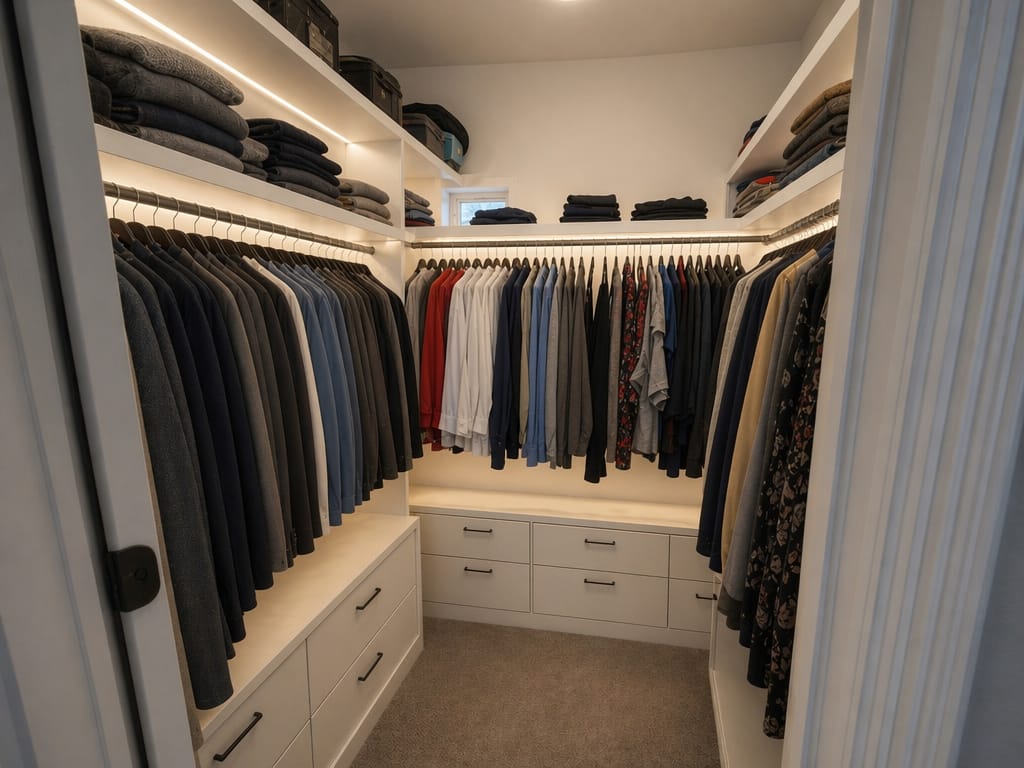
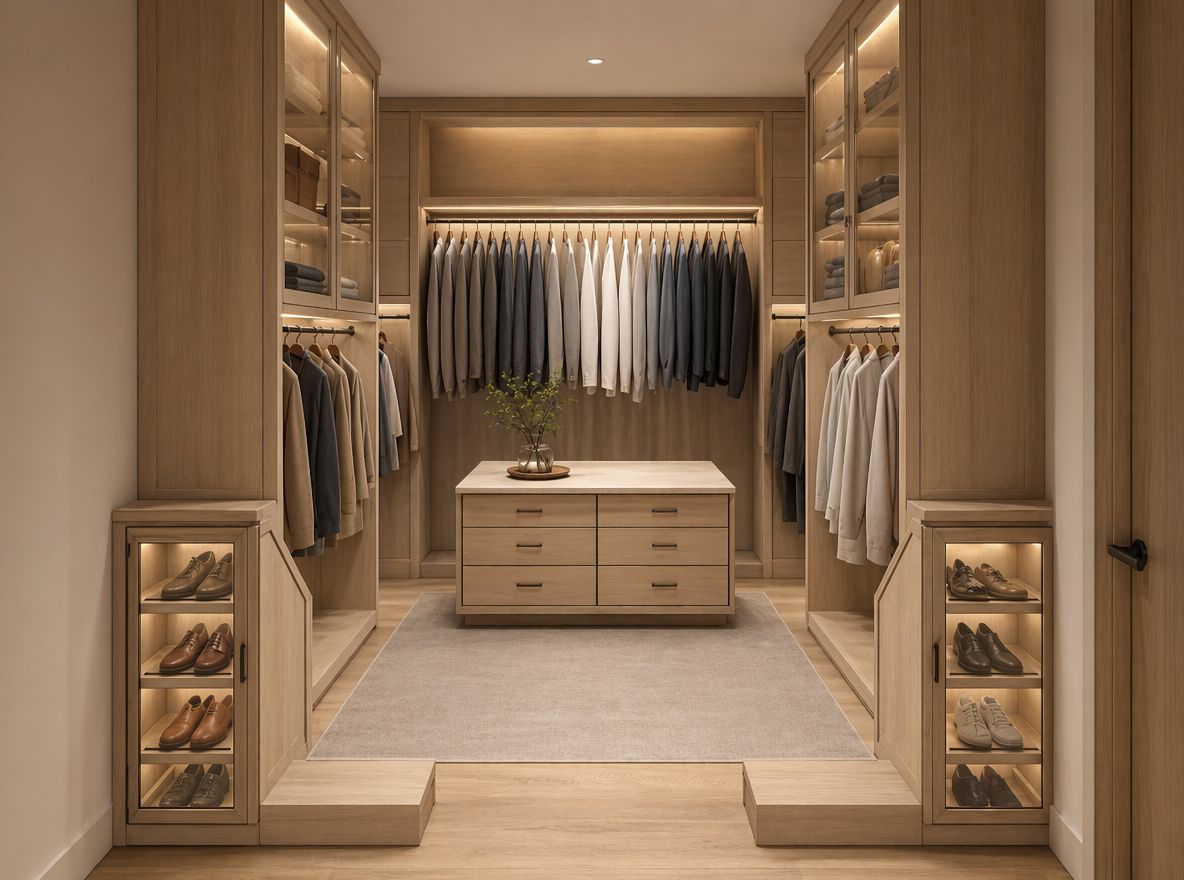
AI closet design uses an AI tool to generate visual redesigns of a closet from a photo. Upload an image of your current space, describe the style or changes you want, and the tool produces a photorealistic version of the updated closet — covering colors, materials, organization layouts, and overall aesthetic.
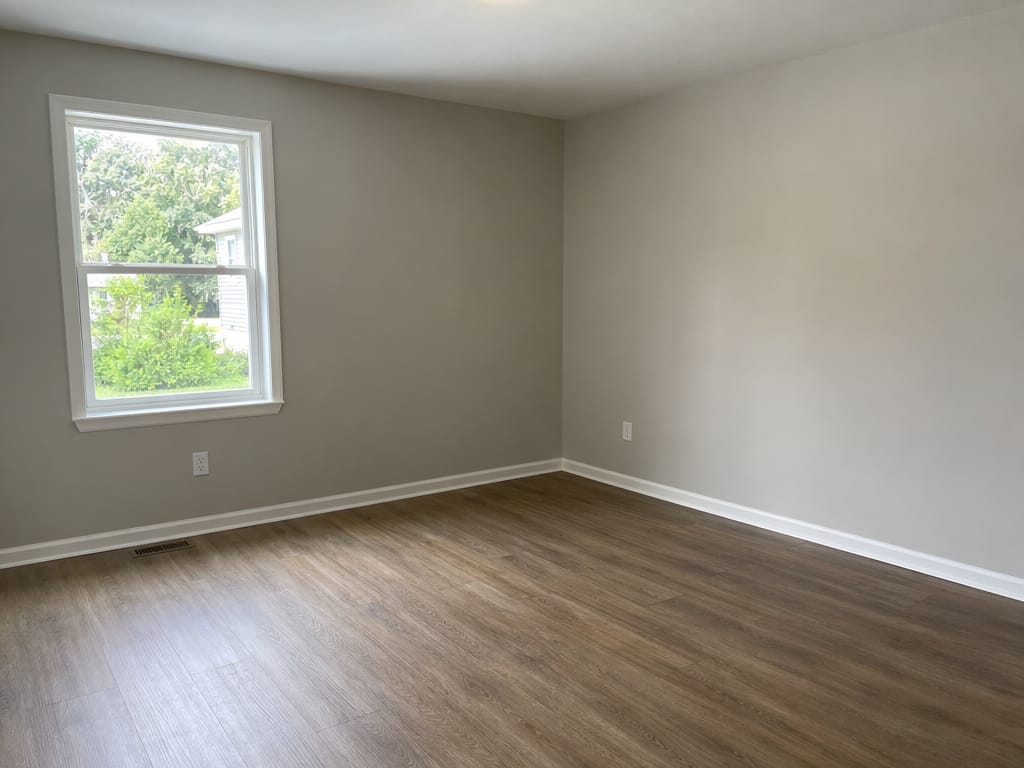
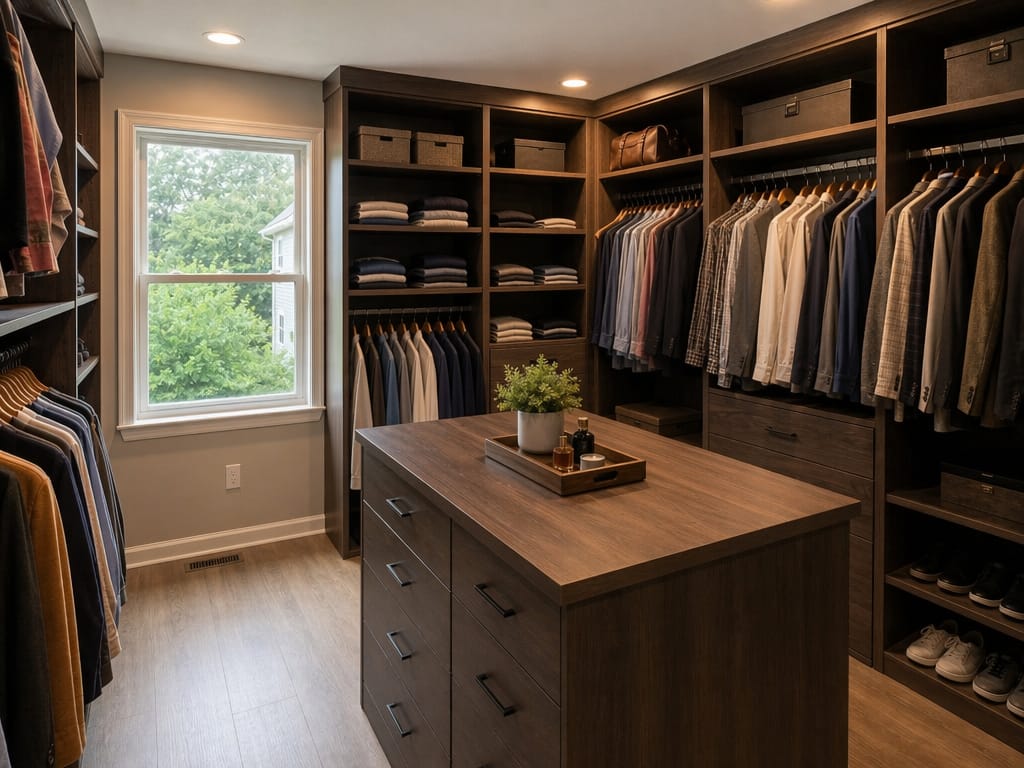
You have an empty room, a rough idea, and no clear picture of what the finished walk-in closet design might look like. Professional design consultations take weeks and cost hundreds of dollars just to get a concept rendering.
Upload a photo of the empty room and describe the custom closet design you want — open shelving, dark wood finishes, built-in drawers. The AI generates a realistic preview you can use to refine your vision before calling a contractor.
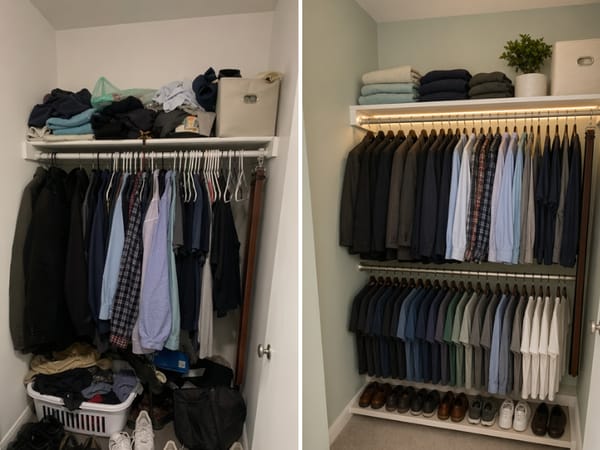
Renters can't knock out walls or install custom cabinetry. But a small bedroom closet design is often more about smart choices than construction — paint color, organizers, lighting, and styling make a significant difference.
Upload a photo of your reach-in closet and try different color palettes, organization styles, or lighting moods. See what's achievable within your constraints before spending anything.
Clients struggle to picture finished spaces from mood boards alone. A photorealistic render of their actual closet — in the style you're proposing — makes the concept tangible immediately.
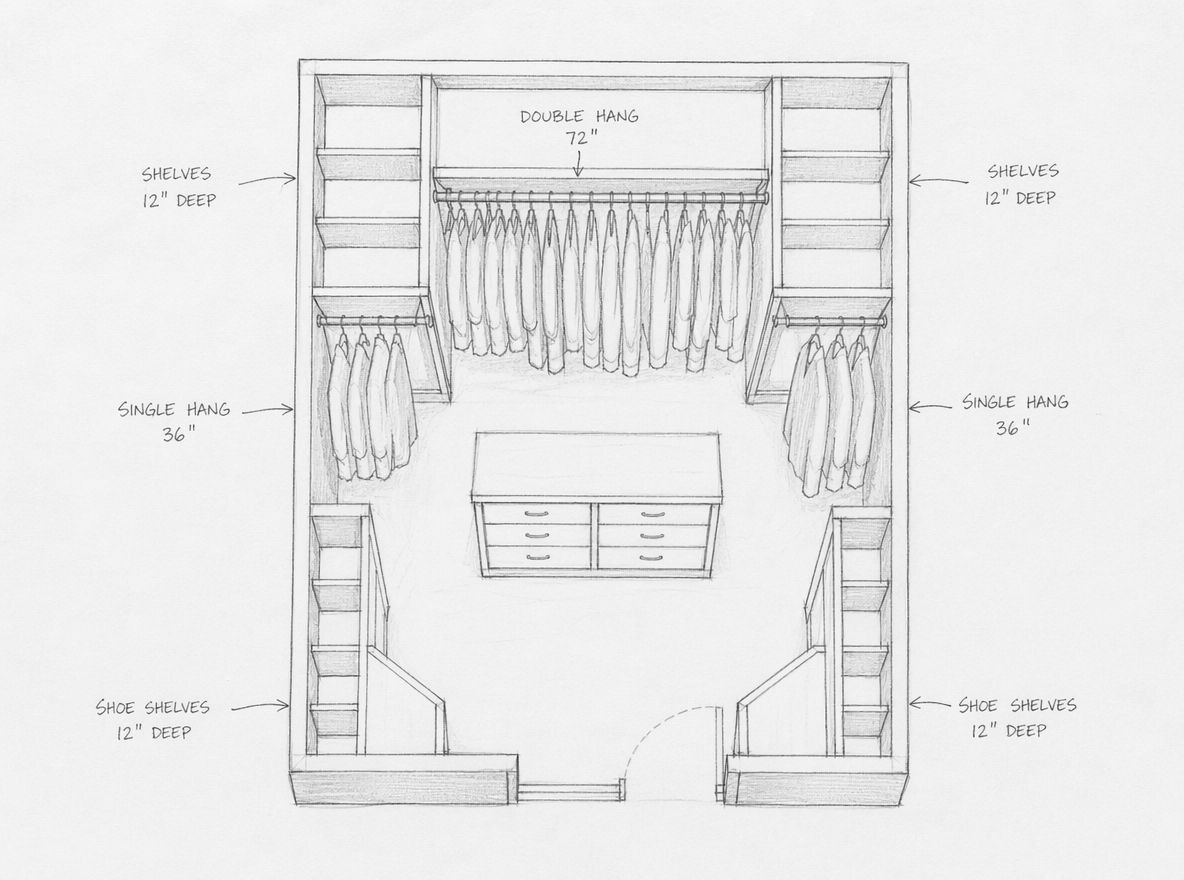
Sketch out a closet layout concept by hand, then run it through the AI to produce a finished-looking render. Use it in your presentation to show clients exactly what they're approving.
A smartphone photo is enough. Make sure the space is well-lit and the frame captures the full area you want to redesign.
Type a short description — "light oak shelving with white walls and soft lighting" — to set the direction.
The AI closet design tool generates a photorealistic version of your closet in seconds. Compare it with your starting photo.
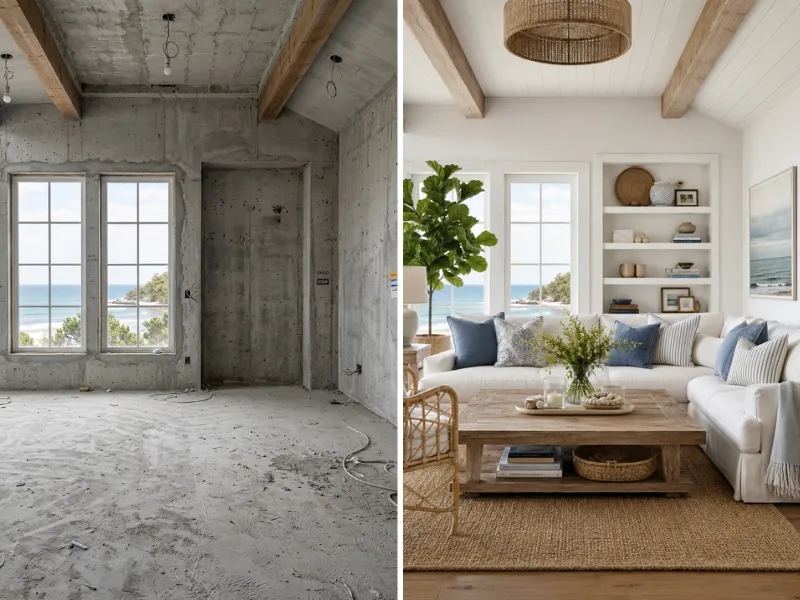
Visualize renovations before spending a dime. Try different styles, colors, and layouts risk-free. Show contractors exactly what you want.
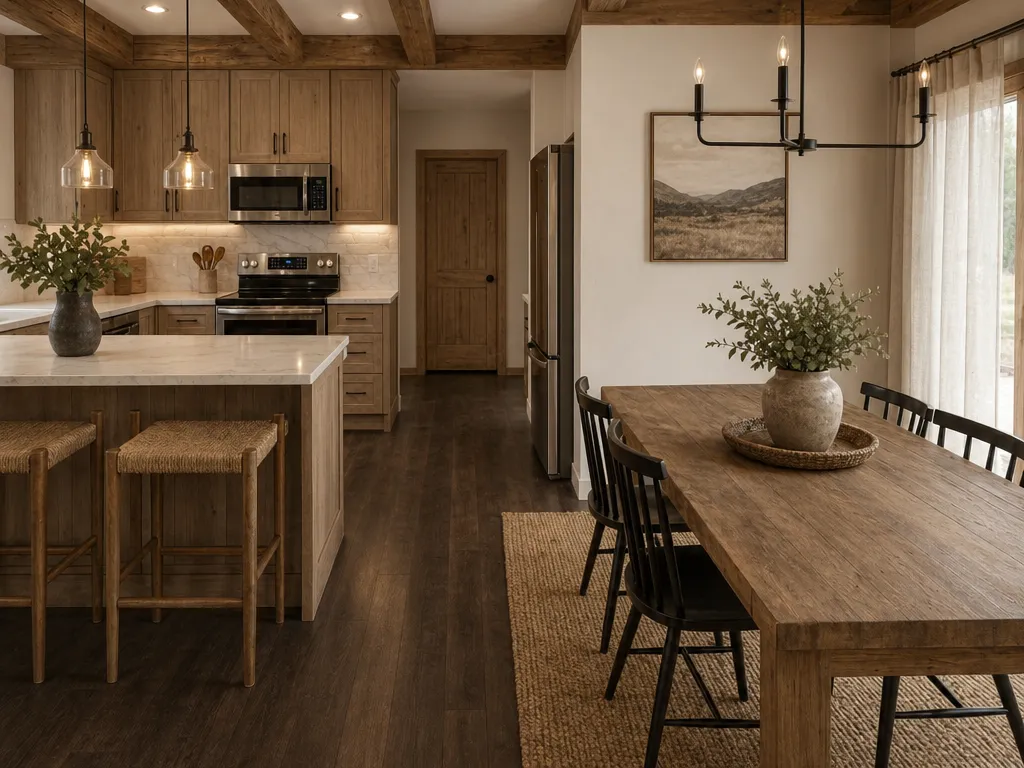
Stage vacant properties virtually at a fraction of traditional costs. Create stunning listing photos that sell homes faster.
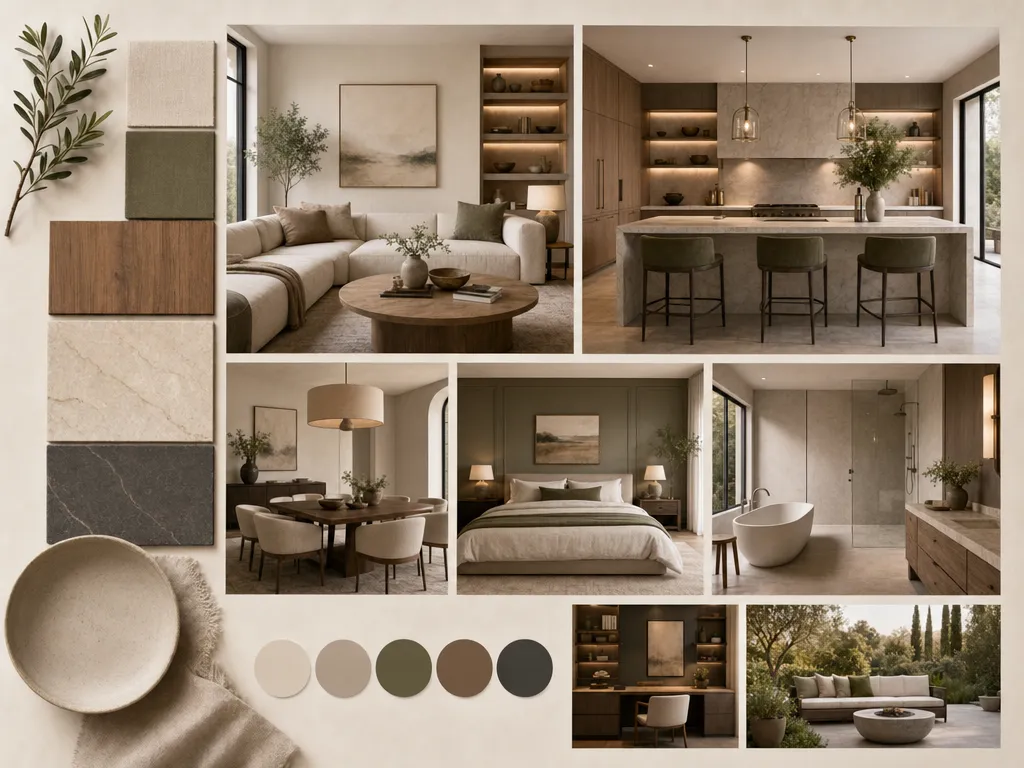
Speed up client presentations with rapid concept visualization. Iterate on ideas in minutes instead of hours.
Anyone can use it from day one.
Faster than any other tool on the market.
Modern, Japandi, Coastal, Industrial, and more.
No downloads, no installs, browser-based.
From homeowners to agencies.
Redesign, staging, floor plans, color swap.
We take your data seriously. Here's exactly how HomeRestyle handles your photos and personal information.
Every photo you upload is encrypted in transit and at rest. Your images are never accessible to other users.
We do not sell, share, or license your uploaded images to any third party — ever. Your home is your business.
Your photos are not used to train our AI models. What you upload stays separate from our model development pipeline.
Most people commit to a direction — a paint color, a shelving system — before they've seen it in their actual space. An AI closet design tool generates visual closet design ideas from your real photo, so you're choosing between options you've already seen, not guessing.
You don't need a closet design app, CAD software, or any technical skills to get a useful result. Describe what you want in plain language and the AI handles the rest — making it easy to design your own closet exactly the way you want it.
Whether you're drawn to a modern closet design with clean lines, a simple closet design with open shelving, or a fully custom build — AI generates each direction in minutes. Compare styles side by side before committing to a single purchase.
Closet design services and professional renderings can cost hundreds of dollars before you've confirmed a direction. AI closet design gives you that same visual clarity at the concept stage — before any money changes hands.
No appointments, no showroom visits, no waiting. Open the tool in your browser, upload a photo, and start exploring closet design ideas immediately — whether you're designing a walk-in closet or refreshing a bedroom reach-in.
See your closet design ideas in your actual space — before buying a single shelf or calling a contractor.