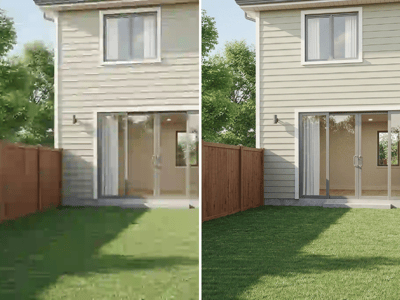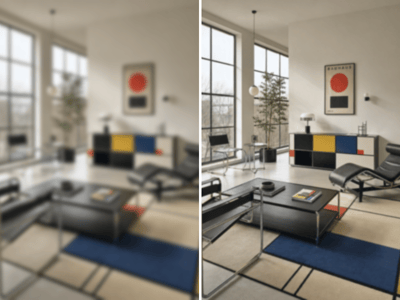
Change Color & Material
Upload a room photo and instantly preview new wall colors, wall materials, and floor textures with AI.


What Is the "Change Color & Material" Tool?
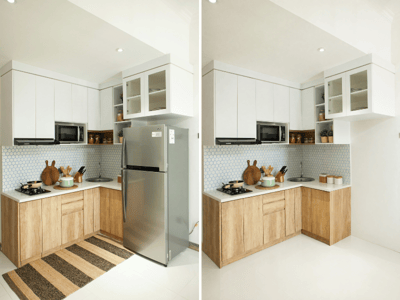
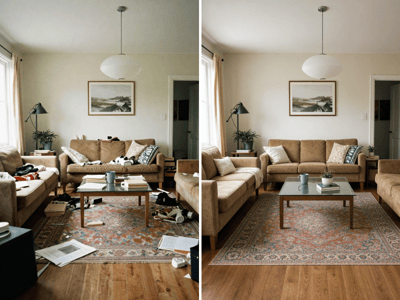
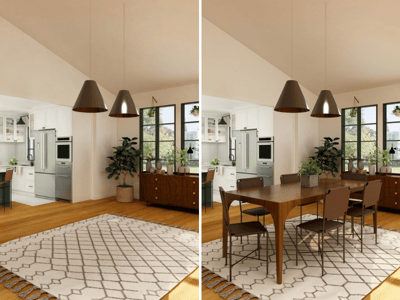
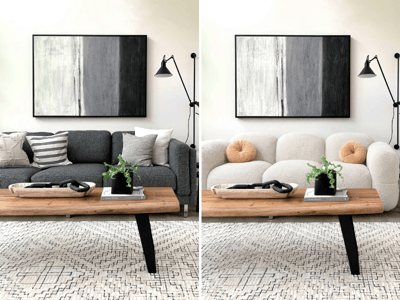
HomeRestyle AI's Change Color & Material tool is an AI-powered interior design visualizer. Upload a real photo of your room, and the AI instantly identifies walls, floors, and other surfaces — then swaps their color or material to generate a photorealistic preview in seconds.
No contractors. No paint swatches. No guesswork. You see exactly how your space will look before you commit to any changes.
Whether you're a homeowner planning a renovation, an interior designer pitching options to a client, or a real estate agent looking to refresh a listing photo, this tool turns hours of deliberation into a few clicks.
What Can You Use It for?

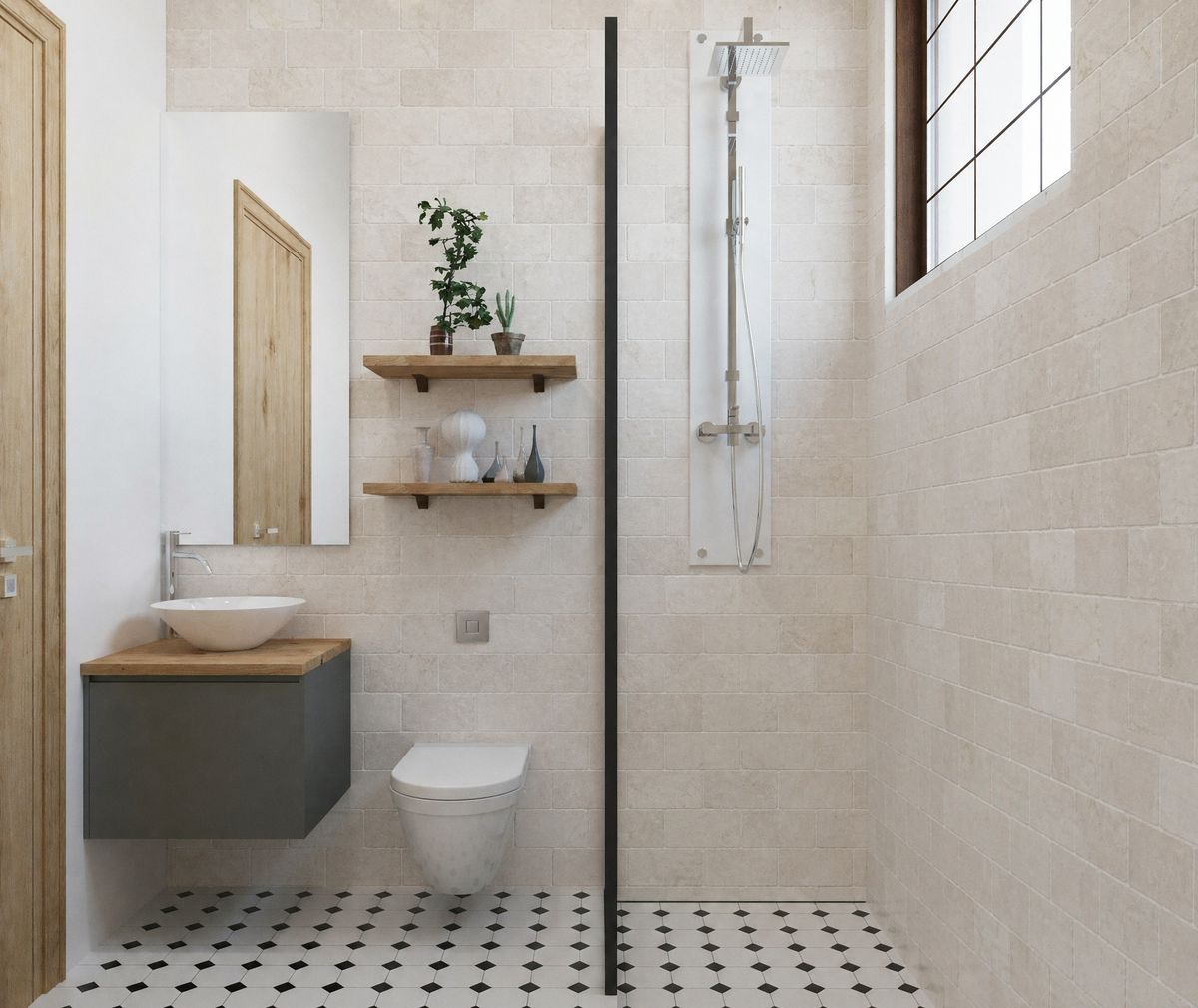
Changing Living Room Wall Color
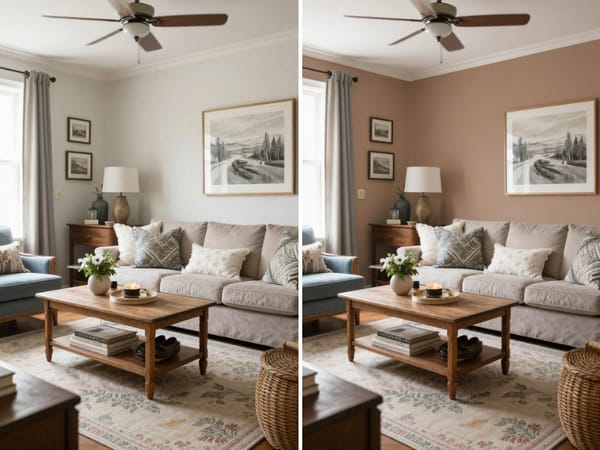
Picking wall paint is one of the most agonizing decisions in any renovation. Color swatches look different under store lighting than they do in your living room. A small test patch on the wall can't show you what an entire room will feel like in that shade.
Upload a photo of your living room and instantly toggle between warm gray, cream white, deep navy, sage green — whatever you're considering. The AI preserves the natural light coming through your windows, the shadows behind your sofa, and the reflections on your picture frames, so every color option looks like a real photograph.
Changing Wall Material
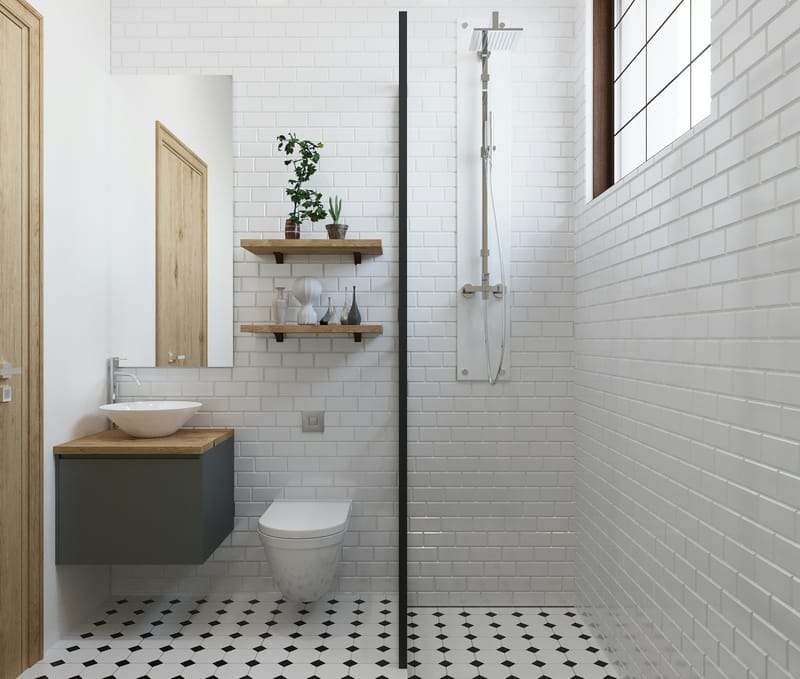
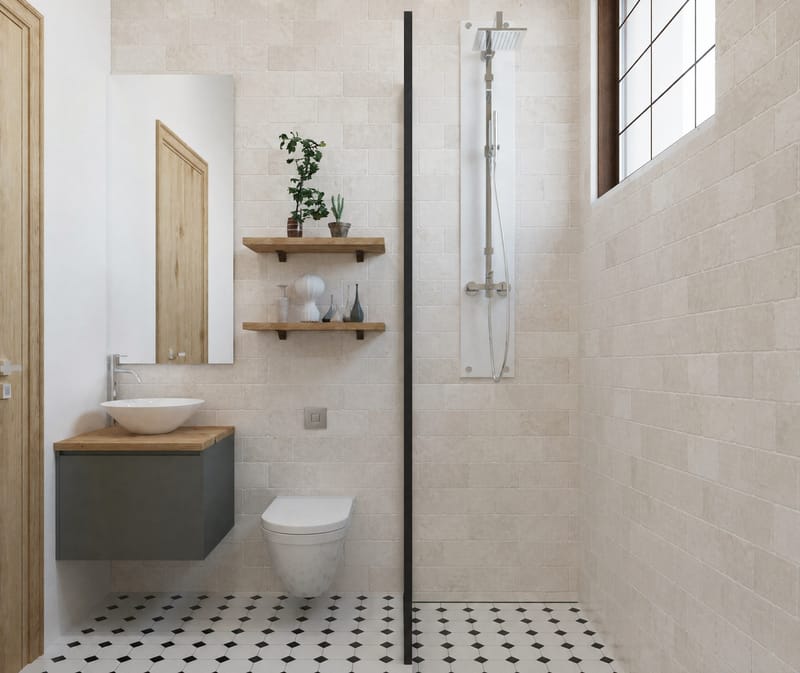
Beyond color, swapping wall materials — from latex paint to exposed brick, wood panels, marble slabs, or textured wallpaper — creates a dramatic transformation. But these changes cost thousands of dollars and are difficult to reverse once installed.
The material replacement feature lets you skip the expensive trial-and-error process. The AI doesn't just paste a flat texture — it generates realistic depth, highlights, and shadows based on the light source direction in your photo. Brick looks bumpy. Marble looks glossy. Wood grain follows the correct perspective lines.


Changing Floor Material
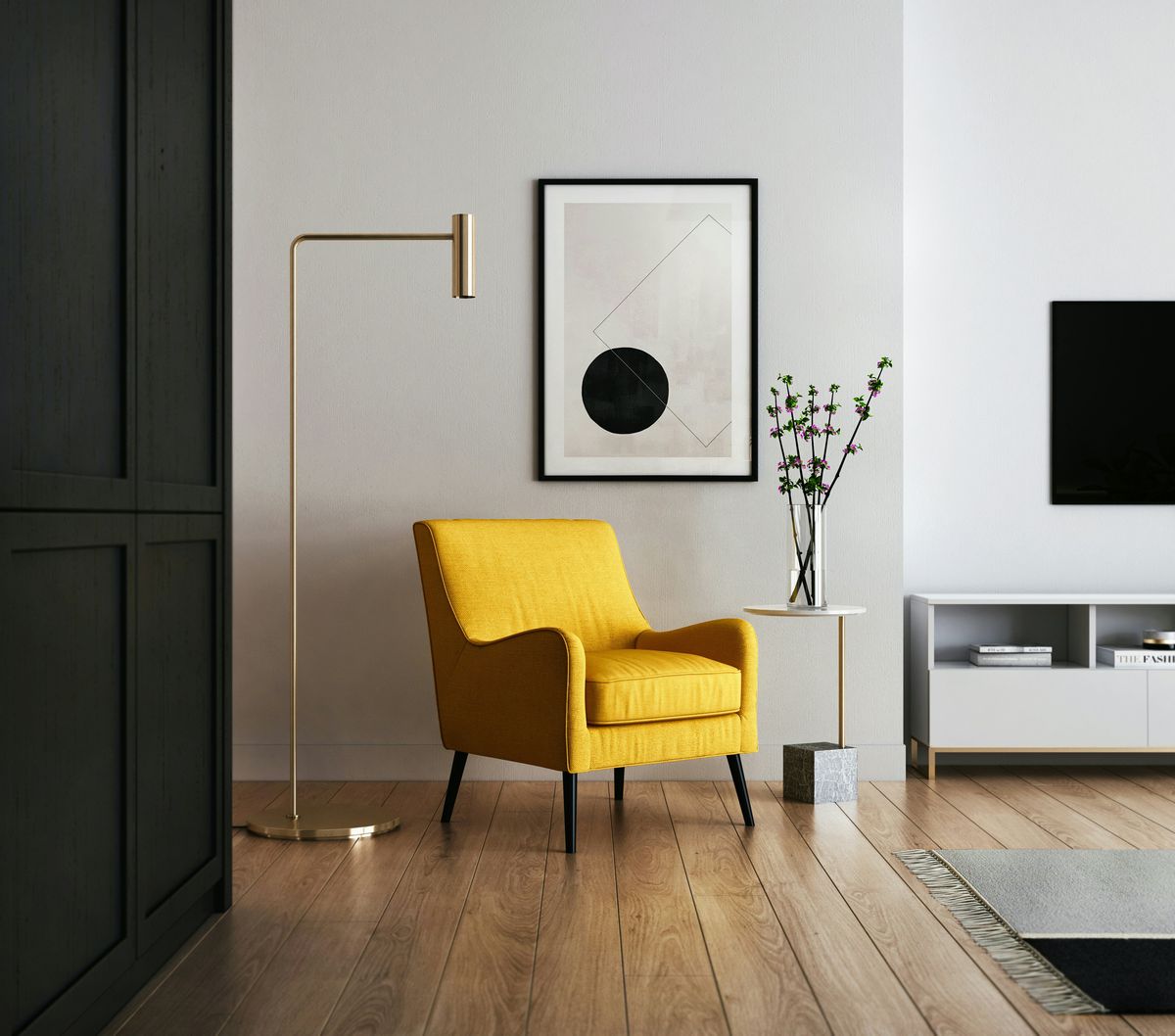
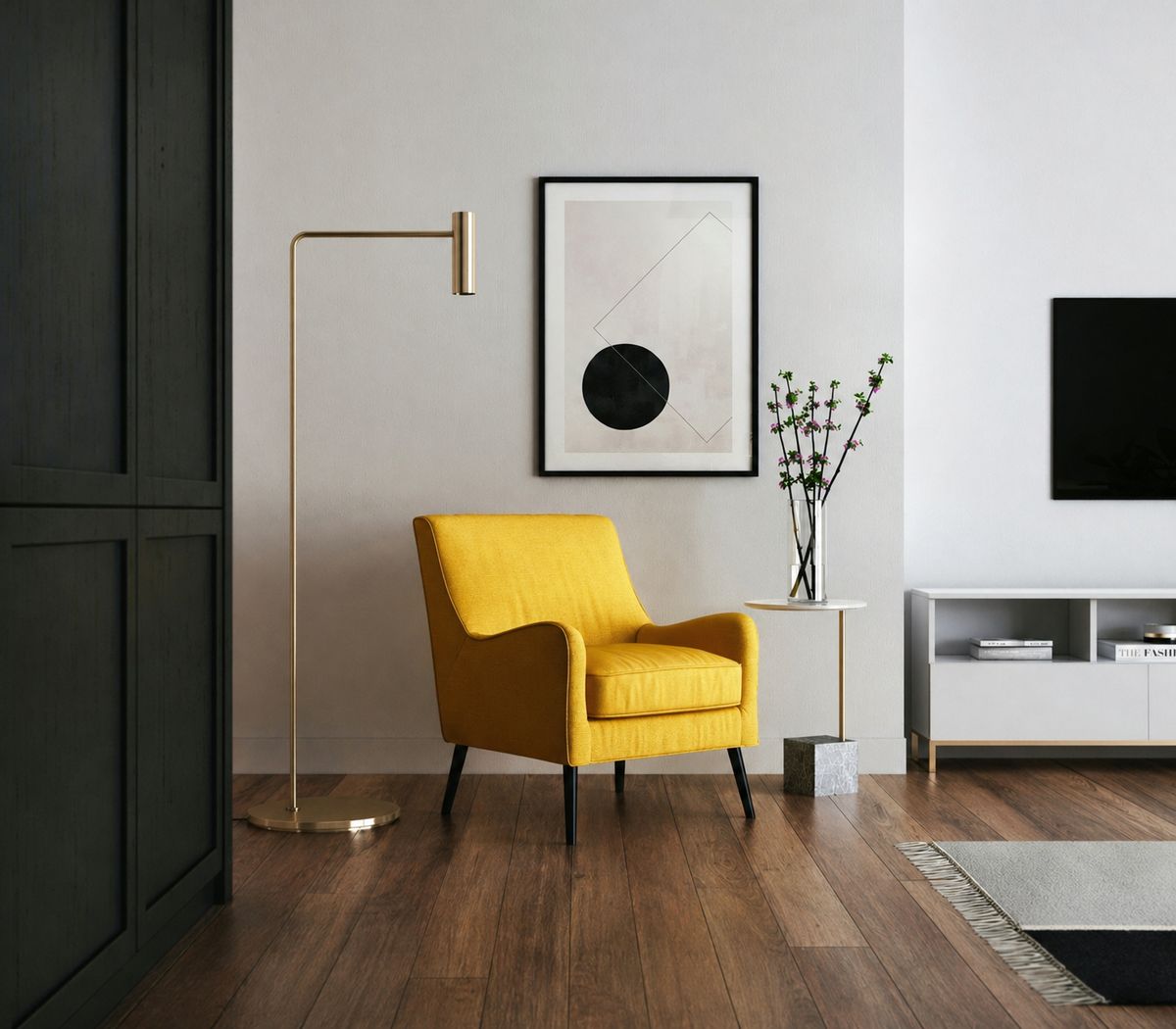
Flooring covers the largest surface area in any room. Its color and texture fundamentally define whether a space feels warm or cool, modern or rustic. Yet floor samples at the building materials store — small squares under showroom lighting — rarely convey how they'll actually look in your home alongside your existing furniture and wall colors.
Use the same room photo to virtually "install" herringbone oak, gray cement tile, white marble, dark walnut hardwood, or plush carpet. See how each option interacts with your sofa, curtains, and wall color — then go to the store knowing exactly what you want.


Who Is This Tool For?
| Role | Use Case | Key Benefit |
|---|---|---|
| Homeowners | Paint selection, renovation planning, décor coordination | Avoid costly mistakes — see the result before you commit |
| Interior Designers | Client proposals, scheme comparisons, rapid visualization | Replace slow 3D rendering with instant AI previews |
| Real Estate Agents | Virtual refresh of listing photos, staging enhancements | Make dated properties look move-in ready, accelerate sales |
| Painters & Material Suppliers | Show clients how products look in their actual space | More persuasive than swatches — builds buyer confidence |
| Renovation Companies | Pre-construction design confirmation, material comparisons | Reduce rework and change orders, improve client satisfaction |