Huonekalujen visualisoija
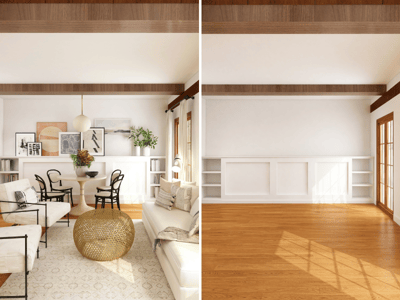
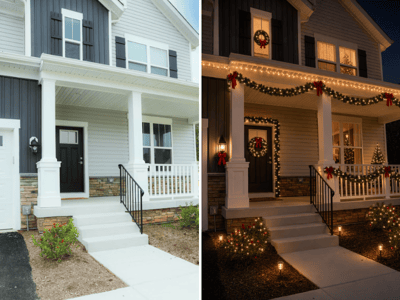
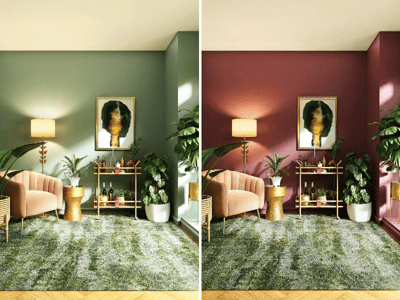
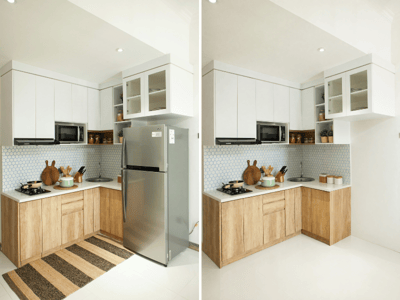
AI-pohjainen huonekalujen visualisoija näyttää sohvat, lamput ja sängyt kuvassasi. Lataa huoneen ja huonekalun kuva ja näe tulos heti.
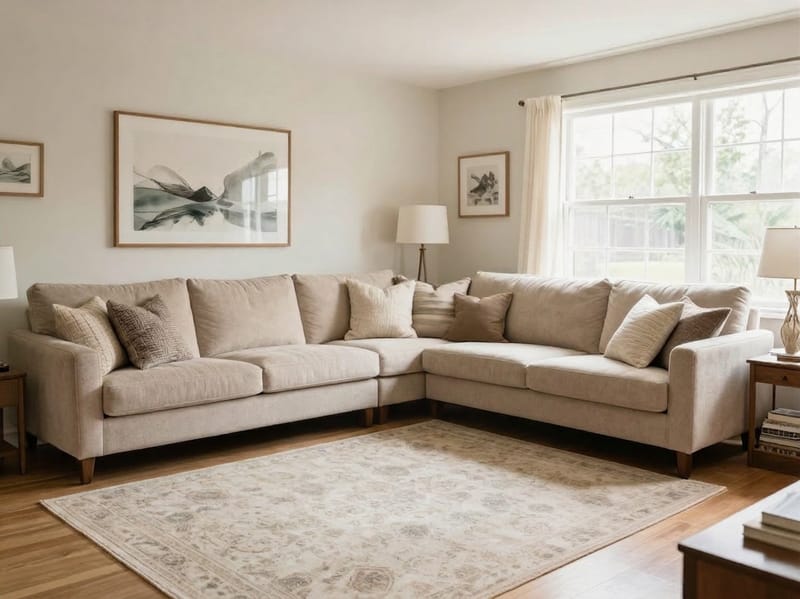
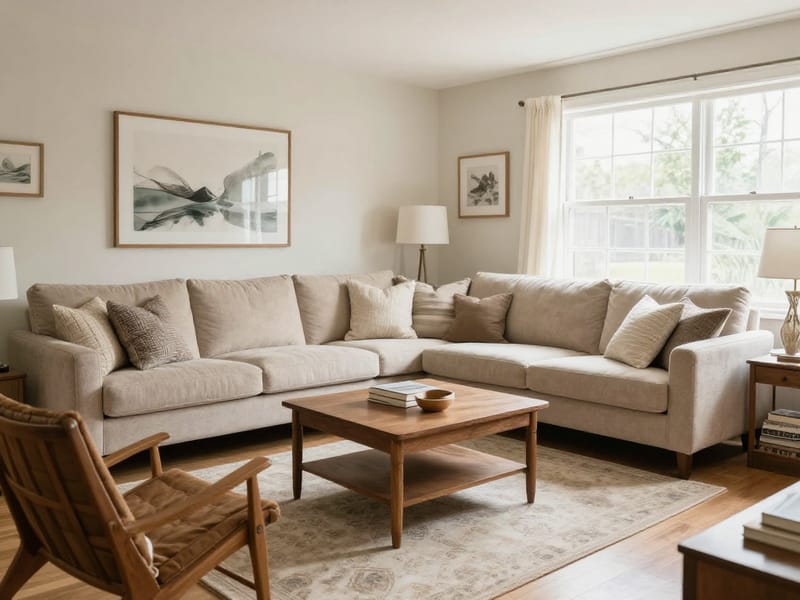
AI-huonekalujen sijoittelu: Näe mikä tahansa esine huoneessasi ennen päätöstä
Kirjoituspöytä näyttää hyvältä kaupassa, mutta ei ehkä toimi pelihuoneessasi. Huonekalujen visualisoija ottaa aidon huonekuvasi ja kuvan valitsemastasi esineestä — ja näyttää, miltä se näyttäisi omassa tilassasi ennen kuin ostat, siirrät tai päätät mitään lopullista.
Näin sijoitat huonekalun huoneeseesi
Lataa kuva huoneestasi. Hyvä valaistus ja kuva suoraan ovelta tai nurkasta toimii parhaiten — mitä enemmän lattiaa näkyy, sitä enemmän vaihtoehtoja AI:lle. Vältä kalansilmäobjektiivia; se vääristää mittasuhteita.
Lataa kuva huonekalusta. Paras on tuotekuva valkoista taustaa vasten. Jos kuvaat omaa esinettäsi, käytä neutraalia seinää ja pidä tausta siistinä.
Nimeä huonekalun tyyppi. Useimmat kirjoittavat vain kategorian, mutta tarkempi kuvaus antaa paremman tuloksen. Mainitse myös muoto ja materiaali: esimerkiksi "L-muotoinen sohva" tai "rottinkinen riippuvalaisin" kertoo AI:lle enemmän kuin pelkkä "sohva" tai "lamppu".
Kuvaile sijoituspaikka. Käytä tilaan viittaavia ilmaisuja: "vasemmalle seinälle ikkunan alle" tai "kaukaiseen nurkkaan oven vastakkaiselle puolelle". Jos jätät tämän tyhjäksi, AI arvaa paikan huonekuvan perusteella.
Luo ja muokkaa. Jos lopputulos ei tunnu oikealta, muokkaa ohjetta ja kokeile uudestaan — pienetkin sanavalinnat voivat vaikuttaa ratkaisevasti.
Mitä kaikkea voit tehdä työkalulla
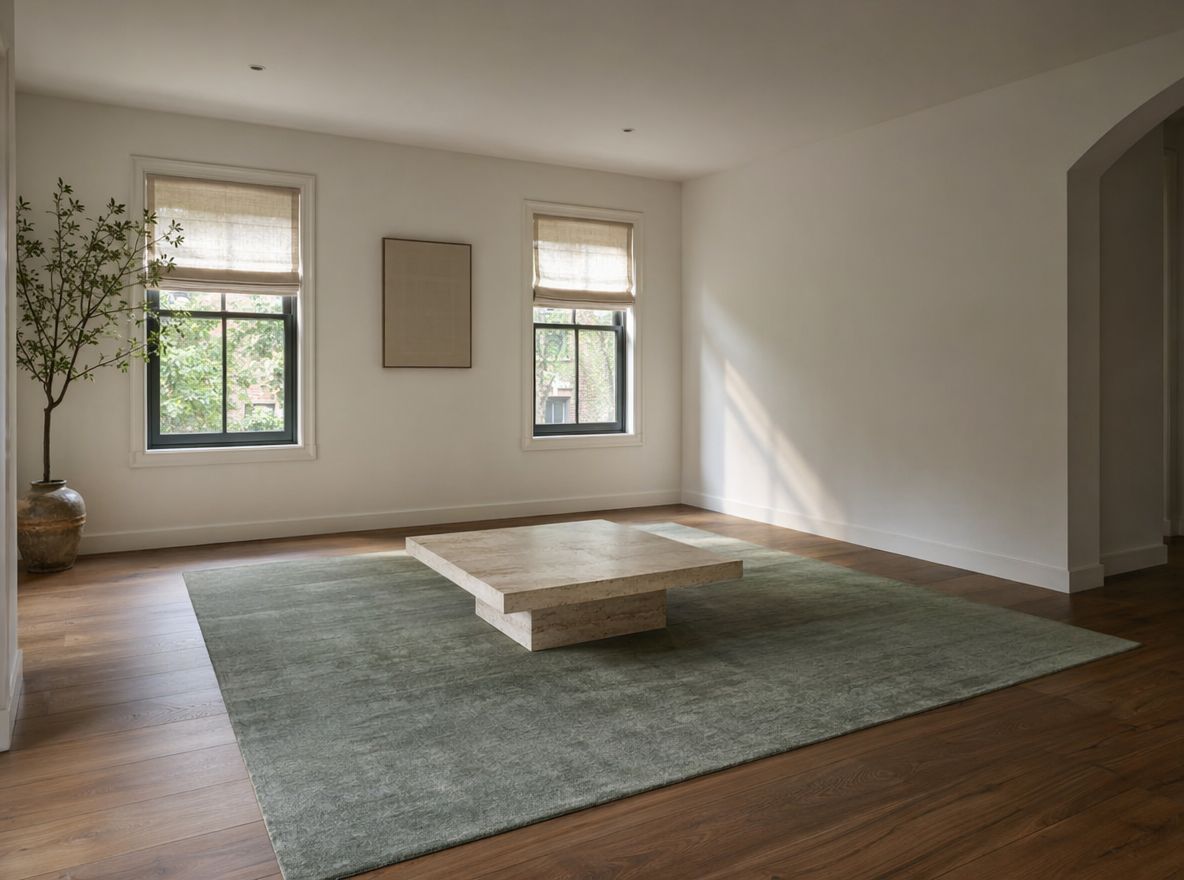
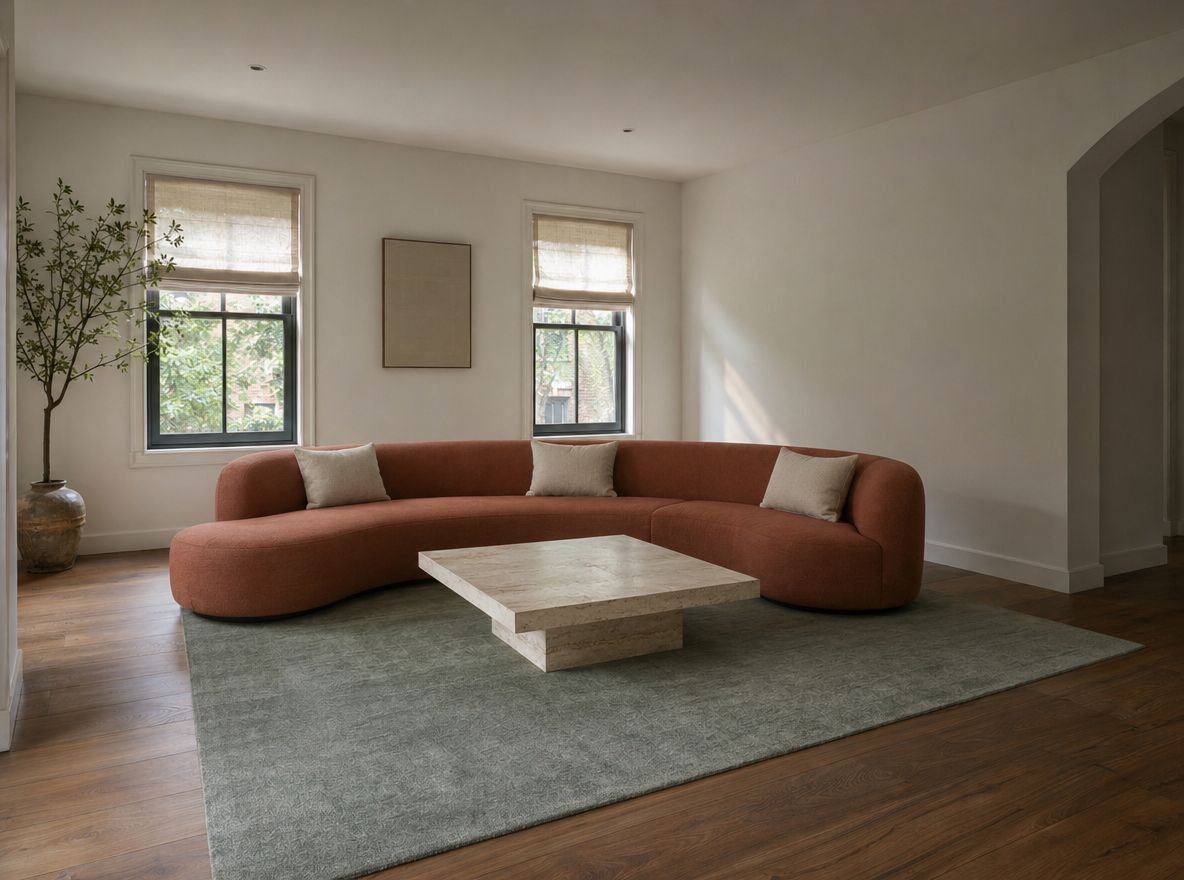
Näe sopiiko sohva ennen ostoa
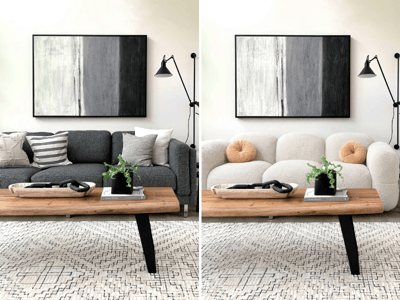
Verkko-ostoksilla pitää usein päättää pelkkien mittojen perusteella, saamatta oikeaa tuntumaa tilaan. Lataa huoneesi kuva ja tuotteen tuotekuva, kerro mihin haluaisit sen sijoittaa, ja huonekalujen visualisoija näyttää todellisen lopputuloksen — ei 3D-mallia vaan realistisen näkymän.
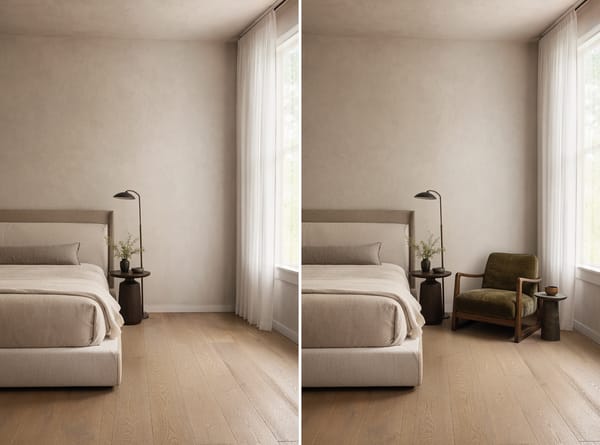
Sommittele huone olemassa olevan esineen ympärille
Löysitkö esineen torilta, saitko sen sukulaiselta tai löytyykö se jo kotoasi, mutta et ole varma sopiiko se haluamaasi paikkaan? Sijoita se virtuaalisesti kahteen tai kolmeen kohtaan ja vertaile ennen kuin alat järjestellä huonetta uudelleen.
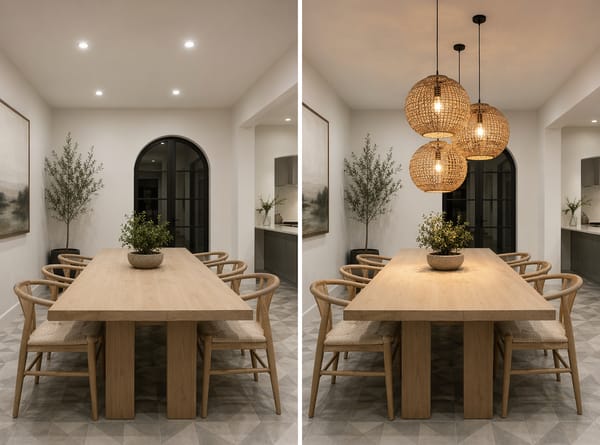
Suunnittele koko huone uudelleen pala kerrallaan
Huoneen uudistaminen ei vaadi kaiken tekemistä kerralla. Aloita ankkurikalusteella — esimerkiksi sohvalla tai sängyllä — ja lisää muita esineitä yksi kerrallaan, kunnes huoneessa on järkeä. Huokeampaa ja vähemmän vaivalloista kuin jatkuva yritys ja erehdys.
Mitä huonekalujen visualisoija oikeasti osaa
Visualisoija, joka huomioi huoneesi oikean valon ja mittasuhteet
Lataat kaksi kuvaa — huoneen ja esineen — ja AI sijoittaa kalusteen realistisesti omaan tilaasi. Ei mittauksia, ei piirrosohjelmia, ei arvailua. Lopputulos kunnioittaa huoneen valaistusta, lattian materiaalia ja syvyyttä.
Toimii kaikenlaisten huonekalujen kanssa — ei vain vakiotuotteiden
Huonekalun tyyppi -kenttä hyväksyy luonnollisen kielen: "marmorinen sohvapöytä", "kaareva samettinen lepotuoli", "teollinen lattiavalaisin". Työkalu ei rajoitu tuotekatalogiin. Kunhan osaat nimetä ja kuvata esineen, se voidaan sijoittaa huoneeseesi.
AI-huonekalusijoittelu, joka mukautuu huoneesi valoon
Sijoitettu esine saa huoneesi kuvasta realistisen valaistuksen. Kaupan kirkkaassa valossa otettu huonekalu näyttää erilaiselta lämpimässä makuuhuoneessasi — ja työkalu ottaa tämän automaattisesti huomioon.
Nopea ja Pro-tila eri työvaiheisiin
Nopea tila on tarkoitettu kokeiluun — viisi sijoitusta siinä ajassa, kun kaluste liikutetaan kerran. Pro-tila tuo lisää tarkkuutta ja yksityiskohtia, kun haluat lopullisen kuvan vaikka puolisolle, sisustajalle tai asiakkaalle.