Schets naar Render
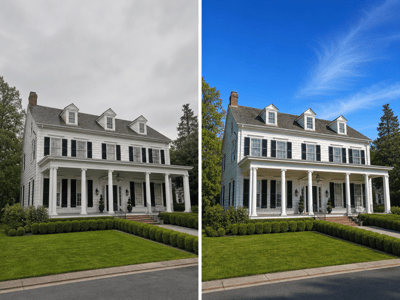
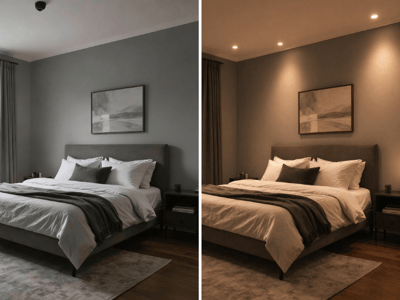
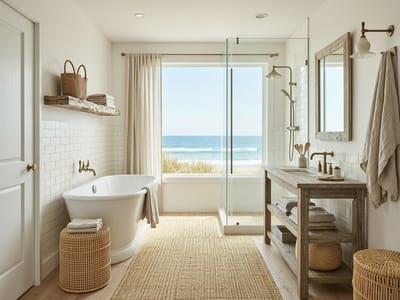
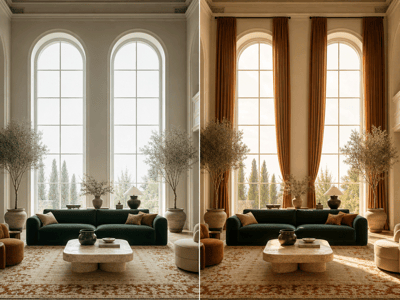
Verander handgetekende schetsen, plattegronden en CAD-screenshots razendsnel in fotorealistische renders van interieur, exterieur en tuin.
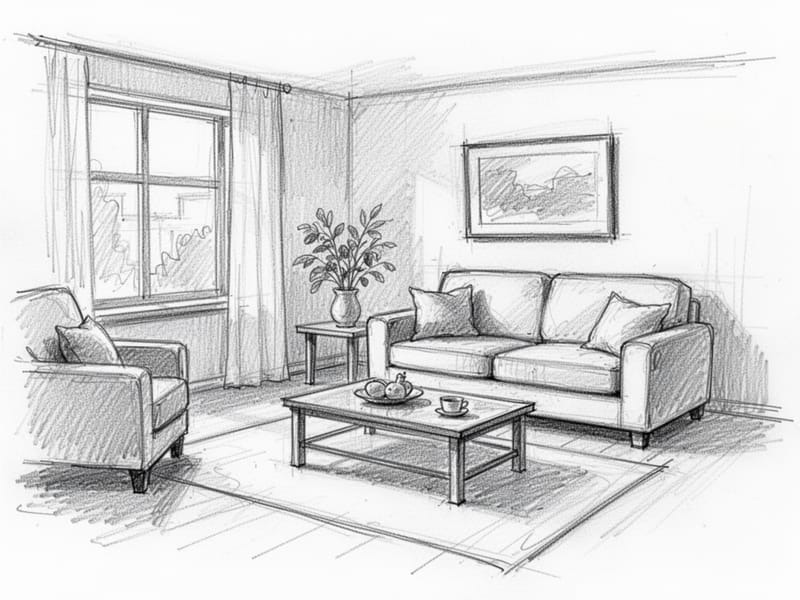
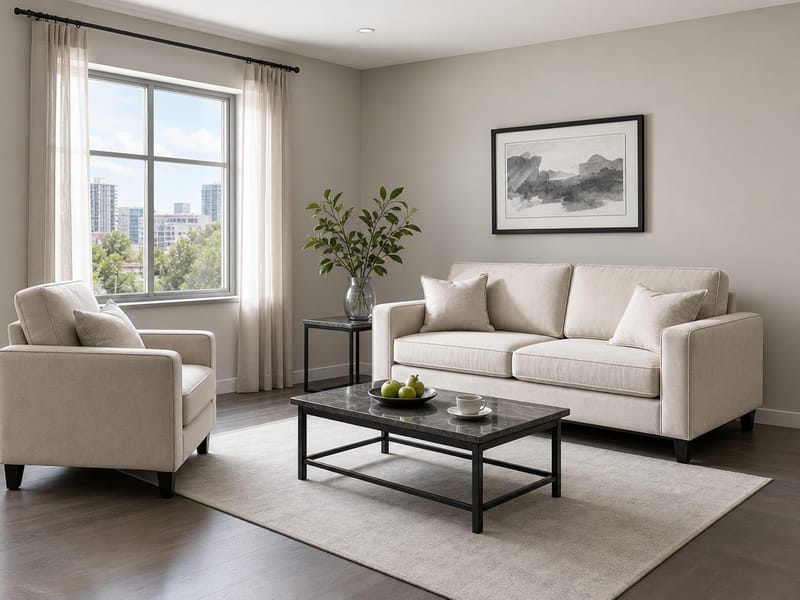
AI Schets naar Render: maak van elke tekening een fotorealistisch ontwerp
Elk geweldig ontwerp begint met een idee — een snelle schets op een servet, een potloodtekening in een schrift of een simpele wireframe uit CAD-software. Het grote probleem was altijd de kloof tussen dat eerste ontwerp en een afgewerkte, fotorealistische visualisatie. Traditioneel kostte het uren aan 3D-modelleren, texturen en renderen, of moest je iemand inhuren om dat voor je te doen.
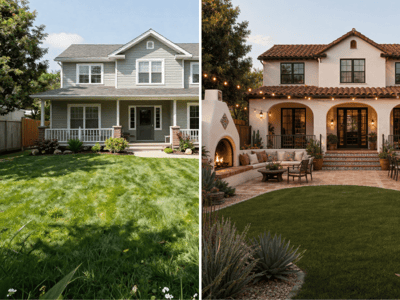
Met HomeRestyle AI’s Schets naar Render-tool is dat verleden tijd. Upload een handgetekende schets, een plattegrond of een screenshot uit je favoriete designsoftware, kies je voorkeuren en zie hoe de AI je ontwerp in seconden omzet naar een levensechte render. Of je nu een interieurindeling maakt, een gevel aanpakt of een tuinconcept uitwerkt—de tool overbrugt direct de afstand tussen fantasie en visualisatie.
Voor wie is deze tool?
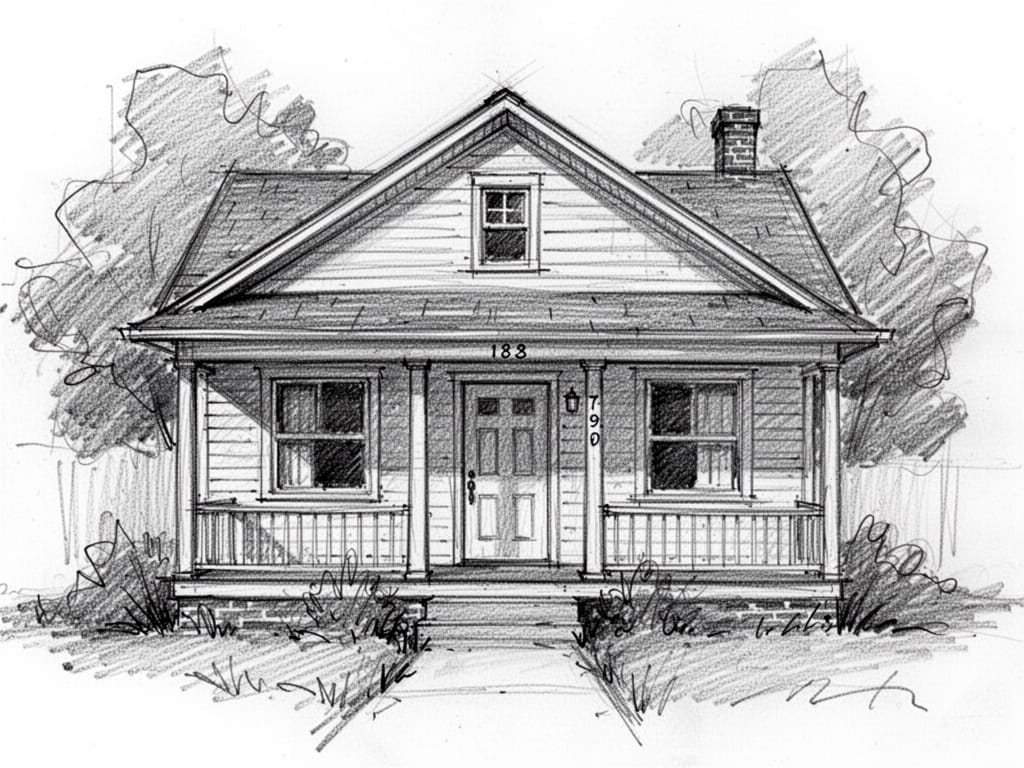
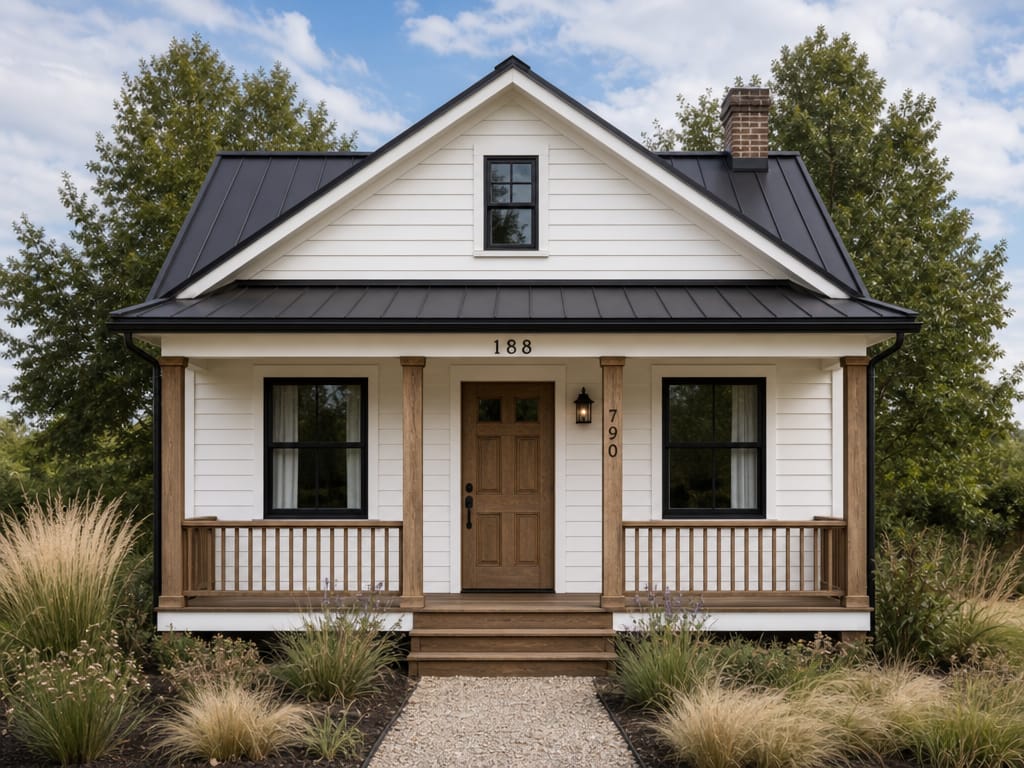
Architecten in de ontwerpfase
De beginfase van een project gaat snel. Je schetst ideeën, onderzoekt de indeling en deelt de eerste concepten met klanten — vaak nog voordat er één lijn in CAD staat. Met Schets naar Render geef je die vroege schetsen direct overtuigende visuals die je ideeën helder overbrengen. Je hoeft niet meer uit te leggen wat een schets ‘straks zal worden’. Laat het gewoon zien.
Huiseigenaren met een droom
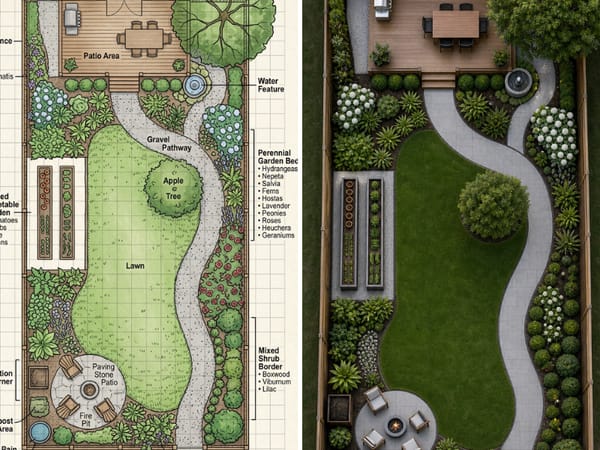
Je hoeft geen professional te zijn om een duidelijk beeld te hebben van je droomruimte. Misschien heb je een keukenrenovatie geschetst op ruitjespapier of een tuinindeling getekend voor een landschapsproject. Upload jouw schets en de AI laat zien hoe het er echt uit kan komen te zien—zo communiceer je jouw visie makkelijker met aannemers, ontwerpers of familie.
Interieurontwerpers die ideeën presenteren
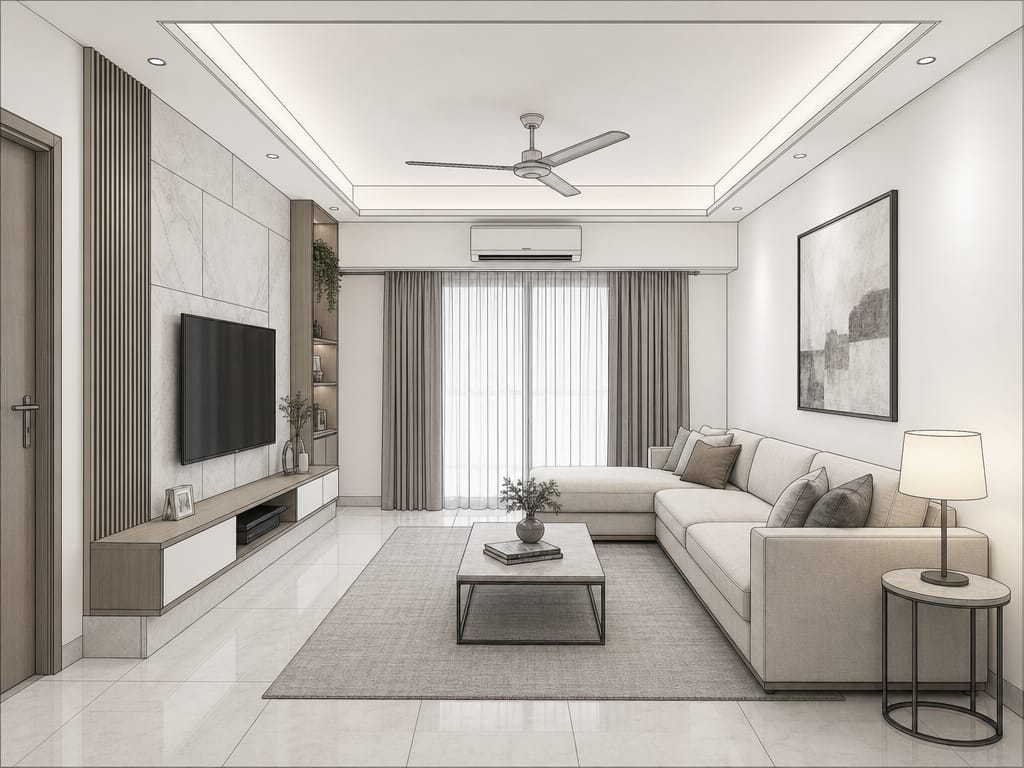
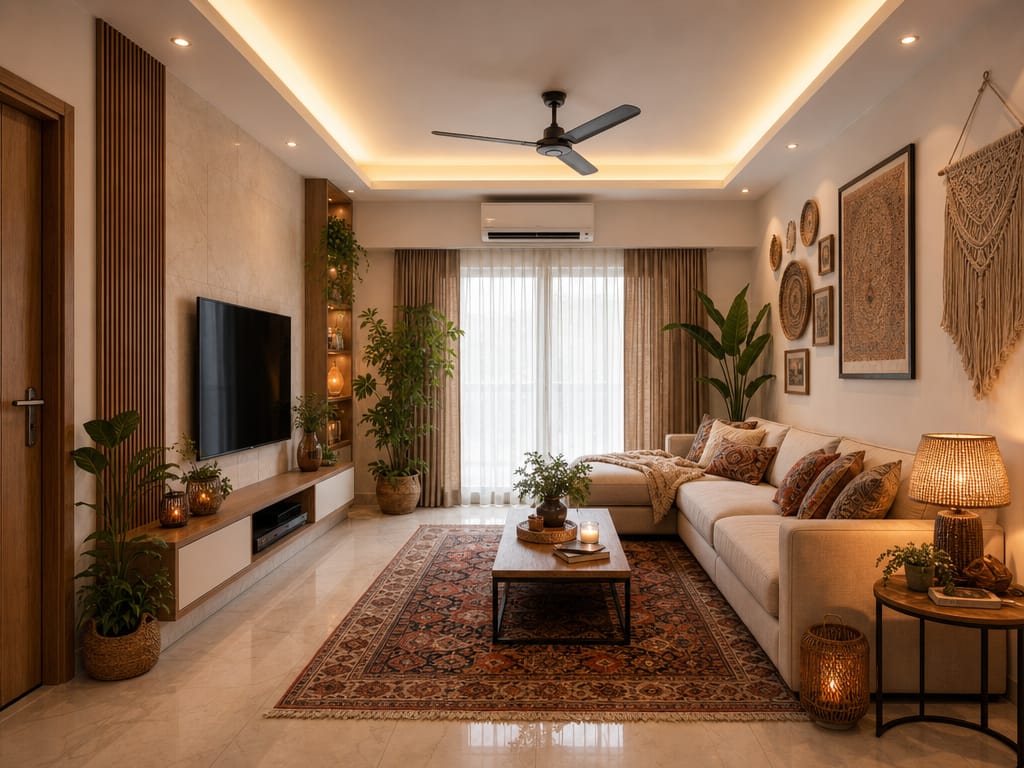
Klantpresentaties bepalen de toekomst van een idee. In plaats van platte moodboards of abstracte schetsen presenteer je direct een fotorealistische render van je kamerontwerp. Test meerdere stijlen op dezelfde schets en geef klanten direct keuzes in één afspraak.
Waarom HomeRestyle AI’s Schets naar Render-tool gebruiken?
Van ruwe schets naar realistisch resultaat in seconden.
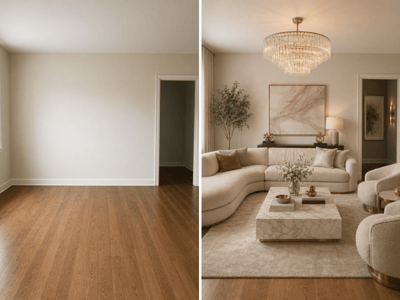
Traditionele renderworkflows kosten uren of dagen. Met deze tool wordt je schets in enkele seconden omgezet naar een fotorealistische weergave, zodat je snel kunt experimenteren en itereren.
Werkt met elke input.
Handgetekende schetsen, digitale tekeningen, CAD-screenshots uit SketchUp of Revit, simpele plattegronden—de AI verwerkt ze allemaal. Maak gewoon een foto, upload een screenshot en je bent klaar om te gaan.
Drie ruimtes, één tool.
De pagina heeft drie tabs: Interieur, Exterieur en Tuin—elke met eigen opties. Wil je een woonkamer renderen? Kies de Interieur-tab voor specifieke stijlen. Werkt je aan een gevel? Dan past de Exterieur-tab zich aan. Tuinplannen? Zet de Tuin-tab aan en krijg de juiste instellingen.
Geen 3D-kennis nodig.
Je hoeft niets van Blender, 3ds Max of render-engines te weten. De AI begrijpt de indeling, verhoudingen en structuur van je schets en vult automatisch aan met realistische materialen, licht en meubels.
Snel meerdere richtingen verkennen.
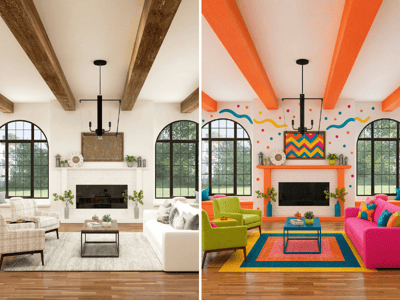
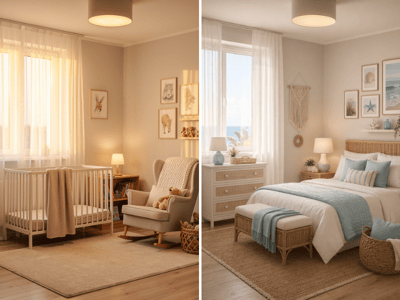
Genereer verschillende renders van dezelfde schets met verschillende stijlinstellingen. Vergelijk een moderne, minimalistische variant met een warme, traditionele versie—en dat alles binnen minuten!
Hoe gebruik je de Schets naar Render-tool
Upload je schets
Kies de tab die past bij jouw project — Interieur, Exterieur of Tuin. Upload daarna je schets. Dat mag een foto zijn van een handgetekende plattegrond, een potloodschets van een kamerindeling, een digitale tekening of een screenshot uit een designprogramma.
Stel je rendervoorkeuren in
De opties veranderen op basis van de gekozen tab. Stel je voorkeuren in zodat de AI weet welke sfeer en uitstraling jij wilt bereiken.
Genereer je fotorealistische render
Klik op ‘genereer’ en laat de AI haar werk doen. Binnen enkele seconden verandert jouw schets in een realistische visualisatie—compleet met materialen, verlichting, texturen en diepte.