Přeměna místnosti
Nechte AI přeměnit místnost na nový účel i styl. Ložnici promění v kancelář, sklep v posilovnu — vše během pár vteřin.
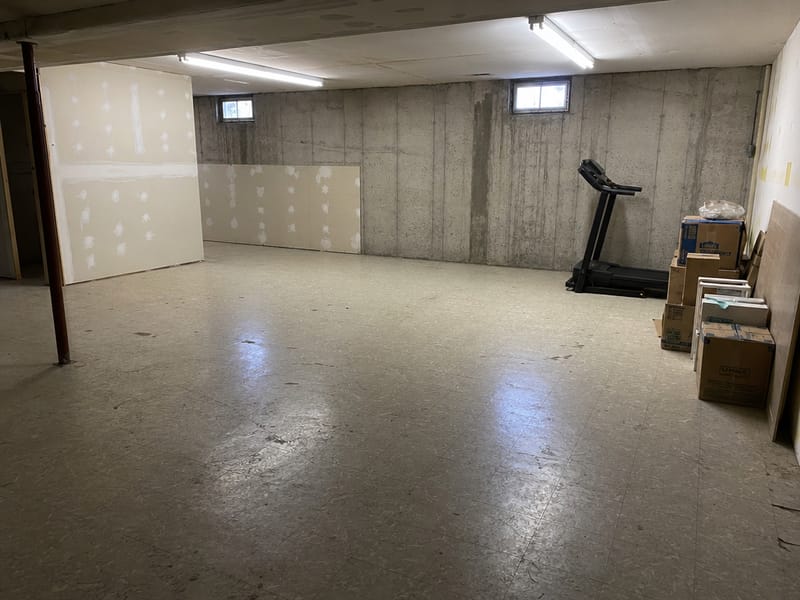
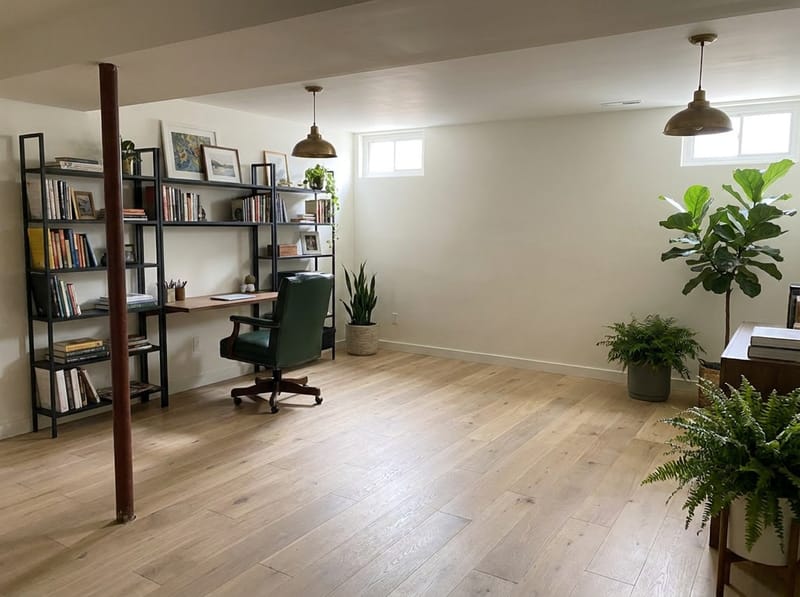
Přeměňte jakoukoliv místnost na prostor, který opravdu potřebujete
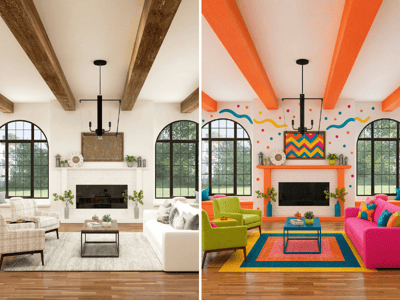
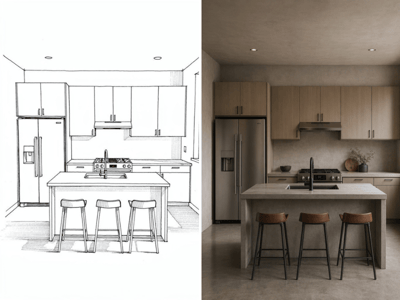
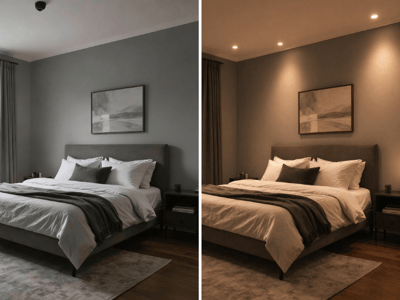
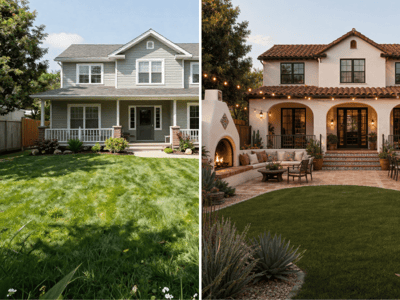
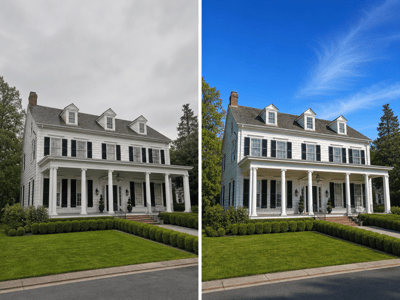
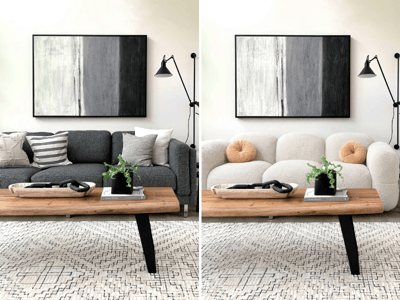
Máte místnost, která neslouží svému účelu? AI Přeměna místnosti promění vaši fotku na nově navržený prostor s úplně jiným využitím i stylem — zdi, okna a stavba zůstávají stejné.
Kde vám AI Přeměna místnosti pomůže nejvíc
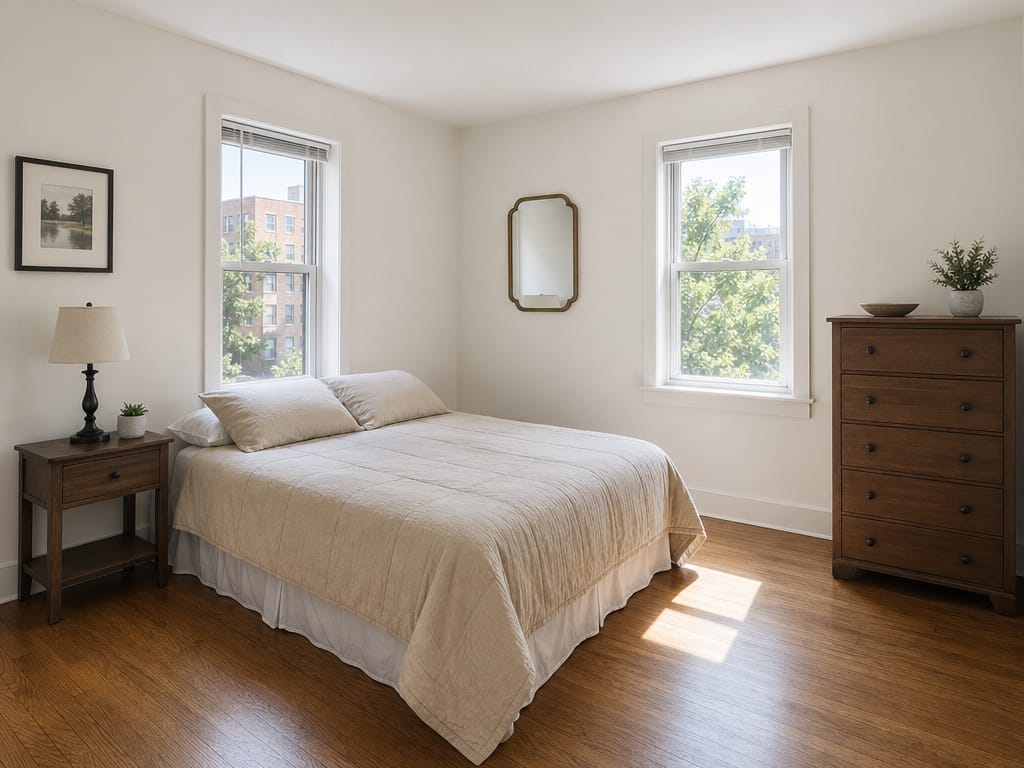
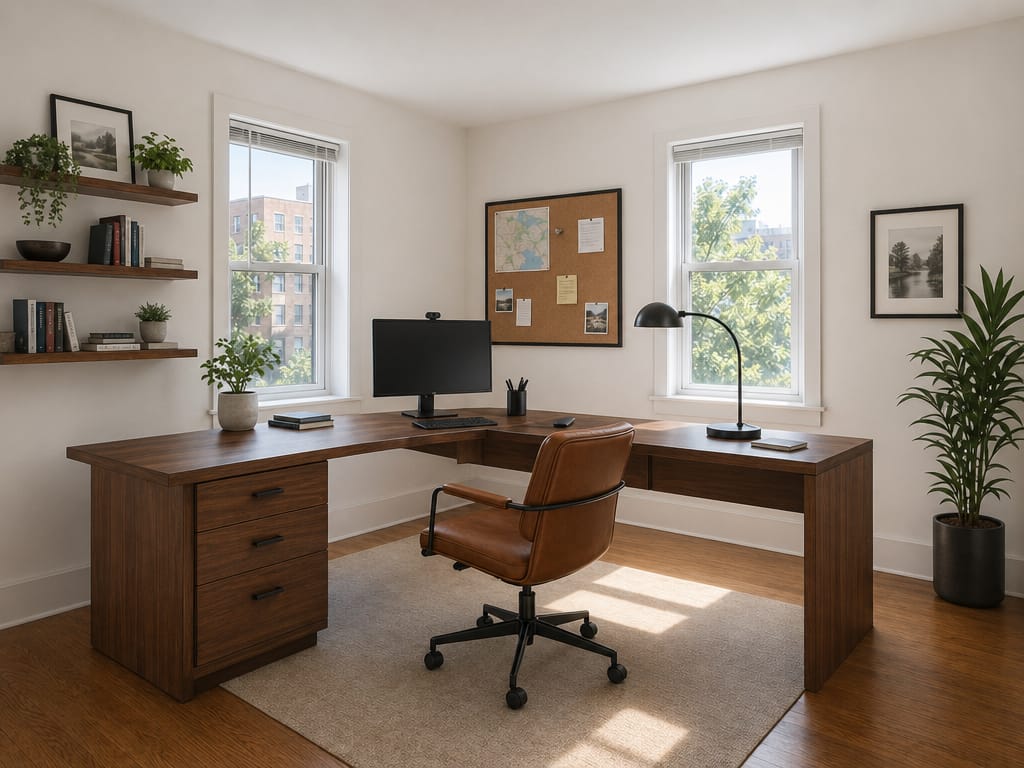
Z pokoje pro hosty stylová domácí kancelář
Představit si změnu bývá těžké, pokud ji nevidíte. Nahrajte fotku své ložnice, vyberte Domácí kancelář a zvolte styl. Výsledek ukáže přímo vaši místnost jako pracovní prostor — žádné generické vizualizace.
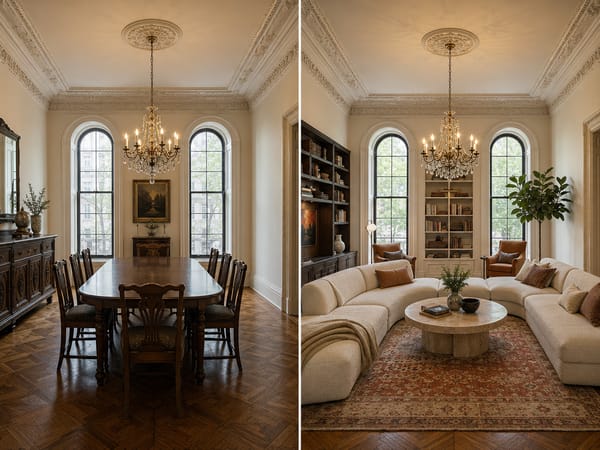
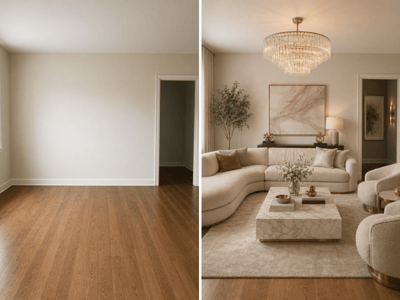
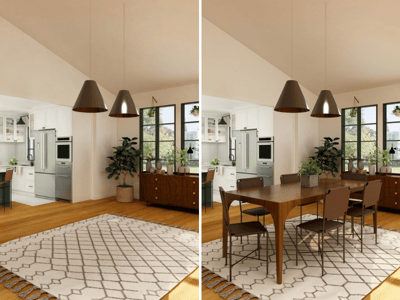
Formální jídelna proměněná v obývák
Pokud vaše jídelna zeje prázdnotou kromě svátků, je lepší ji vidět jako obývák — s vaším stropem, okny a podlahou — než jen brouzdat po Pinterestu. Stačí zvolit Obývací pokoj a v poli Úroveň renovace označíte vše, co chcete zachovat, jako je původní lišta nebo vestavěný příborník.
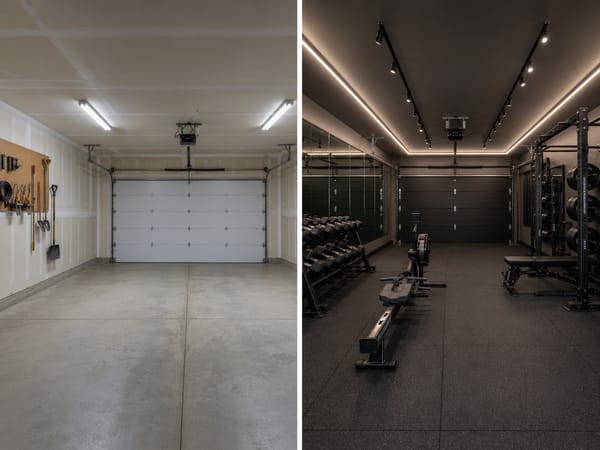
Kouzlo z nevyužitého sklepa nebo garáže
Prázdné prostory je nejtěžší si představit. Nahrajte fotku, konkrétní požadavky uveďte do Dodatečných detailů („potřebuji prostor na bicí“ nebo „ponechat rolovací vrata“) a uvidíte realistickou verzi přeměněné místnosti.
Jak na to
1. Nahrajte fotku své místnosti. Nejlepší je širší záběr alespoň na dvě stěny, aby AI lépe pochopila prostor.
2. Vyberte cílový typ místnosti. Obývací pokoj, Kuchyň, Koupelna, Ložnice, Šatna, Sklep, Prádelna, Pracovna, nebo Vlastní. Vlastní vám umožní popsat účel podle vašich představ.
3. Zvolte styl. Přes 30 možností — třeba skandinávský, japandi, boho a další. Pokud nevíte, kde začít, skandinávský nebo moderní venkov skvěle fungují téměř pro každý prostor.
4. Přidejte konkrétní detaily. Zkuste například „vestavěná knihovna na levé stěně, výškově nastavitelný stůl u okna, teplé tóny dřeva.“ Pomocí AI Vylepšit upravíte nápad do jasného zadání.
5. Zvolte rychlý nebo profi režim. Rychlý pro základní návrhy, profi pro ostré výstupy vhodné i do prezentace.
Čím je tento nástroj jedinečný
Přebuduje přímo vaši místnost, ne univerzální šablonu
AI pracuje s vaší fotkou — s vaším stropem, okny i podlahou — ne s nějakým vystaveným vzorkem.
Více než 30 stylů v kombinaci s jakoukoliv funkcí místnosti
Styl a funkci volíte samostatně. Japandi pracovna, obývák ve stylu Bauhaus, sklepní fitko v přímořském stylu — fantazii se meze nekladou.
Architektura zůstává zachována
Pole Omezení automaticky chrání stěny, dveře, okna i výšku stropu, takže výstup odpovídá realitě a snadno jej porovnáte s původním stavem.