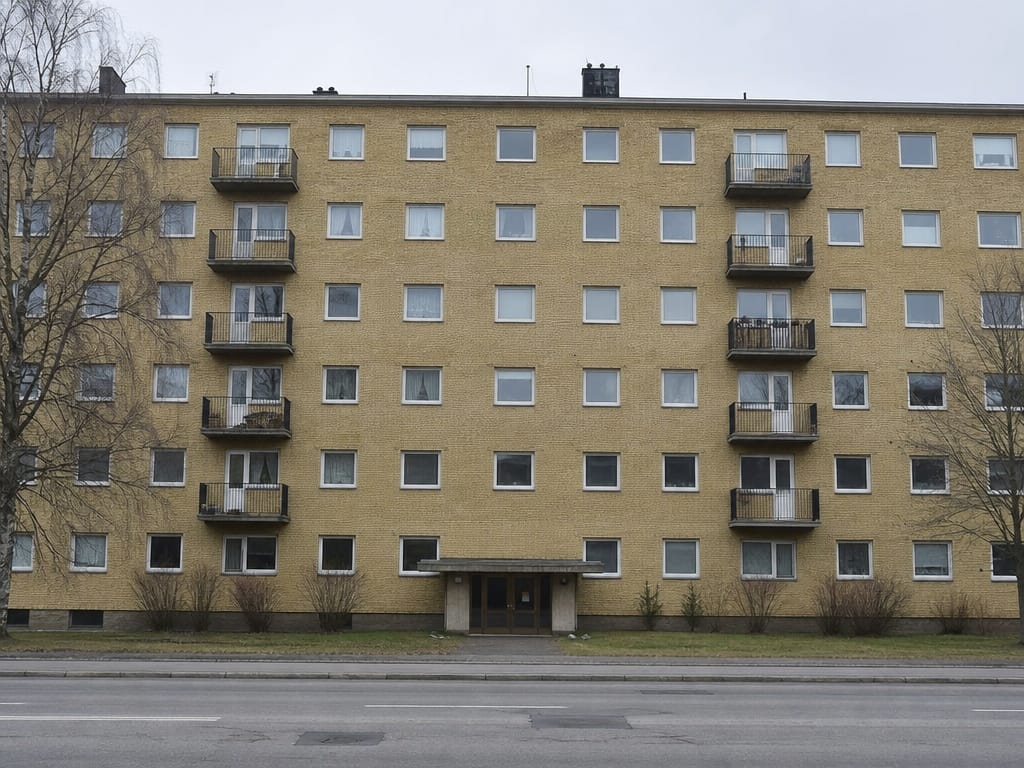
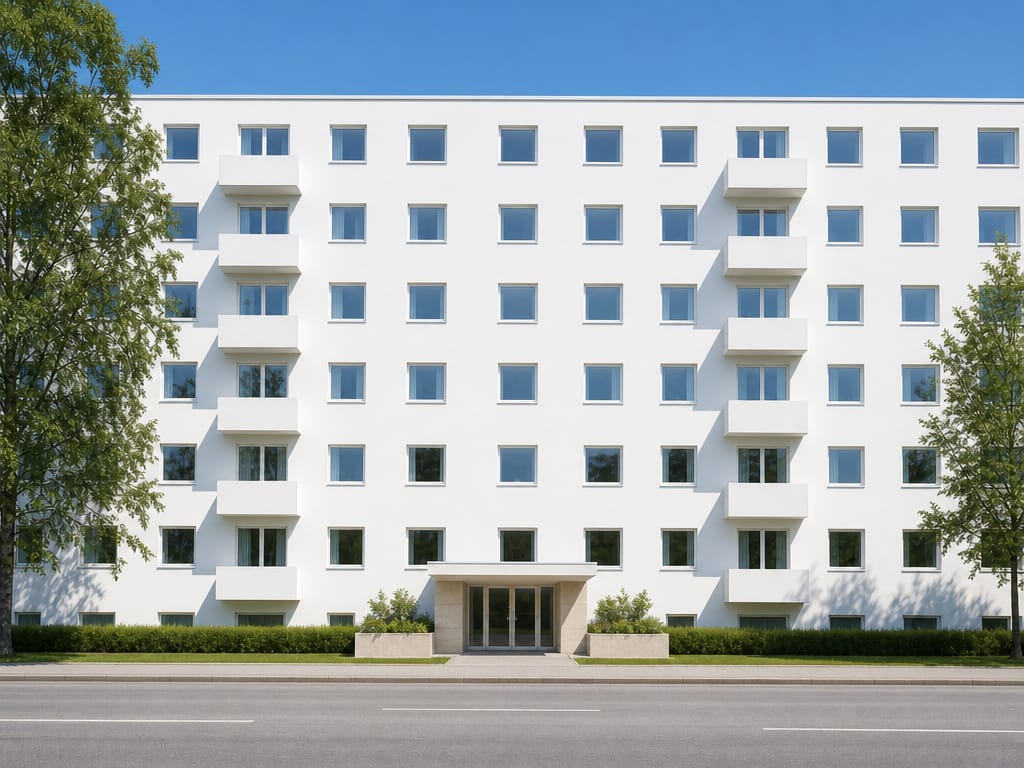
Projektowanie architektury AI
Twórz fotorealistyczne wizualizacje budynków ze zdjęcia, szkicu lub opisu tekstowego. Bez programów do renderingu. Bez wielotygodniowego oczekiwania.
Twórz fotorealistyczne wizualizacje budynków ze zdjęcia, szkicu lub opisu tekstowego. Bez programów do renderingu. Bez wielotygodniowego oczekiwania.
“Na początku podchodziłam do tego z rezerwą, ale AI zaprojektowało mój salon dokładnie tak, jak to sobie wyobrażałam. Skorzystaliśmy z tego projektu i efekt był zachwycający. Zaoszczędziliśmy tysiące na projektancie.”

Sarah Mitchell
Właścicielka domu
“Wirtualna aranżacja kiedyś kosztowała ponad 1300 zł za pokój. Teraz całą nieruchomość przygotowuję w kilka minut i za znacznie mniejsze pieniądze. Moje oferty sprzedają się o 40% szybciej.”

David Chen
Agent nieruchomości
“Korzystam z tego narzędzia, aby szybko wizualizować koncepcje dla klientów. Znacznie przyspiesza to początkowe konsultacje. Świetnie sprawdza się przy tworzeniu moodboardów.”
Emily Rodriguez
Projektantka wnętrz
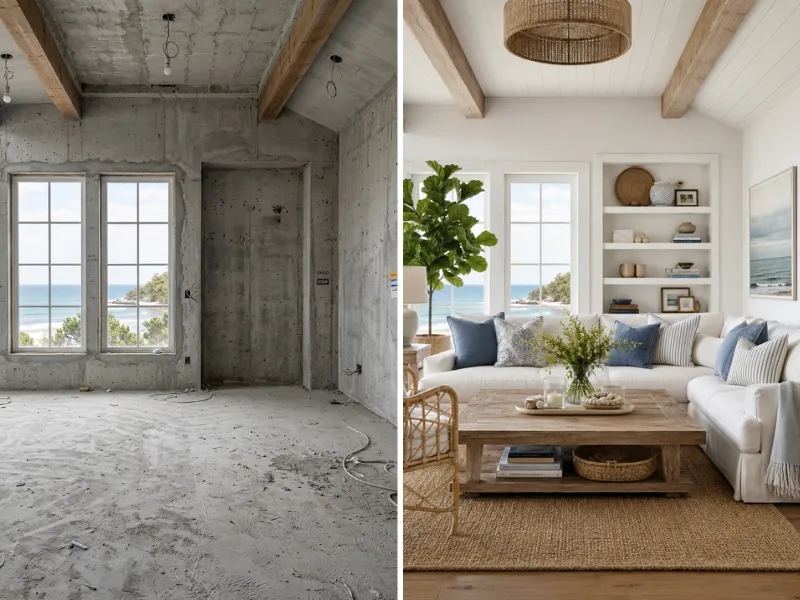
Zobacz, jak mogą wyglądać remonty, zanim wydasz choćby złotówkę. Przetestuj różne style, kolory i układy bez ryzyka. Pokaż wykonawcom dokładnie, czego oczekujesz.
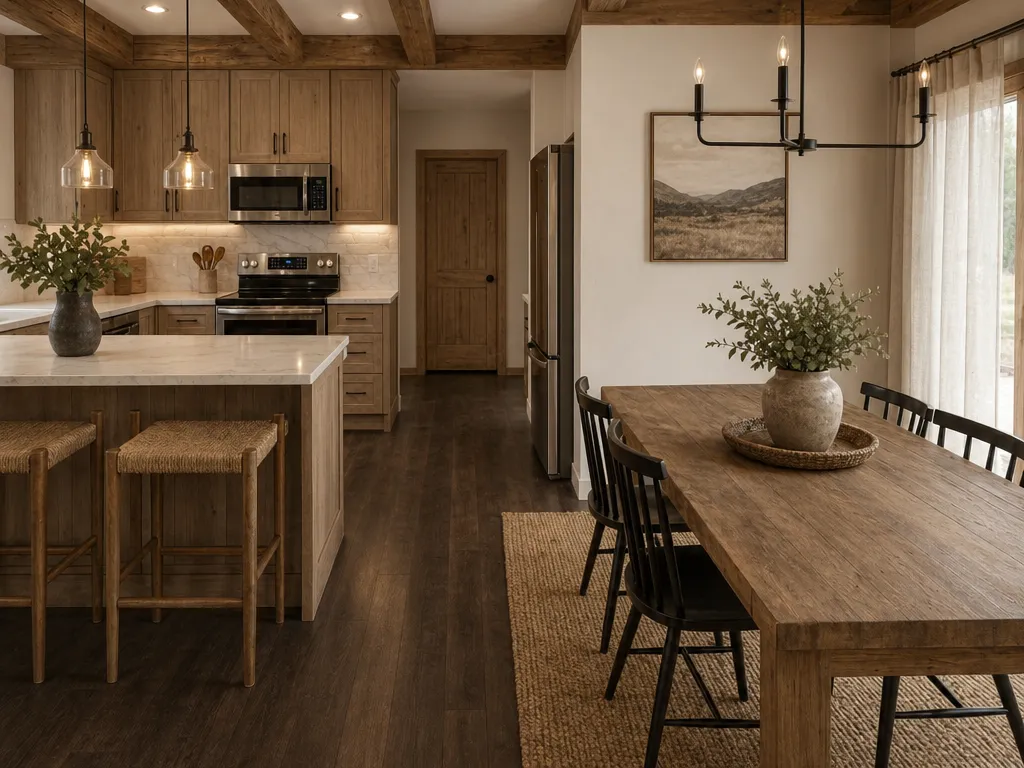
Wirtualnie zaaranżuj puste nieruchomości za ułamek tradycyjnych kosztów. Twórz efektowne zdjęcia ofertowe, które przyspieszają sprzedaż domów.
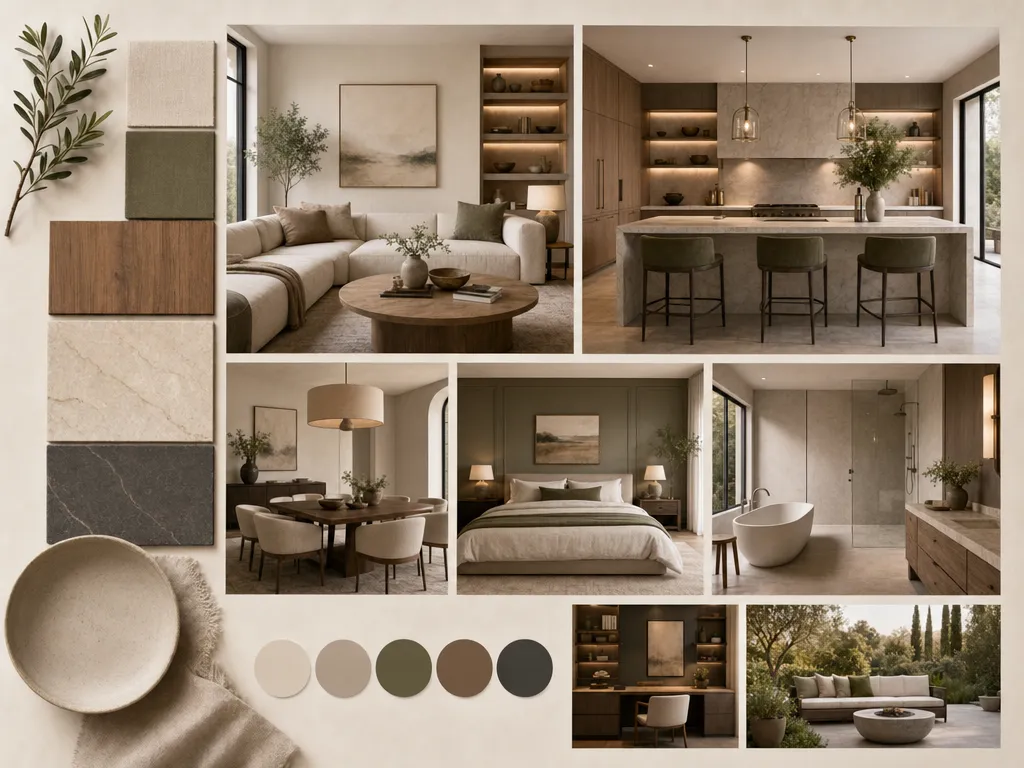
Przyspiesz prezentacje dla klientów, szybko wizualizując koncepcje. Twórz i zmieniaj pomysły w kilka minut, a nie godzin.
Z obsługą poradzi sobie każdy już od pierwszych chwil.
Szybciej niż jakiekolwiek inne narzędzie na rynku.
Modern, Japandi, nadmorski, industrialny i wiele innych.
Bez pobierania, bez instalacji, wystarczy przeglądarka.
Dla właścicieli domów oraz agencji.
Metamorfozy wnętrz, wirtualny home staging, plany pomieszczeń, zmiana kolorystyki.
Twoje dane są dla nas priorytetem. Sprawdź, jak HomeRestyle dba o Twoje zdjęcia i informacje osobiste.
Każde zdjęcie przesłane przez Ciebie jest szyfrowane w trakcie przesyłania i podczas przechowywania. Twoje obrazy są całkowicie niedostępne dla innych użytkowników.
Nie sprzedajemy, nie udostępniamy ani nie licencjonujemy Twoich zdjęć żadnym podmiotom trzecim. Twój dom należy tylko do Ciebie.
Twoje zdjęcia nie są wykorzystywane do trenowania naszych modeli AI. Przesłane obrazy są całkowicie odseparowane od procesu rozwoju modeli.