Change Sky
Change the sky in any home exterior photo with AI. Pick from 8 sky styles or describe your own. Results in seconds.
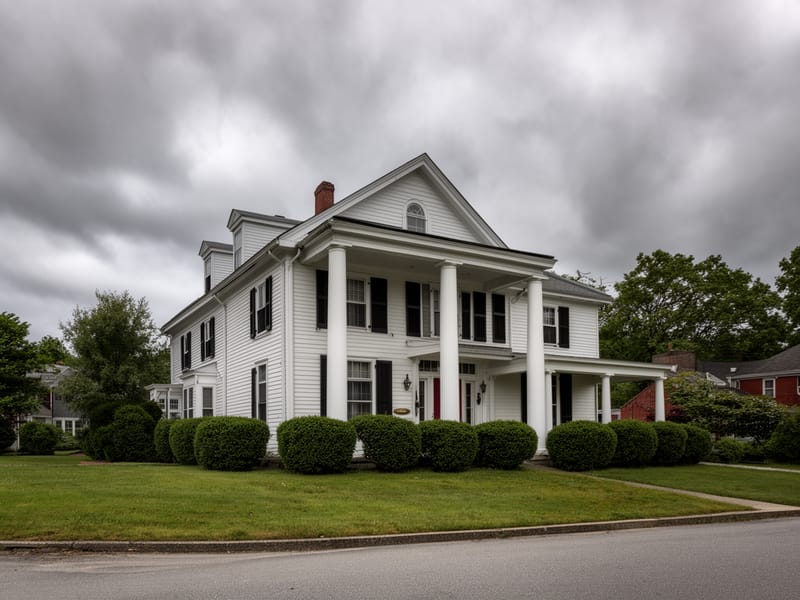
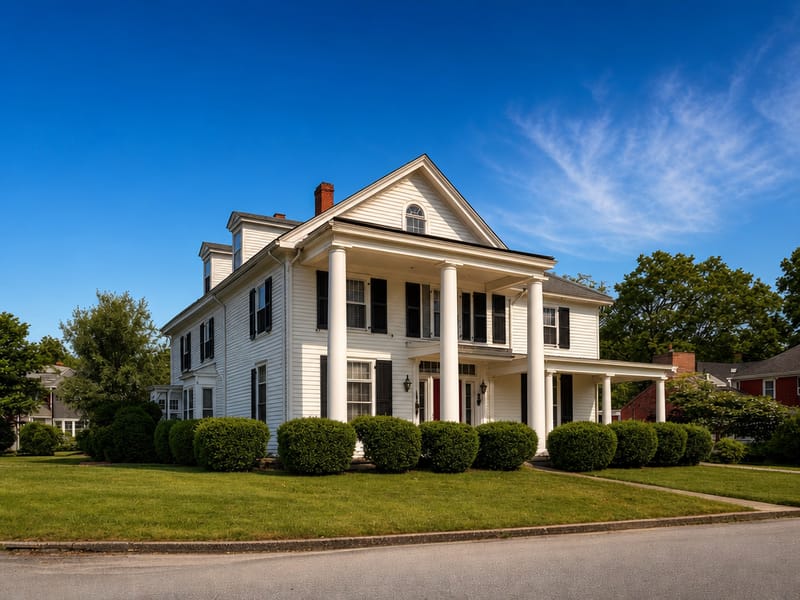
Change the Sky in Any Home Exterior Photo — 8 Styles, Instant Results
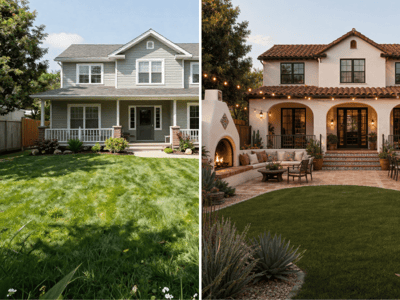
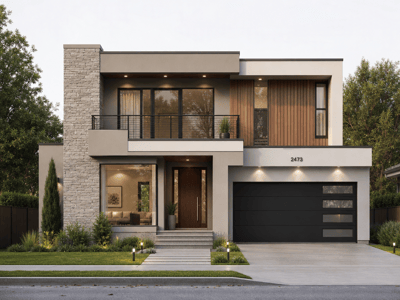
A grey, blown-out, or flat sky can make an otherwise great exterior shot look like it was taken on the wrong day. Change Sky lets you replace the sky in any home exterior photo with a style that matches your goal — a crisp blue for listings, a golden sunset for mood, or a dramatic blue hour for architectural shots. No editing software needed.
What You Can Do With It
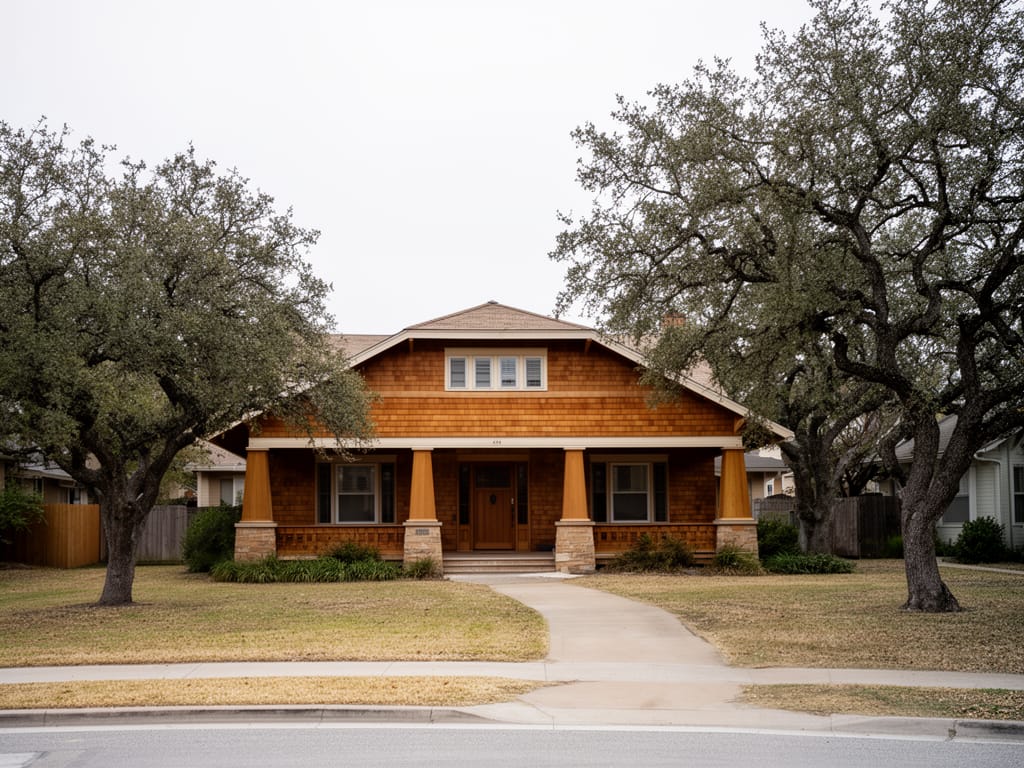

Get a Listing-Ready Shot Without Rescheduling the Shoot
Overcast skies are the most common reason exterior photos underperform in real estate. Swapping to Clear Blue Sky or Partly Cloudy gives the photo the natural-light quality buyers respond to — without booking a second shoot day. Pair it with virtual staging to complete the exterior-to-interior listing workflow.
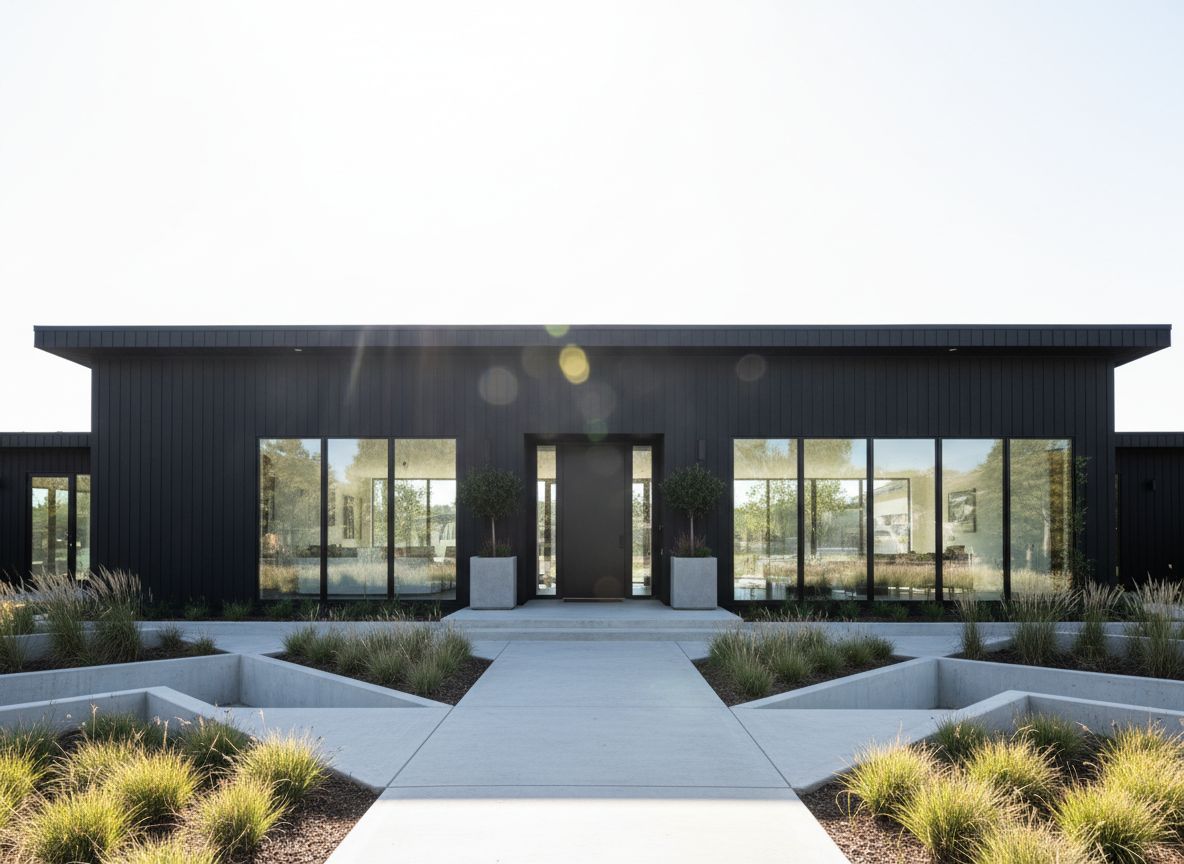
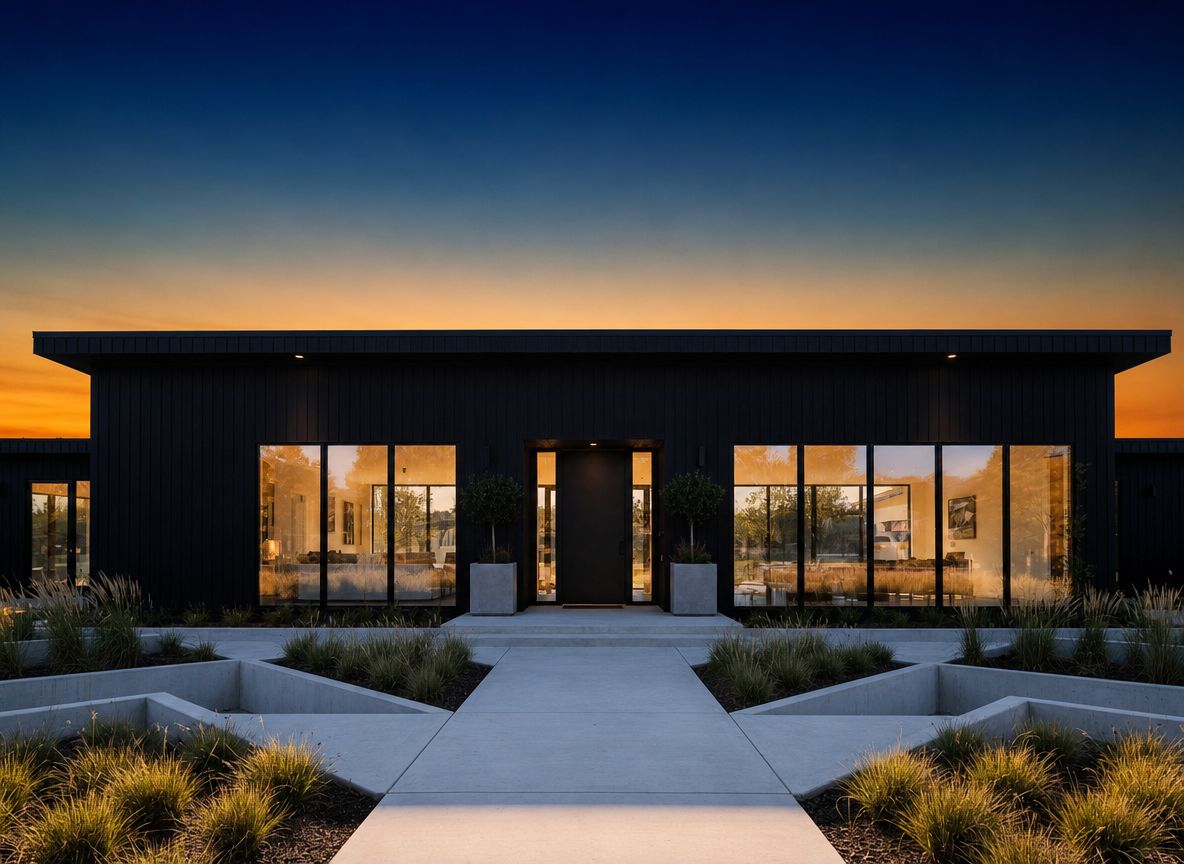
Try Different Looks Before Deciding
Not sure whether Golden Sunrise or Clear Blue Sky suits your home better? Upload the same photo, run it with a few different styles, and compare the results side by side.
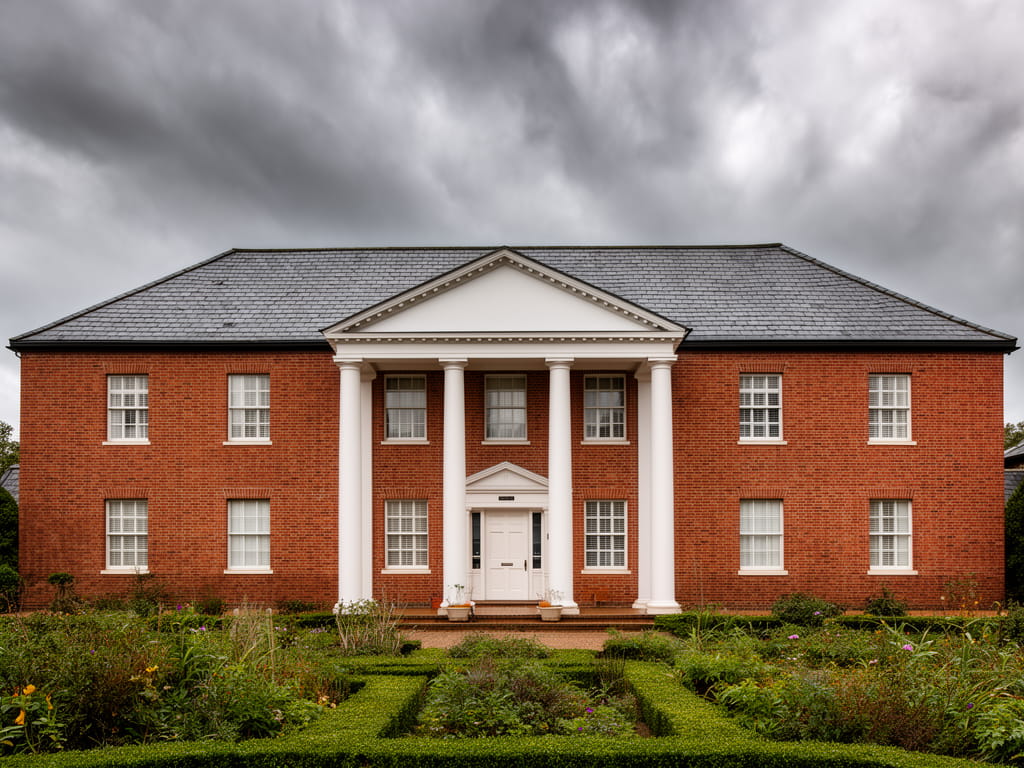
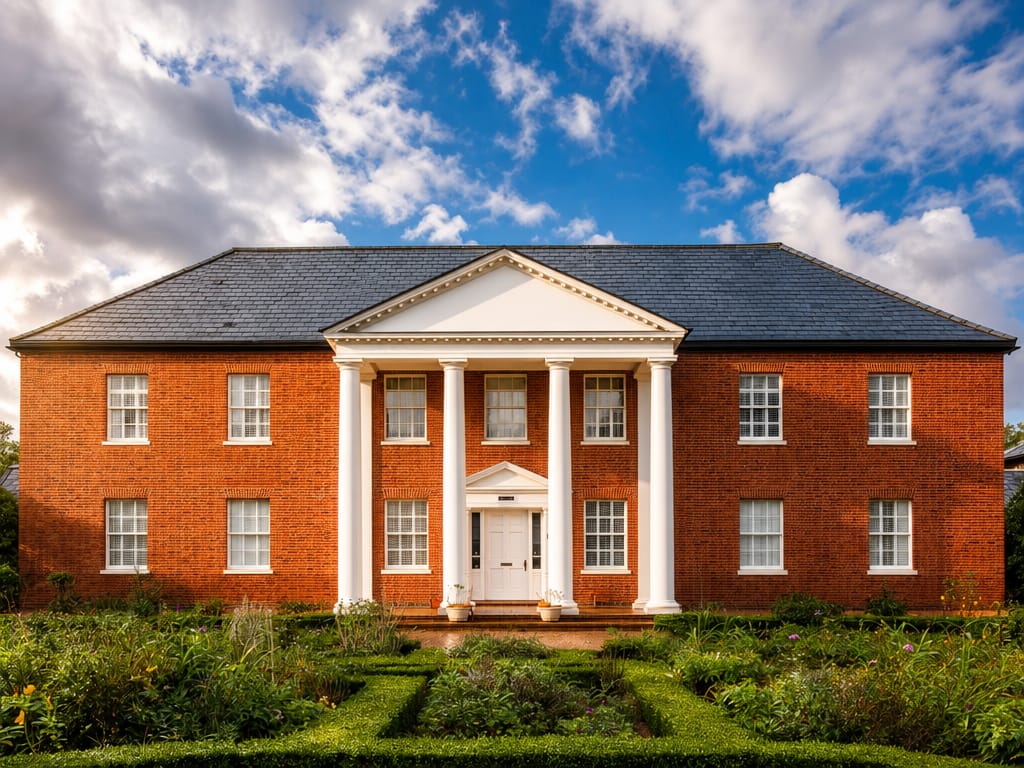
Rescue a Photo You Already Have
You found a great shot of your home from last year, but the sky was overcast that day. You don't need to reshoot. Change the sky and everything else — the landscaping, the lighting on the facade, the driveway — stays exactly as it was.
How It Works
Upload your exterior photo. The tool works best with clear shots where the roofline or treetops make a distinct edge against the sky.
Choose a sky style. Pick from 8 presets or select Custom to describe the sky you want in text.
Select Fast or Pro. Fast delivers a quick result suitable for most standard photos. Pro uses a more detailed model — worth it when your photo has complex edges like tree branches overlapping the sky area.
Review and adjust if needed. If the edge between the building and the new sky looks off, the most common reason is low contrast at the roofline in the original photo. Switch to Pro for a cleaner result. If the overall photo also needs a brightness or color boost, auto-enhance the full image afterwards.
What Makes It Different
Change Sky in One Click — No Manual Masking Required
The AI automatically detects the sky region and replaces it — you don't draw a selection or adjust a mask.
8 Curated Styles That Actually Look Real
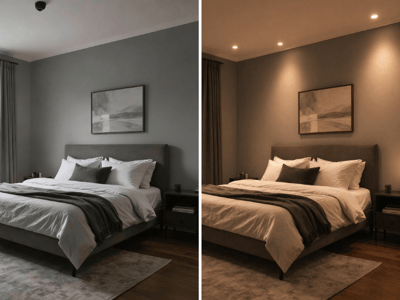
The sky styles are matched for realistic light — the new sky affects the ambient light color in a way that looks like it was shot that way. A Golden Sunset sky doesn't just drop an orange gradient on top; it shifts the overall warmth in the image to match. To adjust the lighting inside the home as well, change the indoor lighting separately.
Describe Any Sky With Text
If none of the presets fit, select Custom and type a description — the AI generates a sky to match. Useful for specific seasonal moods, branded shoots, or anything the presets don't cover.