Image Upscaler
Use our AI image upscaler for interior design photos — turn blurry room shots into sharp 2K, 4K, or 8K images ready for print or sharing.
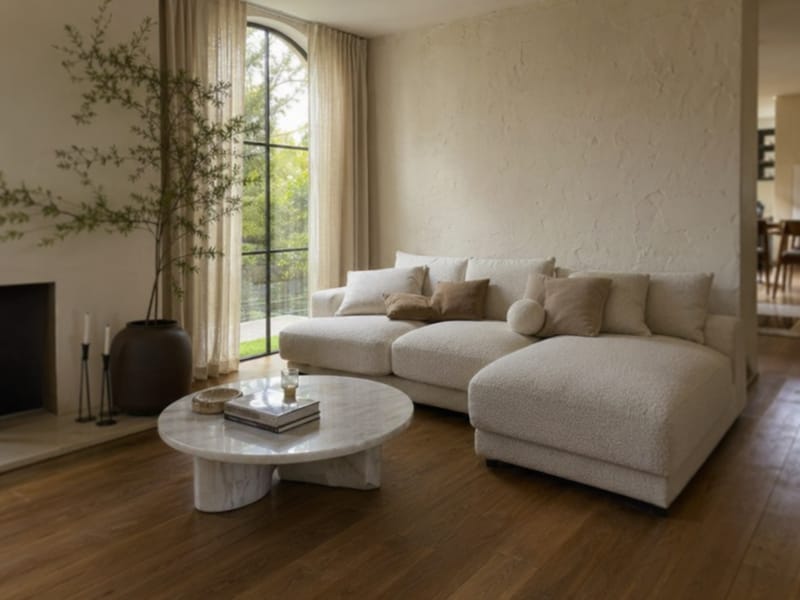
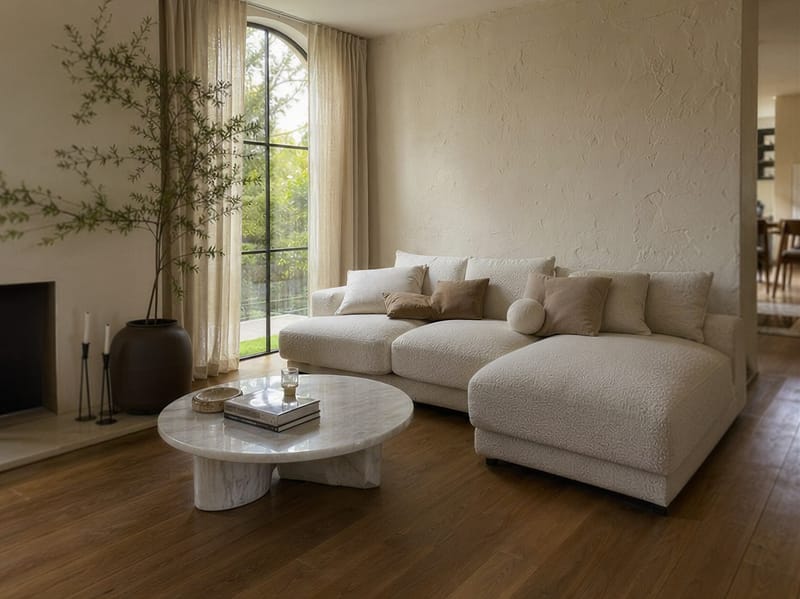
Turn Any Room Photo Into a Sharp, High-Resolution Image With AI
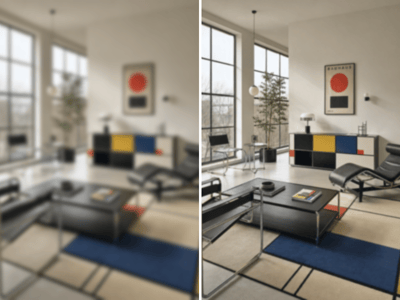
Phone cameras, export compression, and web downsizing all chip away at a room photo's detail. An AI image upscaler for interior design reconstructs what was lost — fabric texture, floor grain, material surface — and outputs the same image at 2K, 4K, or 8K. It works on heavily compressed images, screenshots, and photos that have been resized multiple times.
When You'd Actually Use This
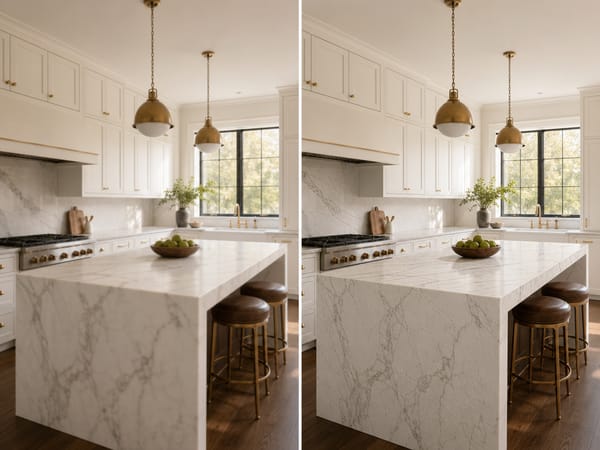
Recover Detail From a Compressed Photo
Export settings, WhatsApp, email attachments — each pass strips out high-frequency detail. The veining in stone goes muddy, linen weave flattens, wood grain disappears. Upscaling rebuilds those textures from material-specific patterns, not by stretching what's already there.
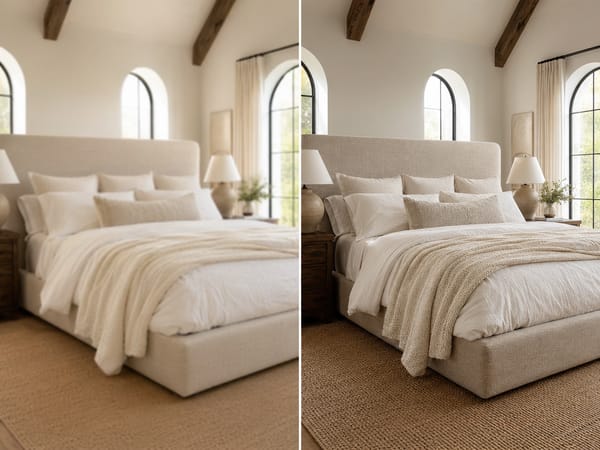
Keep Listing Photos Sharp at Every Display Size
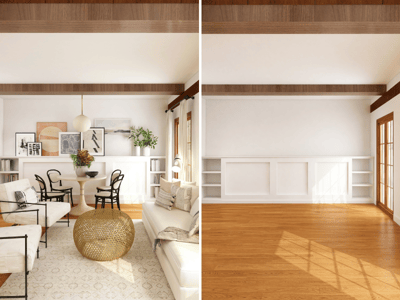
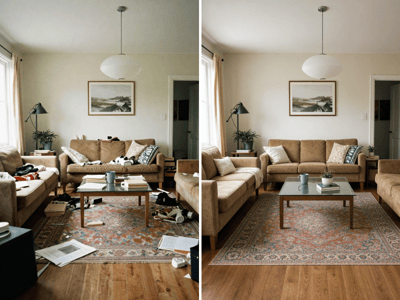
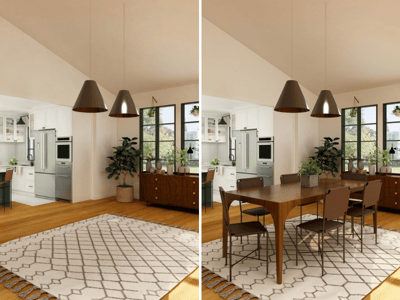
Portals downsample images on upload — but an image with more detail to begin with holds up better after compression than one that was already marginal. Upscale before uploading so the material quality survives the portal's resizing. If you need to clear the room first, do that first, then upscale the result.
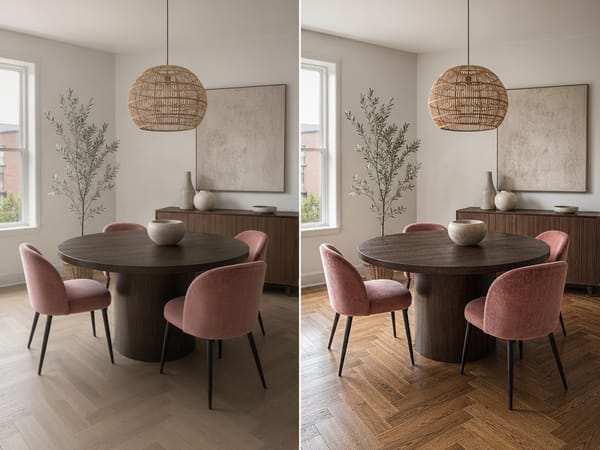
Get a Phone Shot Ready for a Client Presentation
A well-framed phone photo of a finished room is often the fastest way to document a project. The resolution usually isn't. Running it through the upscaler gets it to a quality that holds up on a large monitor or in a PDF, without going back to reshoot.
How to Upscale a Room Photo
Upload your photo.
Works on compressed JPEGs, screenshots, and images that have been resized or shared multiple times.
The one hard limit: if the photo is out of focus, upscaling produces a larger out-of-focus image — it recovers resolution, not focus.Choose your target resolution.
2K is enough for web and digital presentations.
4K covers most listing and client deliverable use cases.
8K is for large-format print or when you need room to crop into detail areas.
Start with 4K if you're not sure — you can re-run at 8K if print quality is needed.Generate and download.
What Makes It Worth Using
Built Specifically for Interior Design Photos
General-purpose upscalers are trained on broad datasets. This tool is optimised for room photography — it handles marble countertops, painted walls, and woven textiles differently because those materials have different surface structures. That specificity shows up most clearly in kitchens, bathrooms, and rooms with mixed materials.
Three Resolution Targets That Map to Real Workflows
2K, 4K, and 8K correspond to actual delivery requirements: web, professional client work, and print. The dropdown lets you match the output to where it's going rather than defaulting to maximum every time.
AI Image Upscaler for Interior Design That Adds Texture Back
Standard resizing fills gaps with pixel averages, which makes fabric look plastic and wood look painted. This tool rebuilds texture from material-specific patterns: boucle weave, herringbone grain, velvet pile. The result reads as a better-quality photograph, not a scaled-up one.
No Editing Knowledge Required
Upload, select resolution, download. No masking, no sharpening curves, no export settings to misconfigure. The output is production-ready.