Object Remover
Select and remove unwanted furniture, clutter, or decor from any room photo with AI.
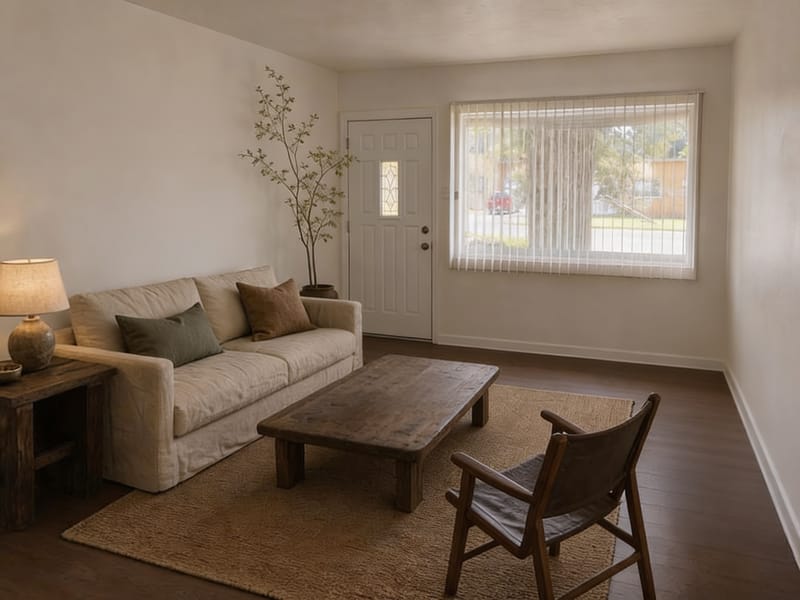
Remove Unwanted Objects from Any Room Photo
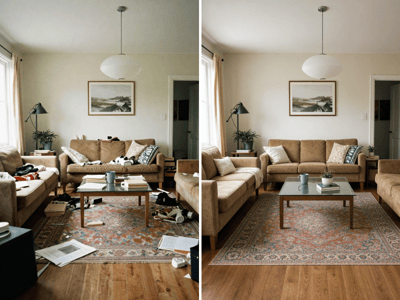
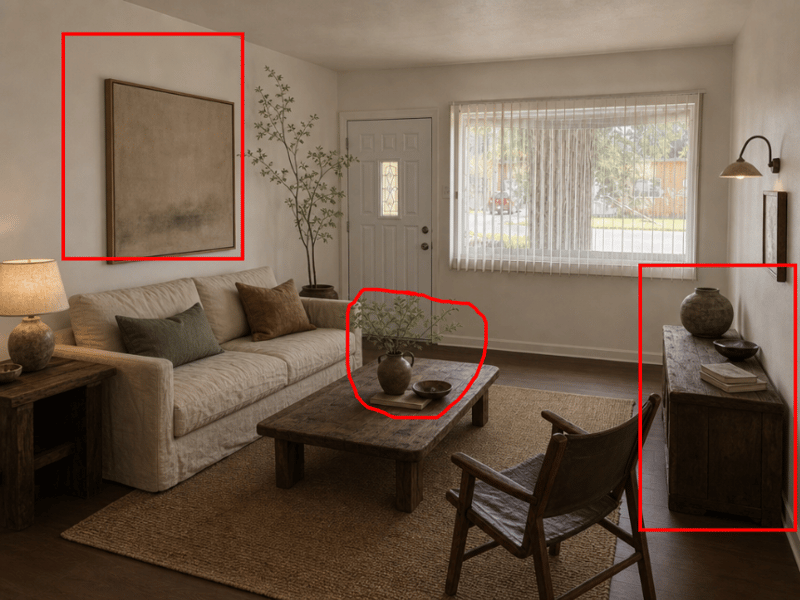
Draw a box around the furniture, clutter, or decor you want gone — AI fills in the background naturally. Perfect for real estate photos, renovation planning, and interior design.
When Should You Use Object Remover?
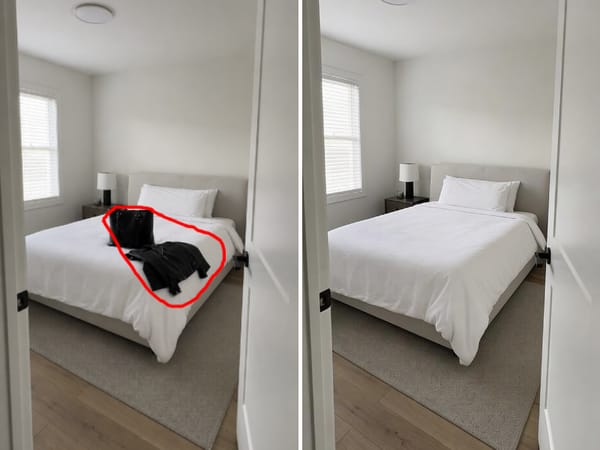
Real Estate Photo Prep
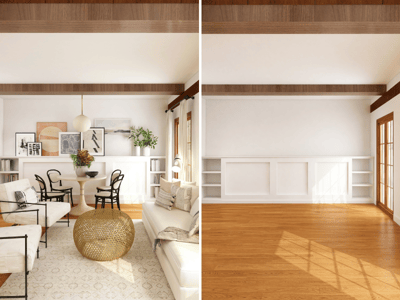
Remove personal belongings, outdated furniture, or visual clutter before listing a property — let buyers focus on the space itself. Need to go further? Use Empty the Room to strip out all furniture at once and create a clean, vacant look for virtual staging.
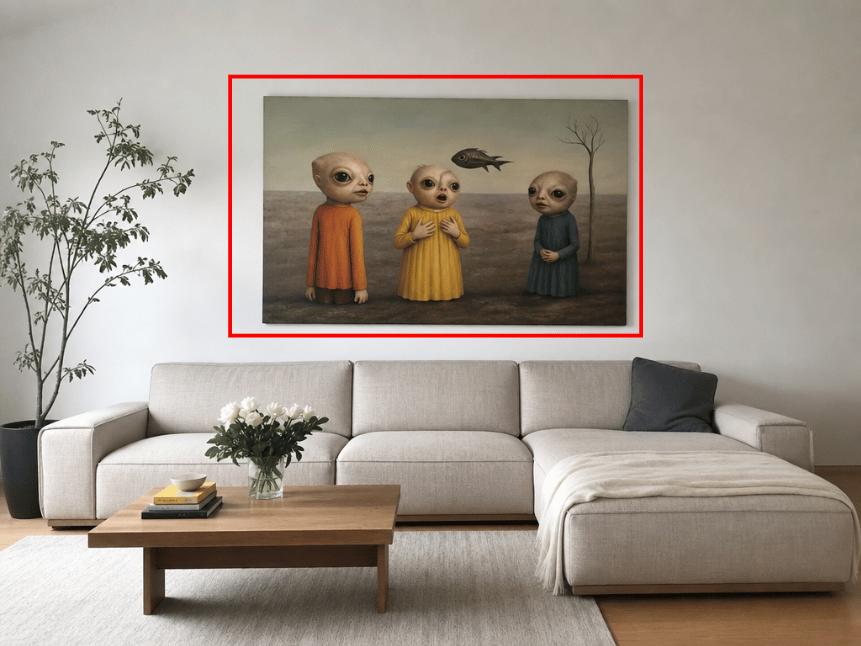
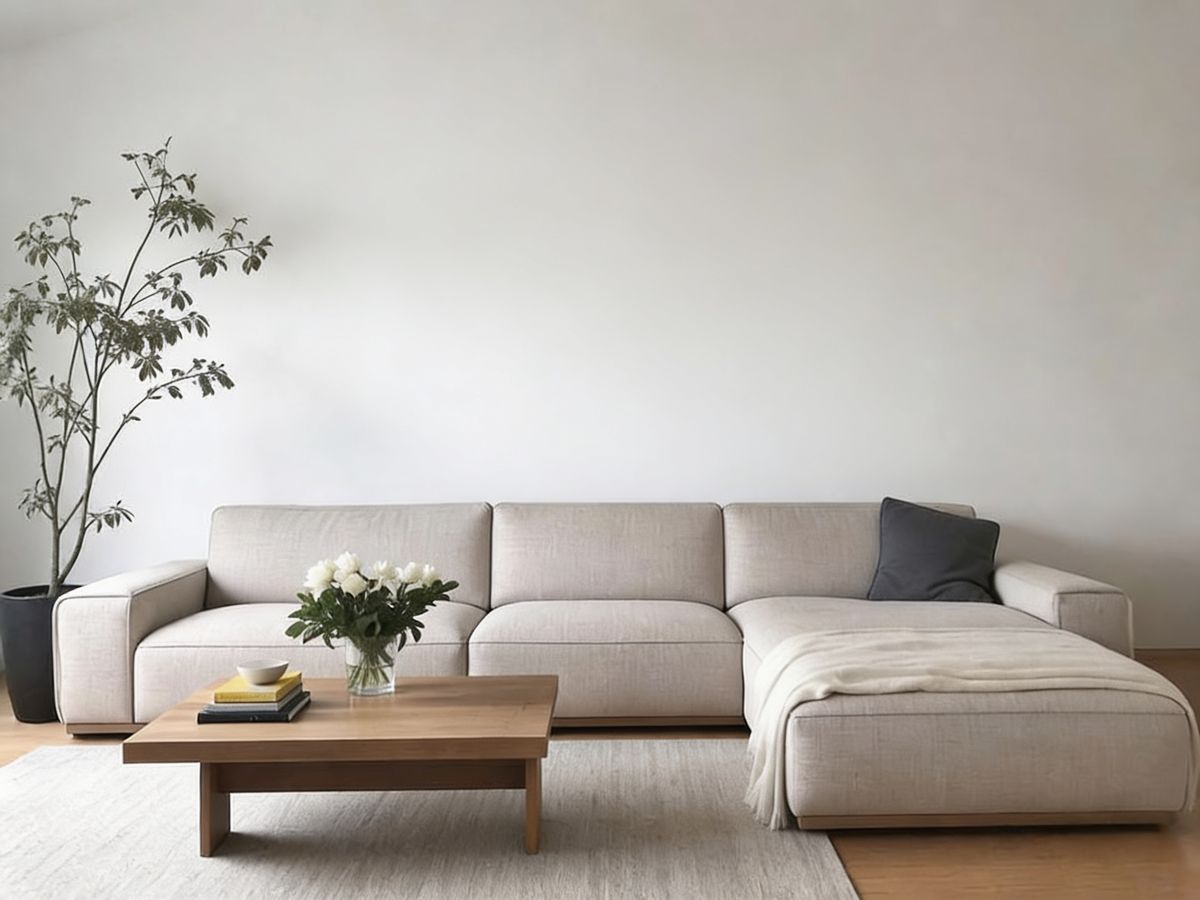
Renovation & Redesign Planning
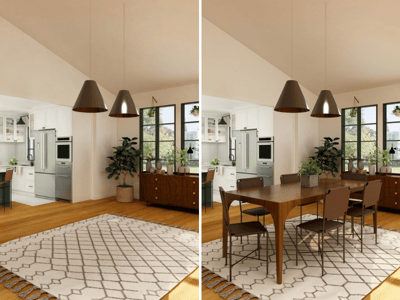
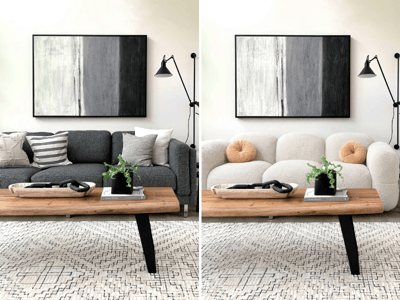
Wondering what your living room would look like without that old painting or dated coffee table decor? Remove them first with Object Remover, then use Furniture Visualizer to drop in new furniture or decor pieces and preview the makeover before spending a dime.
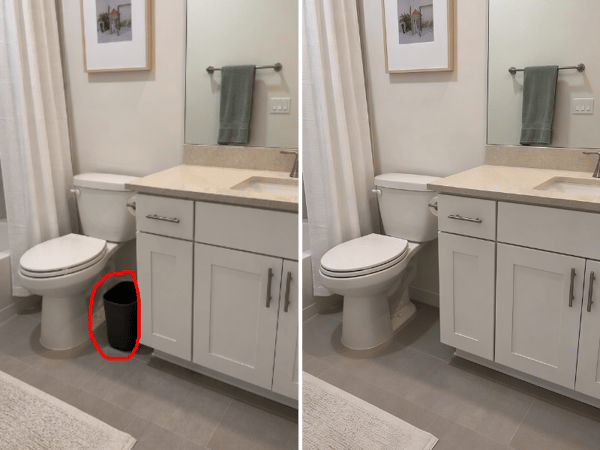
Interior Photography Post-Production
Noticed stray cables, an ugly outlet, or a trash can in the corner after the shoot? Select and remove them in seconds — no manual retouching required.
Remove Anything in 3 Simple Steps
Upload Your Photo
Drag and drop any room photo in JPG or PNG format — real listings, personal snapshots, or staged shots all work.
Select What to Remove
Draw a rectangle around the object you want gone — a piece of furniture, wall art, clutter on the table, anything.
AI Fills the Background
Our AI analyzes the surroundings and seamlessly reconstructs the area behind the removed object. No visible seams.