Auto Edit
Automatically edit your photos with AI. Upload an image and describe what you want to see, let Auto Edit does the magic in seconds.
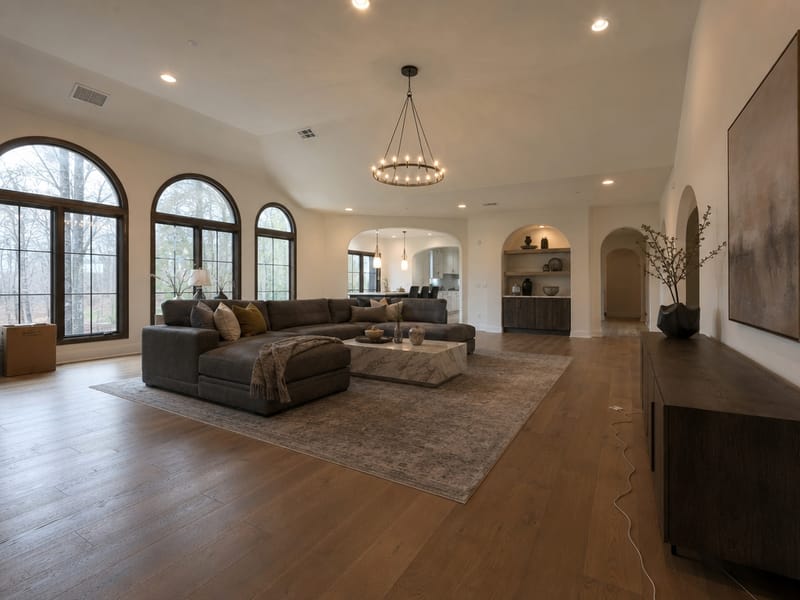
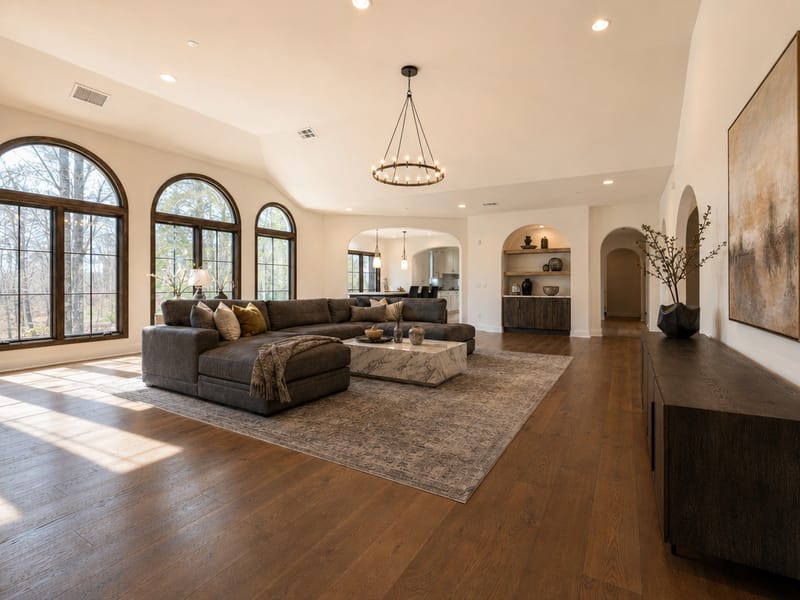
Fix Your Home Photos in Seconds with an AI Photo Editor for Home Design
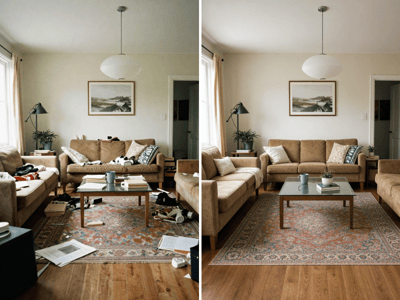
Room photos rarely look as good as the room itself. Flat light, stray objects, and everyday clutter all get in the way. Auto Edit is an AI photo editor for home design that handles cleanup, brightness, and object removal — just describe the problem in plain language and get a clean result.
Common AI Room Photo Edits You Can Do in Seconds
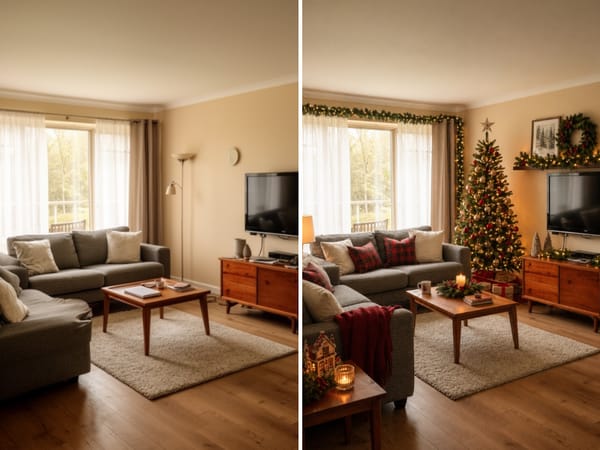
Deck the Halls for the Holidays — Without Lifting a Box
A bare living room, an empty mantel, a front porch with nothing but a doormat — hard to feel the holiday spirit. Use the Auto Edit prompt to add Christmas trees, string lights, wreaths, and festive touches to any room in seconds, no decorations needed.
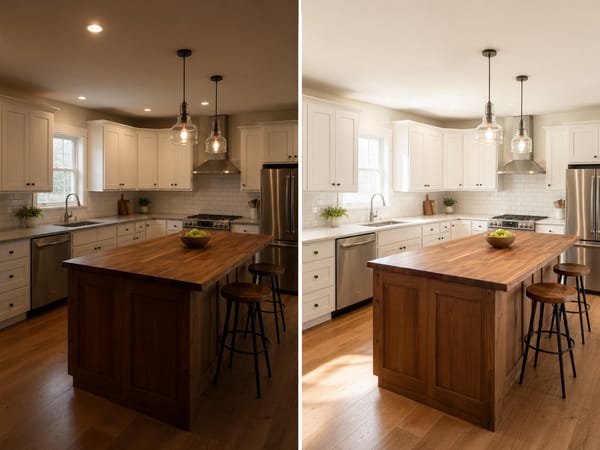
Rescue an Underexposed Photo
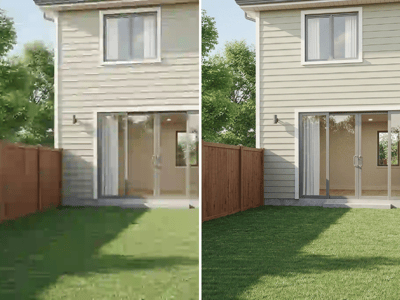
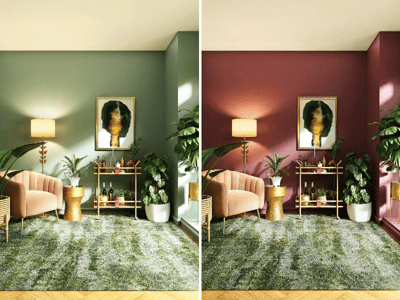
Shooting under overcast skies or artificial light often leaves interiors looking flat or dim. The Brighten prompt adjusts exposure and light balance so the room reads as warm and well-lit — useful for listing photos that were taken on a bad day or with phone cameras that struggle indoors. For more control over light mood, try Lighting Changer.
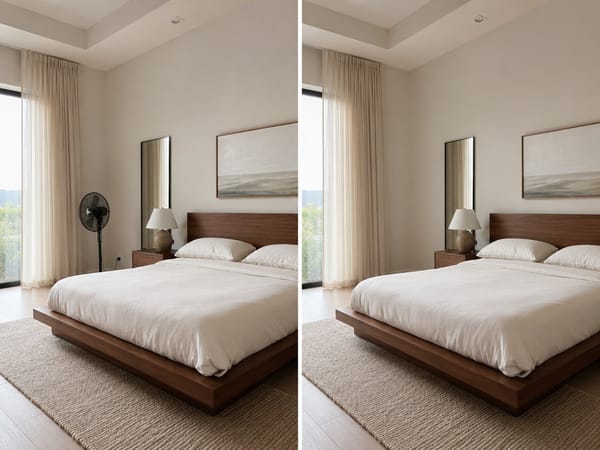
Remove a Specific Object That Doesn't Belong
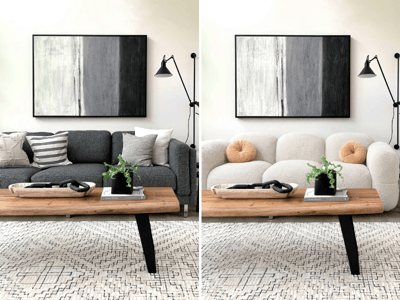
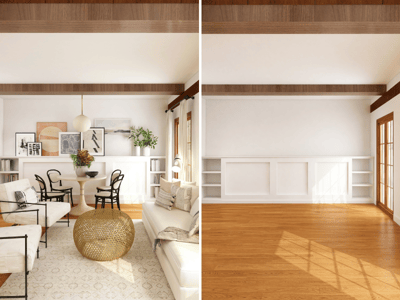
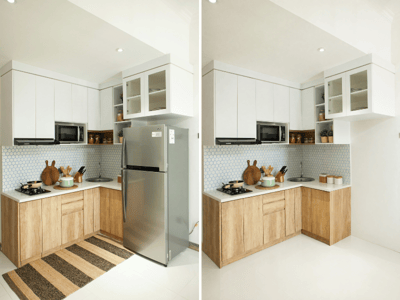
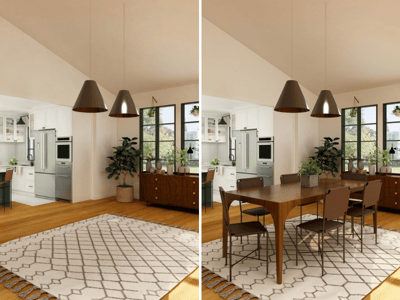
Sometimes the issue is one thing: a piece of furniture that's leaving, an appliance that's temporary, a repair notice taped to the wall. Describe the object clearly in the prompt and Auto Edit removes it, filling in the background naturally. For swapping one object with something different, Replace Objects gives you more control.
How It Works
Upload your photo. Drag in up to 5 room images. Sharp, well-lit photos give the best results.
Write your prompt — or use an Idea tag. The Ideas row fills in a working prompt automatically.
Set Aspect Ratio and Number of Images. Auto keeps the original proportions. Generate 2–4 variants if you want options to pick from.
What Makes It Different
One Tool, All Types of AI Room Photo Edits
Most photo editors specialize in one thing. Auto Edit handles cleanup, exposure correction, and everything you can imagine in a single interface. Switching between tasks is instant — just change the prompt.
An AI Photo Editor for Home Design That Understands Context
The model understands room layouts, surfaces, and materials. When it removes an object or cleans up a corner, it fills the background with the floor, wall, or furniture that would logically be there — not a blurred patch.
Upload Multiple Photos for Reference or Batch Editing
You can upload up to 5 images at once. This is useful when you want the AI to match a specific reference — upload the room photo and a furniture image, then reference it in your prompt. Each run can also output up to 4 variations, so you're comparing results, not guessing at one.