Replace Objects
AI replace any object in your room photo with a new one. Upload two images, describe the swap, and see the result in seconds.
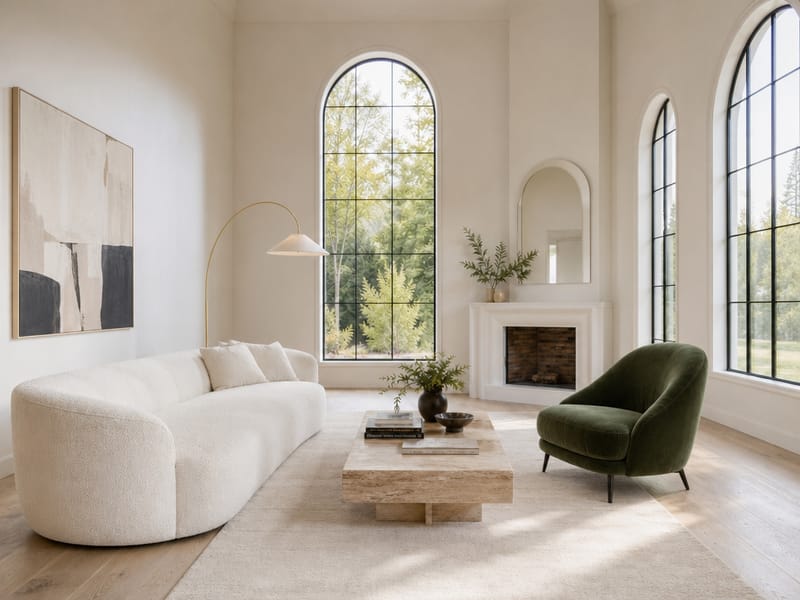
AI Replace Any Object in Your Room Photo — See the Result Instantly
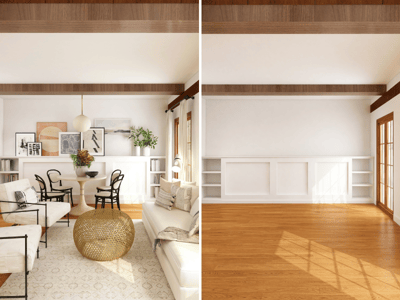
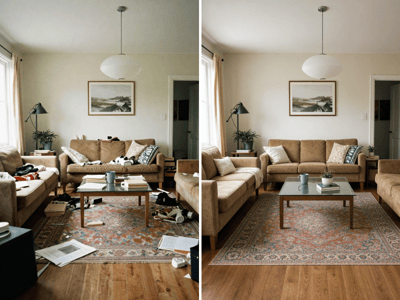
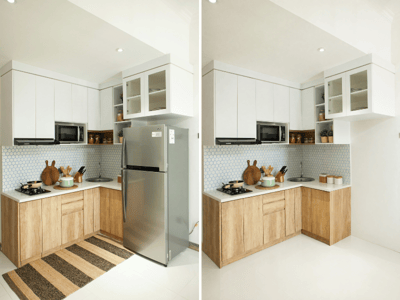
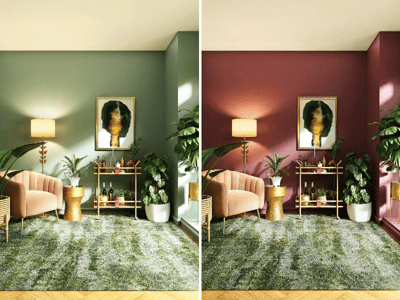
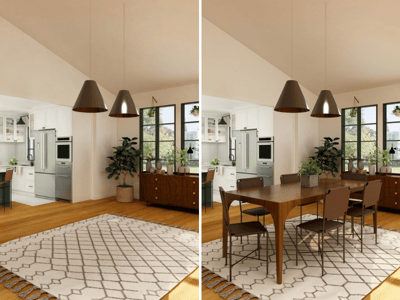
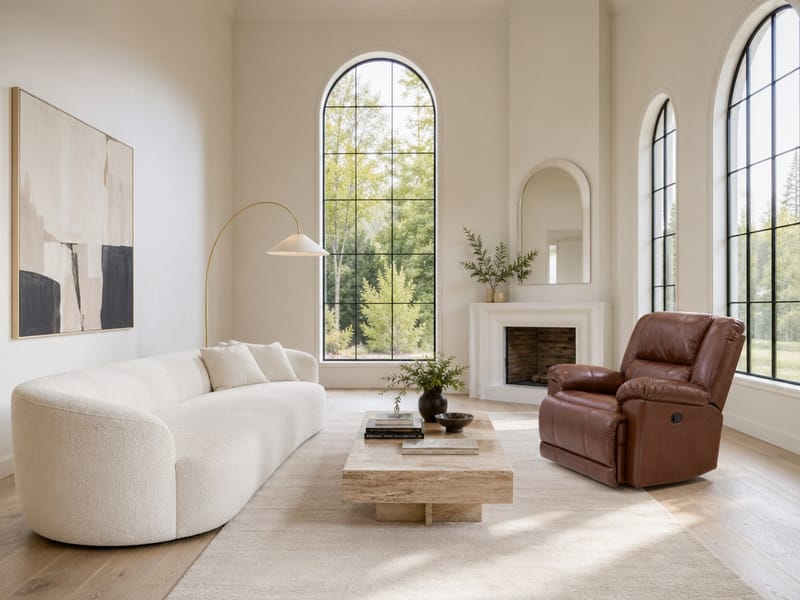
Want to see how a different sofa, lamp, or dining table would look in your space? The AI replace tool swaps specific objects in a room photo with new ones. Upload your room, upload the replacement item, write a short prompt, done.
What You Can Do with It
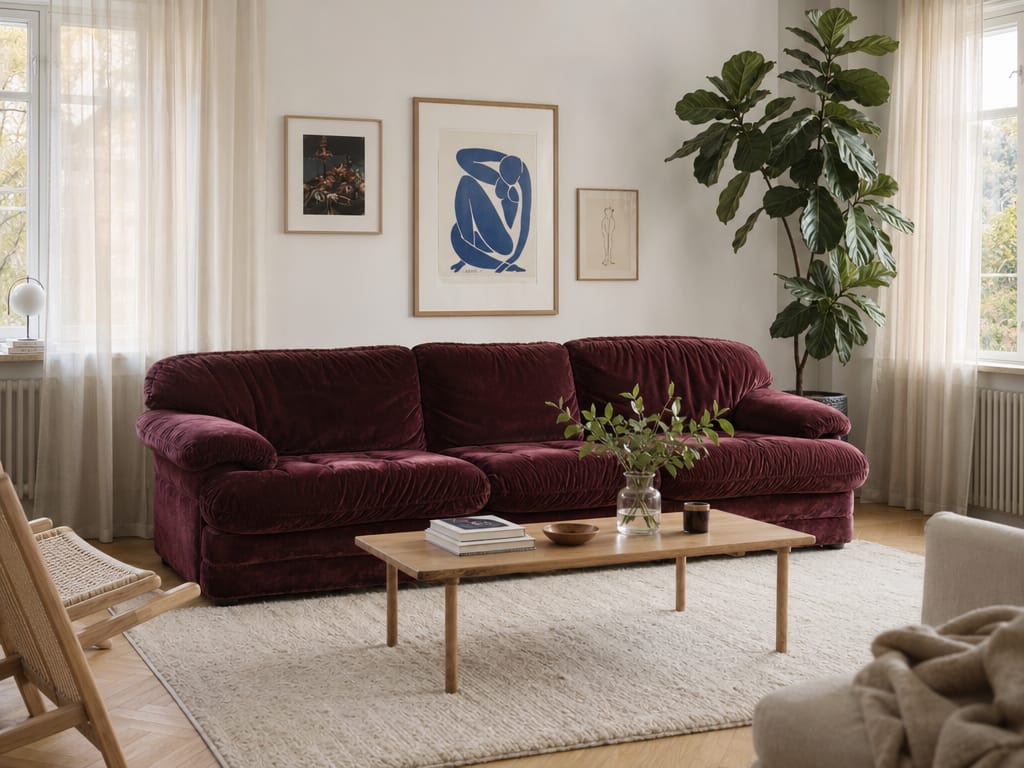
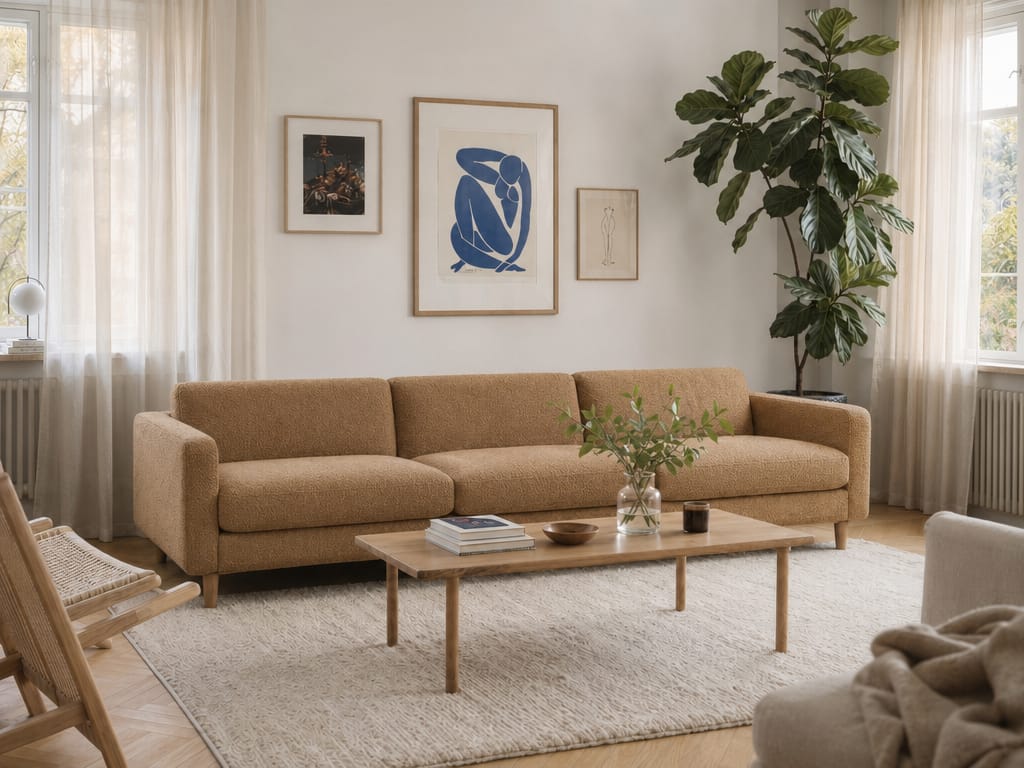
Swap Furniture Before You Buy
The biggest risk with online furniture shopping is guessing whether it fits your room. Drop in the sofa, coffee table, or shelf you're eyeing and see it in your actual space with your actual lighting — not a showroom render. For a full style overhaul rather than a single swap, try the redesign tool.
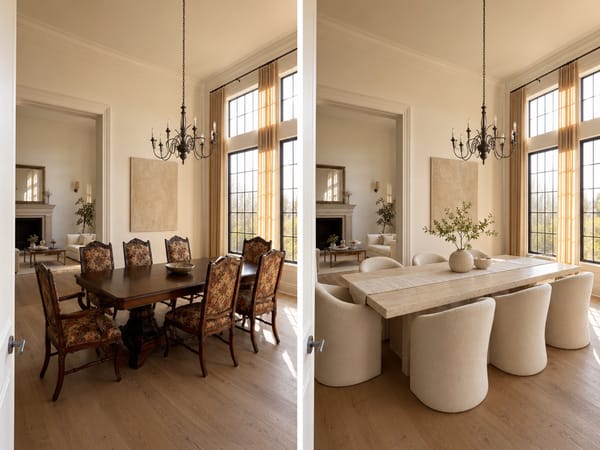
Update Listing Photos Without Staging
Dated furniture kills first impressions. Replace the old pieces in listing photos with modern alternatives — no movers, no staging rentals, no scheduling.
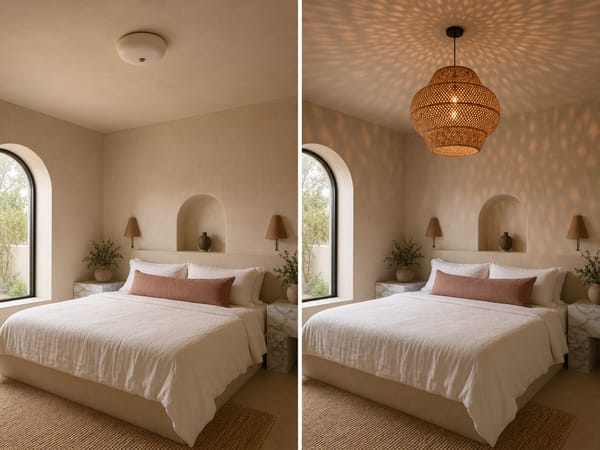
Test Decor Changes One Piece at a Time
Not sure if a new lamp, rug, or dining chair set will work in your bedroom? Replace one piece per run and keep everything else intact. Stack changes across multiple runs to build toward a full room refresh.
How It Works
Choose Fast or Pro mode. Fast works fine for comparing options. Switch to Pro when you want a final result.
Upload your room photo and the replacement item. The replacement photo doesn't need to be staged — a product shot on a white background works well.
Edit the prompt. The default template works for simple cases. If your room has multiple similar items — two chairs, several cushions — be more specific about which one: "the armchair in the left corner" rather than just "the chair."
Generate and iterate. If the result isn't right, adjust the prompt before re-running — small wording changes often make a noticeable difference.
What Makes It Different
No Editing Skills Needed
No manual cutting, masking, or layer blending. Upload two photos, write a prompt, and the tool handles the compositing — the replaced object is matched to the room's existing lighting, angle, and shadows.
Two Modes: Fast Preview or Polished Output
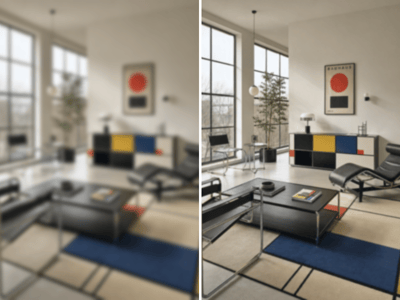
Fast mode returns results in seconds for browsing options. Pro mode takes longer but produces sharper edges and more accurate lighting — use it when the image is going to a client or listing.
Works on Any Object in Any Room
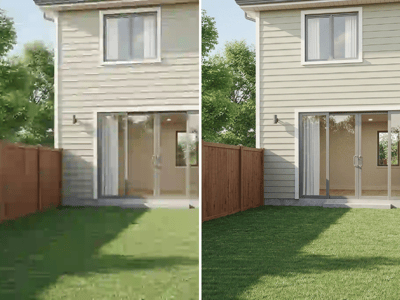
Furniture, lighting, soft furnishings, decor accessories — indoors or outdoors. The tool isn't limited to a specific category of object or room type.