Decor Deisgn
Use AI decor design to change curtains, wall art, lighting, and more in your room photo. Pick a style, choose a color palette, see results in seconds.
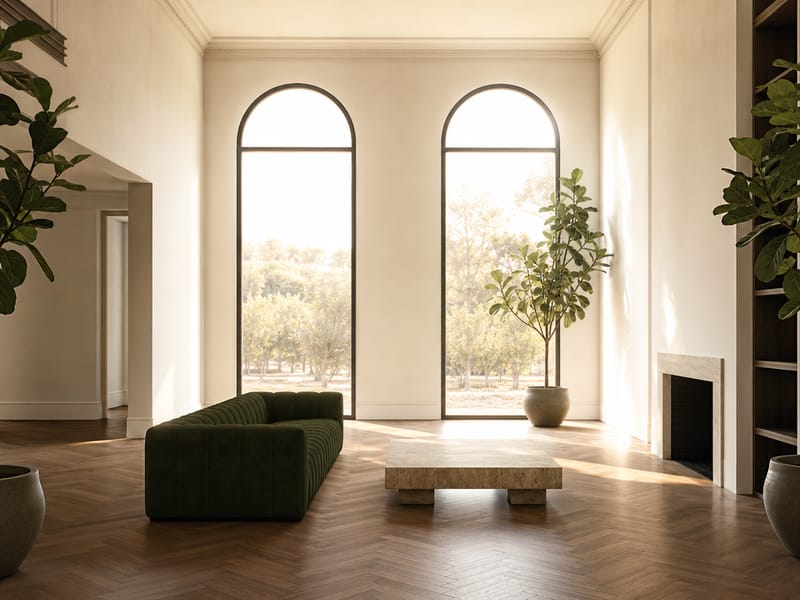
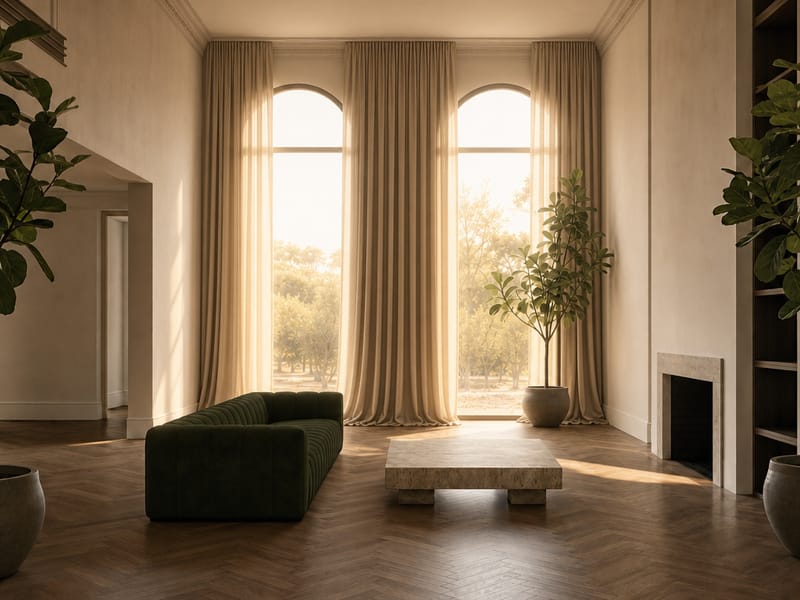
Redesign Your Room's Decor with AI — Without Moving a Single Piece of Furniture
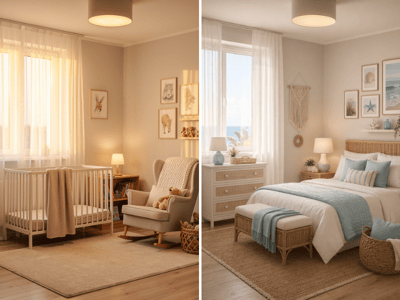
You already have the right furniture. What the room needs is the layer on top — curtains, art, lighting, the right color palette. AI decor design lets you try that layer before you buy anything.
What You Can Do With It
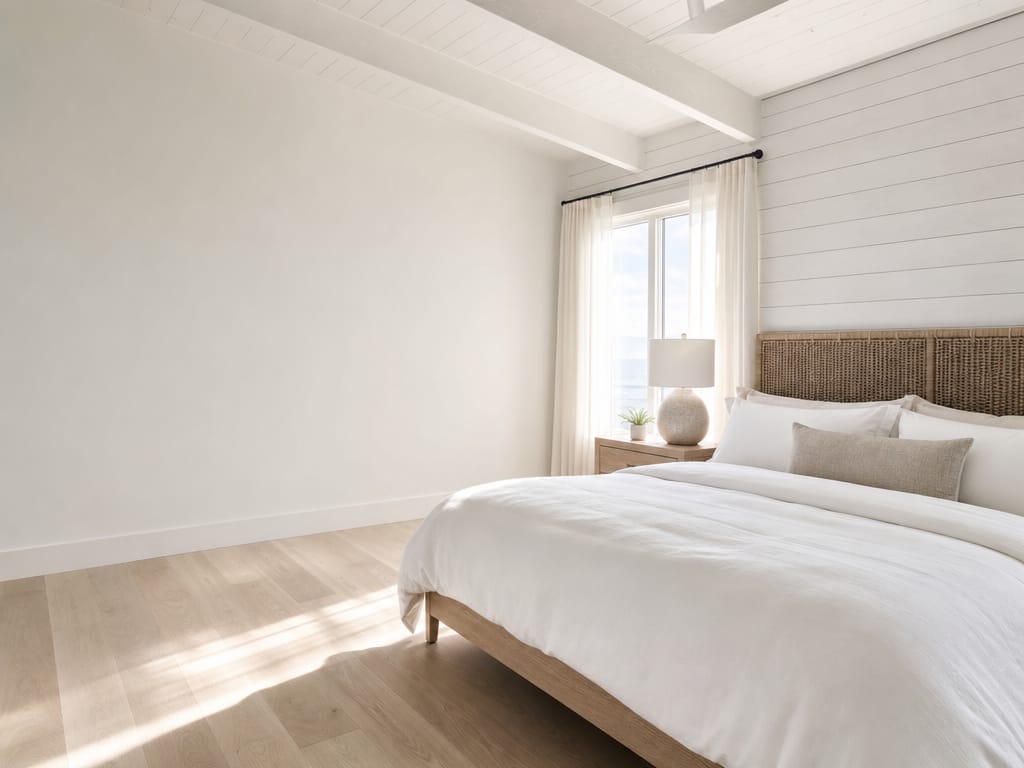
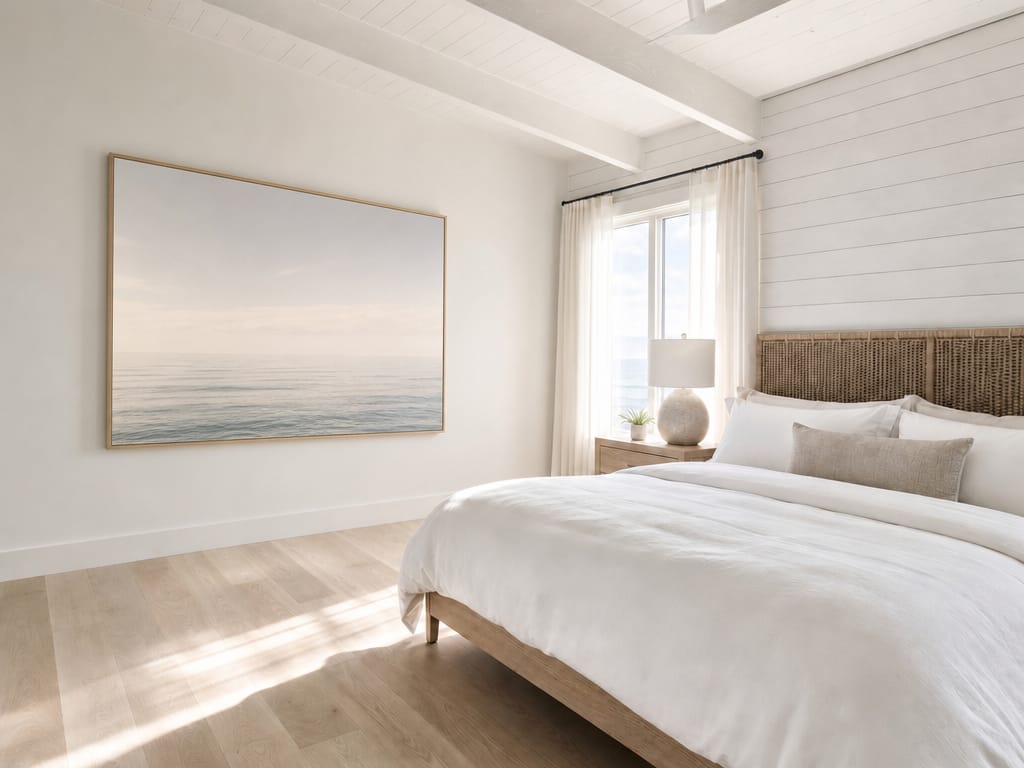
See a Full Decor Overhaul Before Spending Anything
If the whole room feels off and you're not sure where to start, Full decor refresh generates a complete decorative layer — art, textiles, lighting, accessories — applied to your existing space. Pick a color palette like Cozy & Warm or Calm & Cool to anchor the direction.
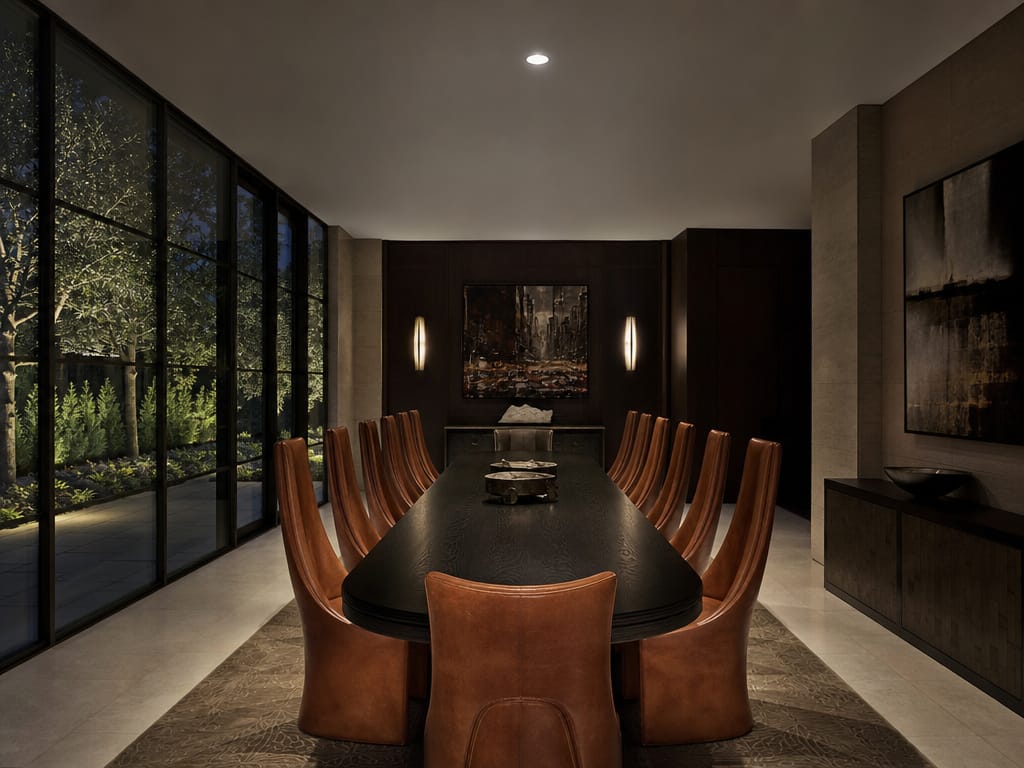
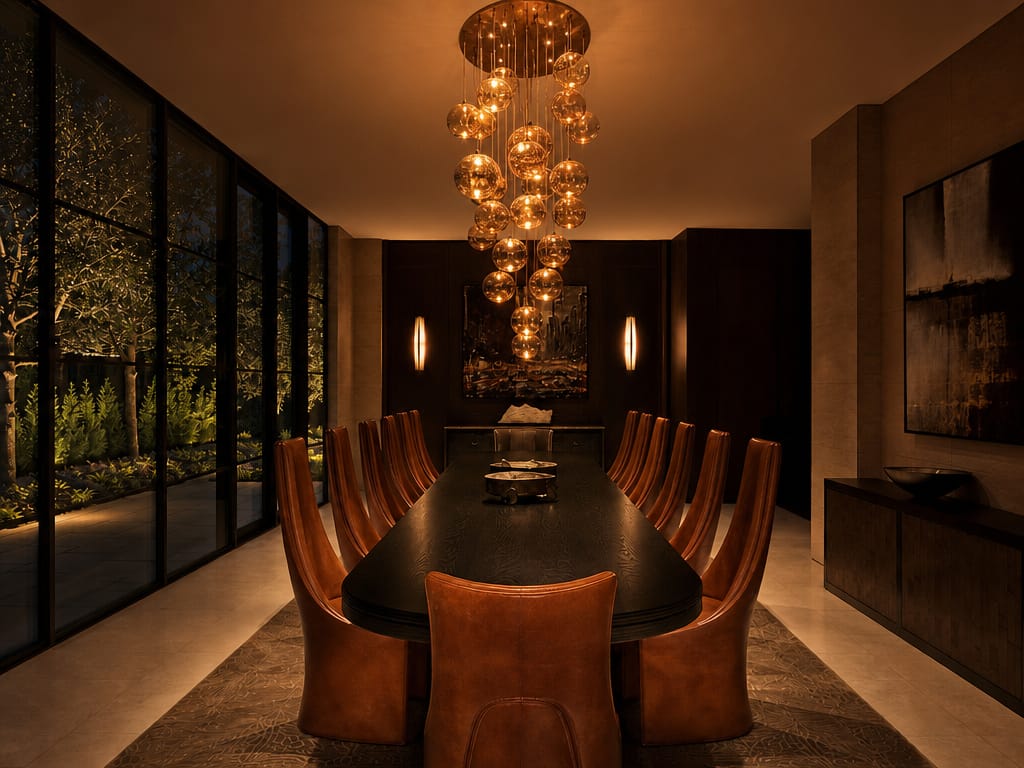
Decide on Curtains Before You Order
Curtains are one of the biggest visual decisions in a room — and one of the hardest to return. Upload your room photo, set Decor Focus to Curtains, and generate options — floor-to-ceiling linen, velvet drapes, sheer panels — one style at a time before you measure a single window.
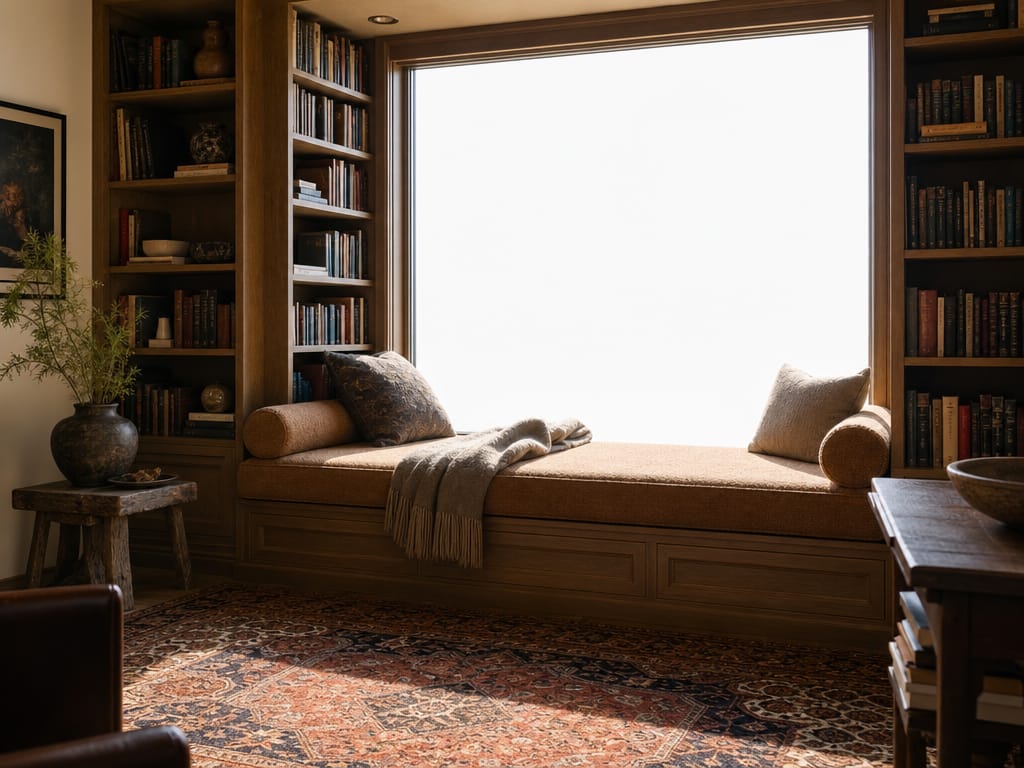
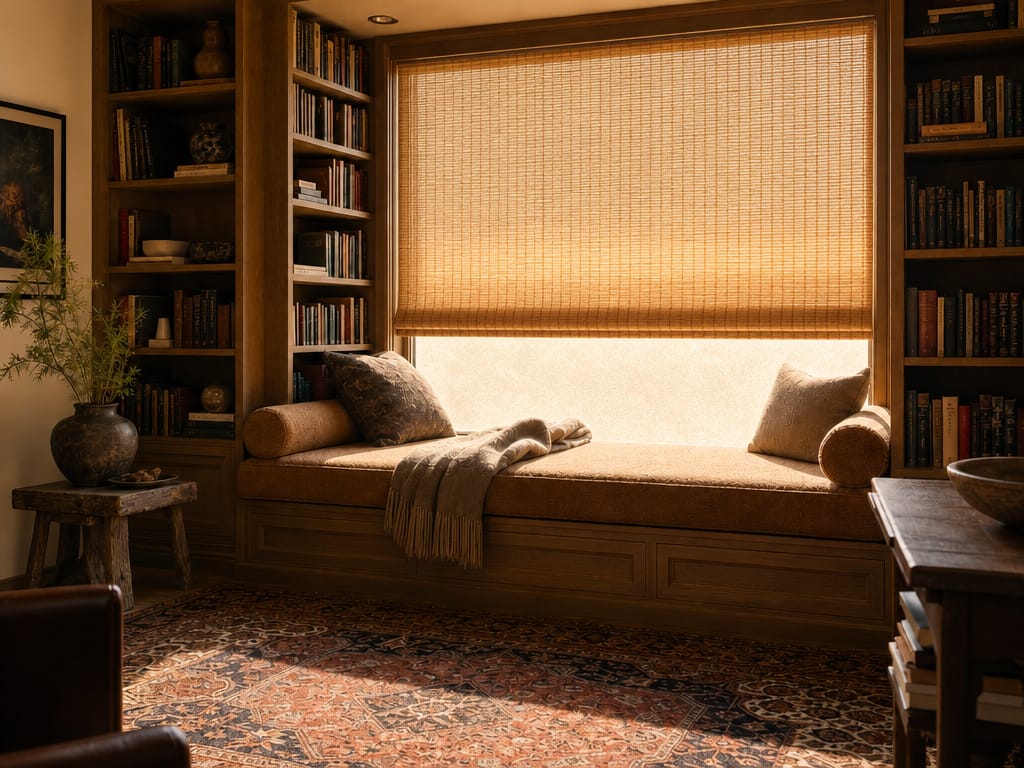
Test Wall Art Placement Without Putting Holes in the Wall
Not sure if you need a gallery wall, one large canvas, or nothing at all? Set Decor Focus to Wall art, choose a style like Japandi or Bohemian, and generate options that show art scaled and positioned on your actual walls.
How to Use It
Upload a clear photo of your room. Full-room shots work best for Full decor refresh; closer angles work better for Curtains or Wall art focus.
Choose a Decor Focus. This is the most important setting — skipping it or leaving it vague produces less targeted results.
Select a Style. The style picker has 30+ options organized by category. Use the search box if you already know what you want — "Japandi" or "Coastal" — rather than scrolling. Pick Custom if you want to describe the look yourself.
Pick a Color Palette. This narrows the AI's color choices. Bright & Airy keeps things light and open; Bold Contrast adds drama; Cozy & Warm pulls toward amber and earth tones.
Write a Detail prompt if you have specific requirements. The AI Improve button rewrites your prompt for better results. Be specific: "forest green velvet curtains, floor length, pinch pleat" outperforms "nice curtains."
Choose Fast or Pro model and generate. Fast is quicker — good for exploring multiple directions; Pro produces higher detail and better material rendering.
What Makes It Different
Targeted Decor Focus — Not a Full Room Redesign
Most AI room tools redesign everything. The Decor Focus setting tells the AI exactly which element to change.
30+ Styles With Visual Previews
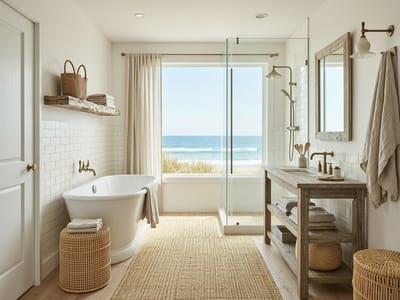
The style selector shows a photo preview of each style before you choose — not just a label. You can filter by category or search by name.
AI decor design Guided by Color Palette
Choosing Scandinavian + Soft & Light produces a different result than Scandinavian + Bold Contrast. Style and Color Palette work together — two levers instead of one.
Generate Multiple Results and Compare
Set Number of Images to generate more than one result per run. Adjust one variable at a time and compare outputs side by side. For lighting-specific adjustments, adjust room lighting goes further than the Lighting focus option.
FAQ
Ready to See Your Room With Better Decor?
Upload your room photo and generate a decor refresh in under a minute.